



August 25, 2020
When you replace tire pressure sensors,you need to program it for your car.So here i want to show this instruction on how to use Launch X431 to program tire pressure sensor for Lexus ES250 2014.And here is a collection for TMPS projects:Tire Pressure Sensor Trouble Repair.
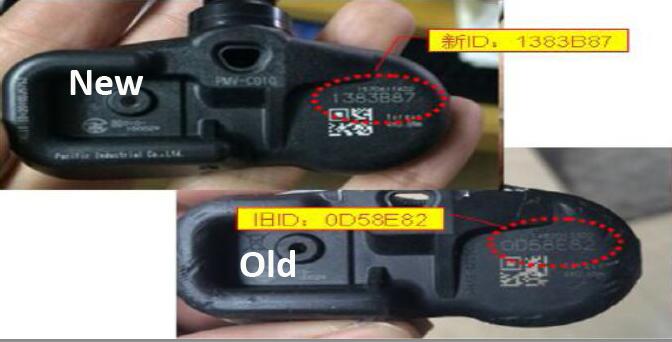
What You Need?
Launch X431 V+ pro3
Operation Procedure:
1.Switch on the ignition.
2.Select the Toyota Version V48.50.
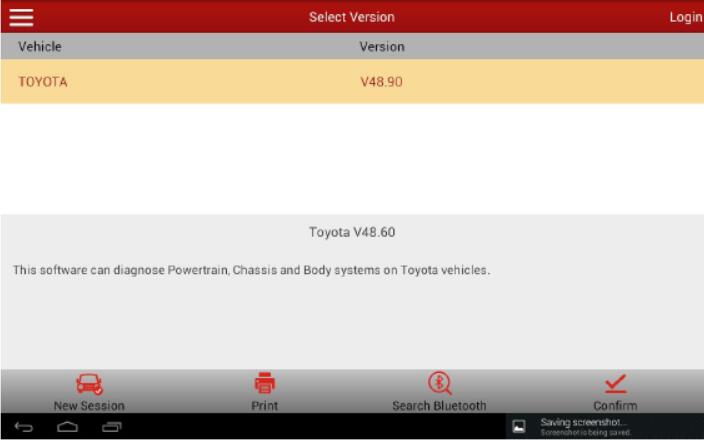
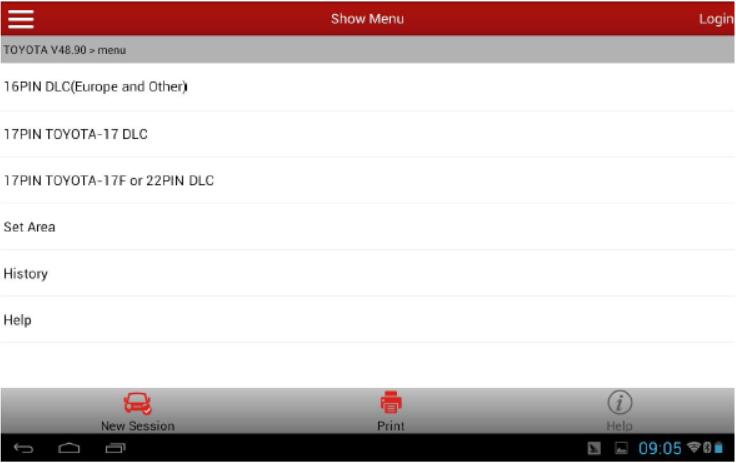
3.Select "16PIN Diagnostic Socket (Euro&RoW)â€.
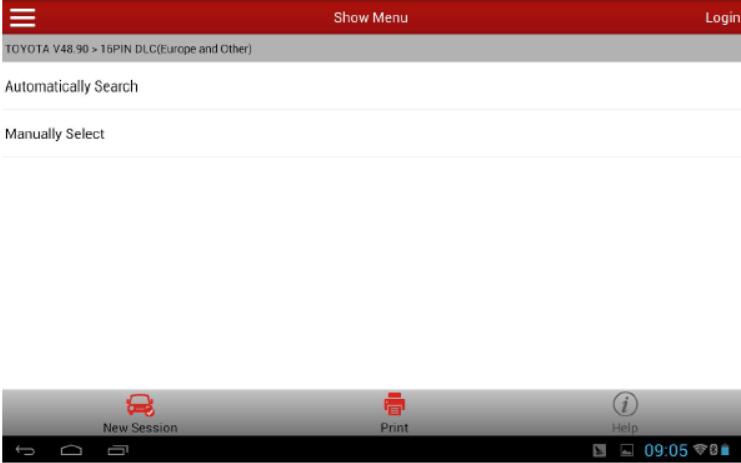
4.Select "Automatic Searchâ€.
5.Select corresponding car model ES250.
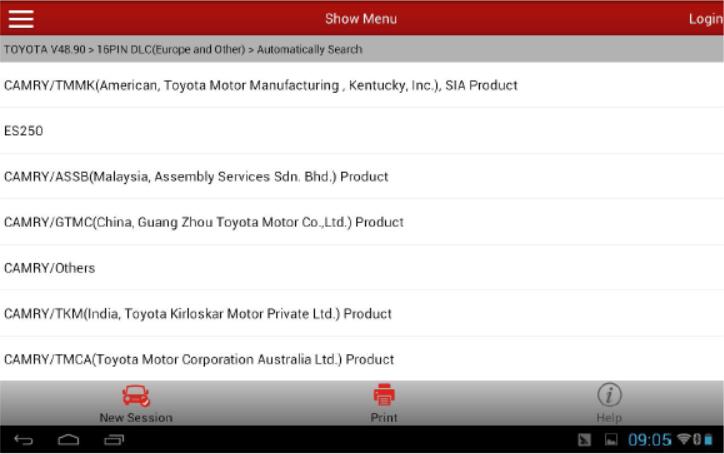
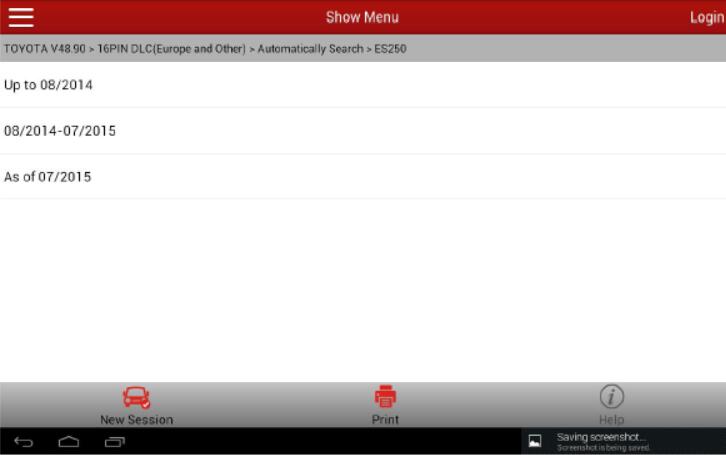
6.Select "Up to 08/2014â€
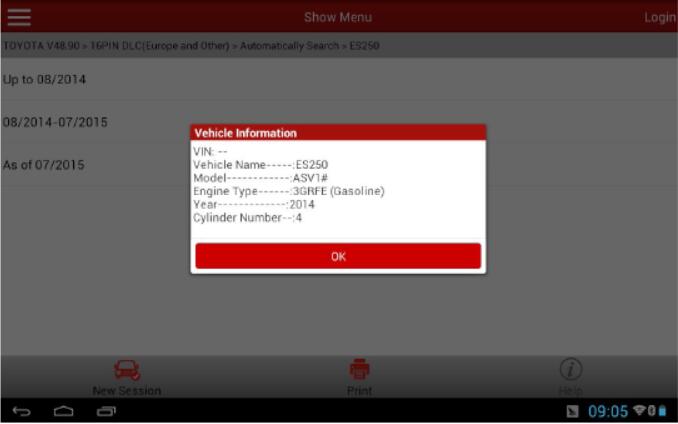
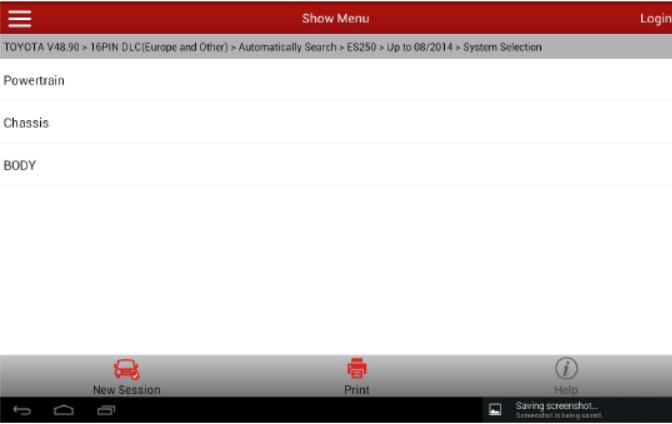
7.Displayed car model information is as below.
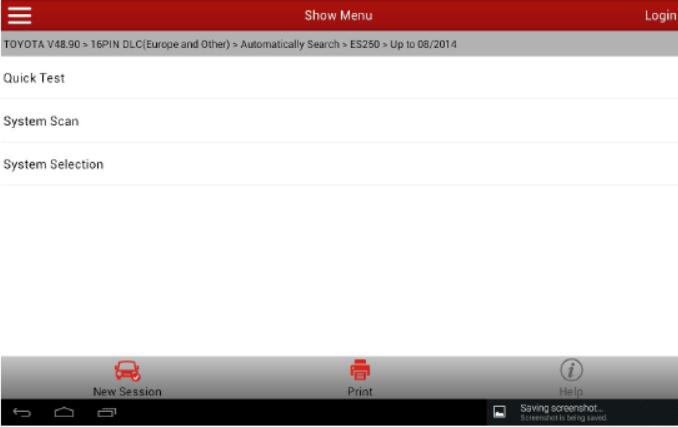
8.Select system selection.
9.Select chassis.
10.Select †ABS/VSC/TRC ".
11.Select "Read Data Streamâ€.
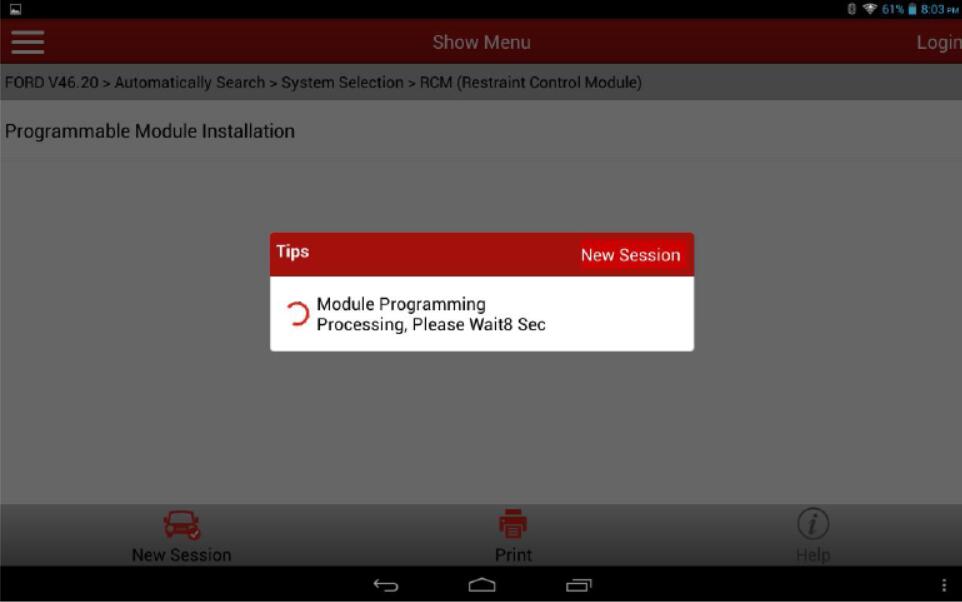
12.Select manual selection.
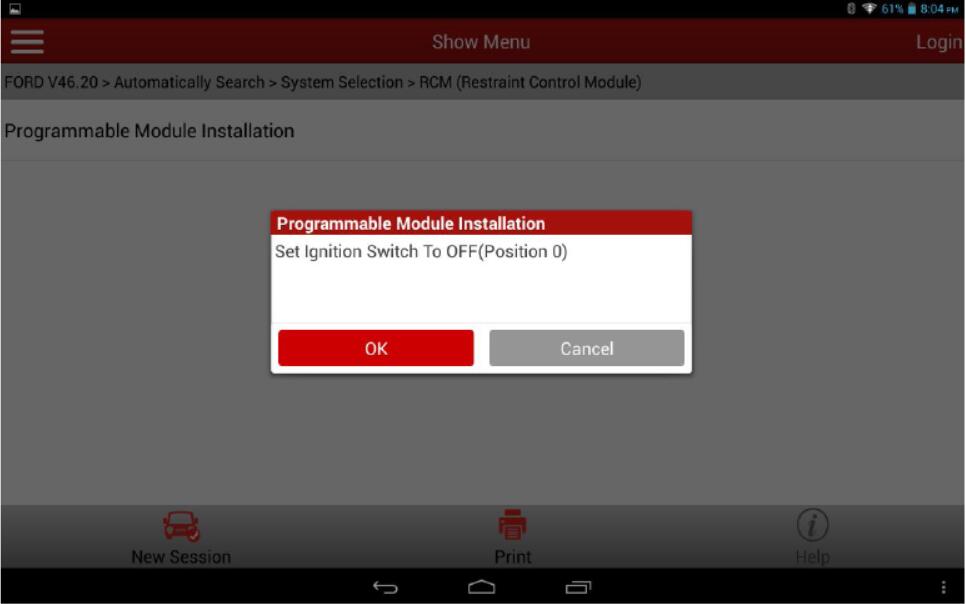
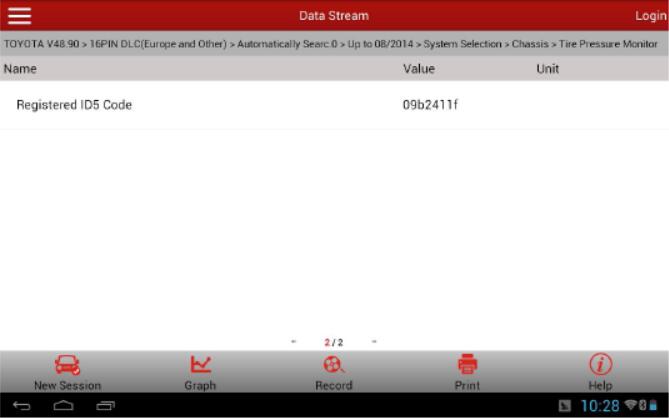
13.Select registered ID1 Code-ID5 Code (5 data streams) to read.
14.Write down the code value you read for later entry.


15.Select special function.
16.Select automatically scan the special function.
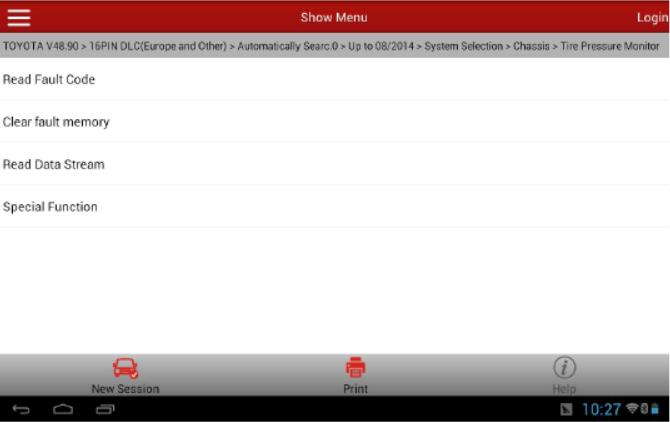
17.Select identification registration.

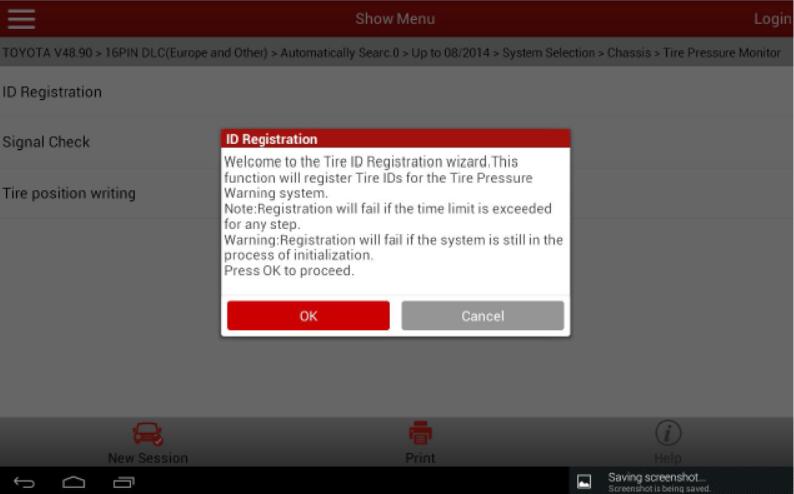
18.Select master tires and follow the prompts. Note, this vehicle requires to input 5 tire pressuresensor IDs.
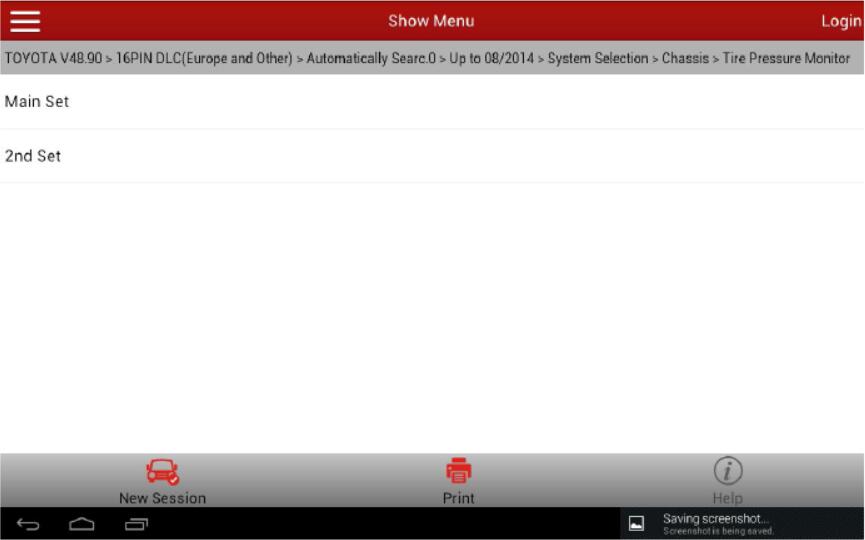
19.Select Main Set
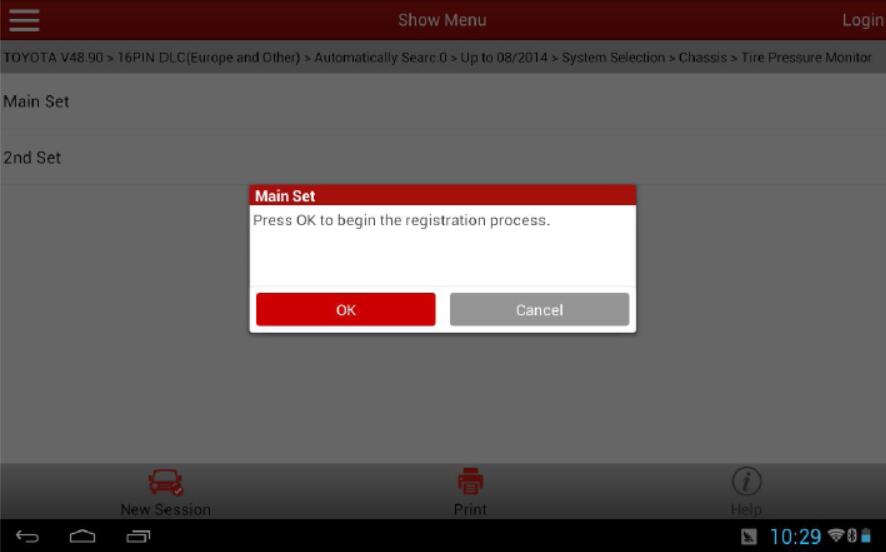
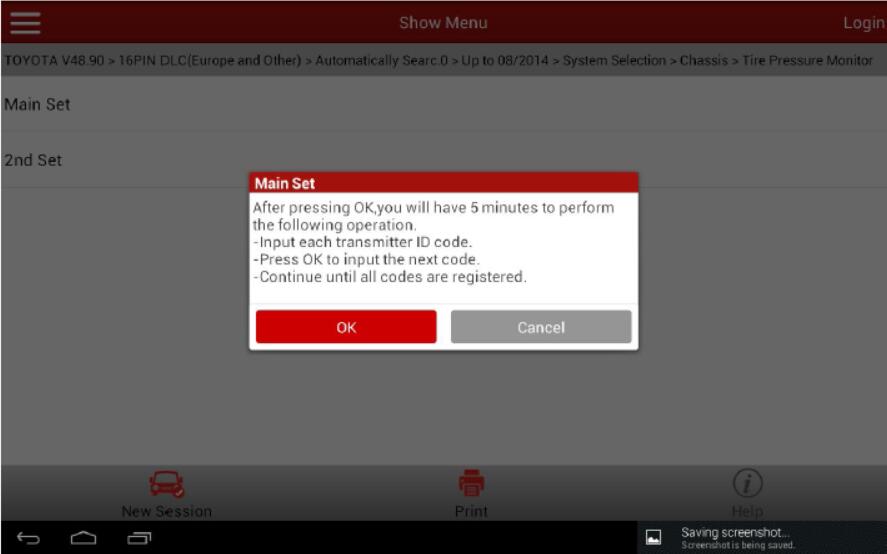
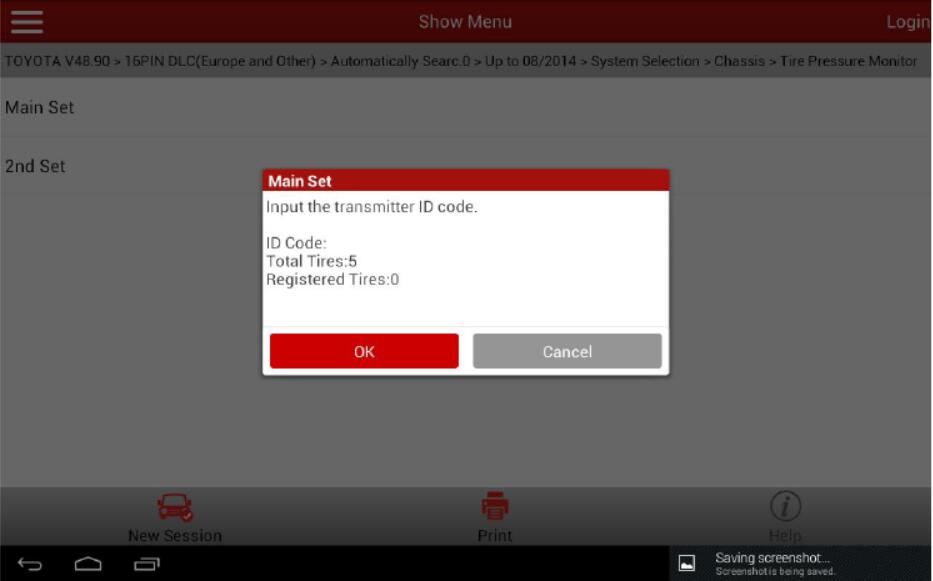
20.Input the ID1-ID5 codes according to the replacement of the tire pressure sensors. As ID1 is not replaced, input the original ID1 code "1234567â€.
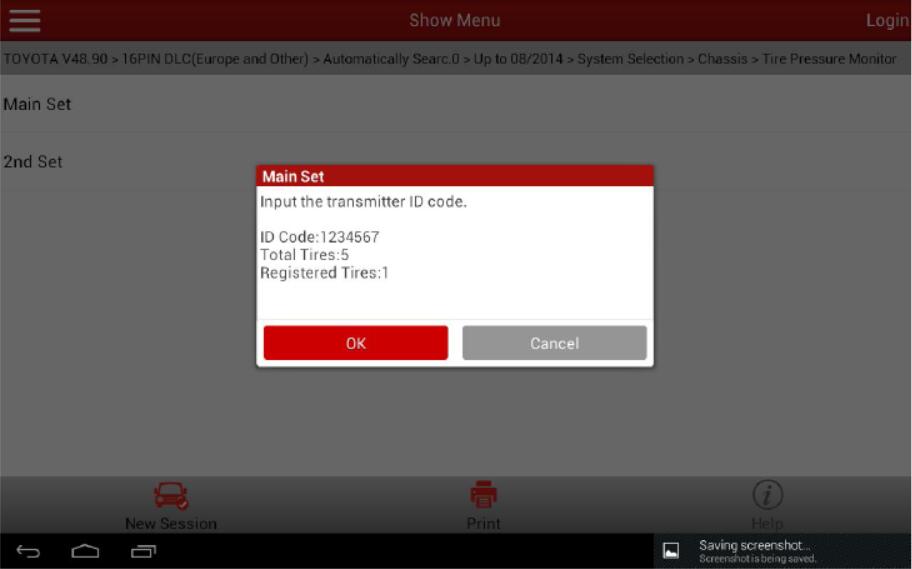
21.Input the ID2 code. As the ID2 tire pressure sensor is replaced, input the new code "1234567â€.For the new code and Picture 11 for the operation interface.


22.Input the original ID3 code "07654321â€.
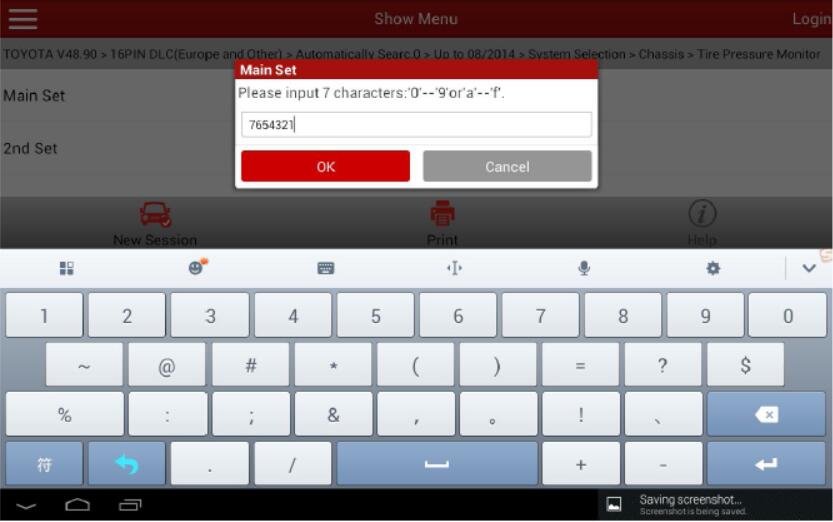
23.Input the original ID4 code "9fedcbaâ€.
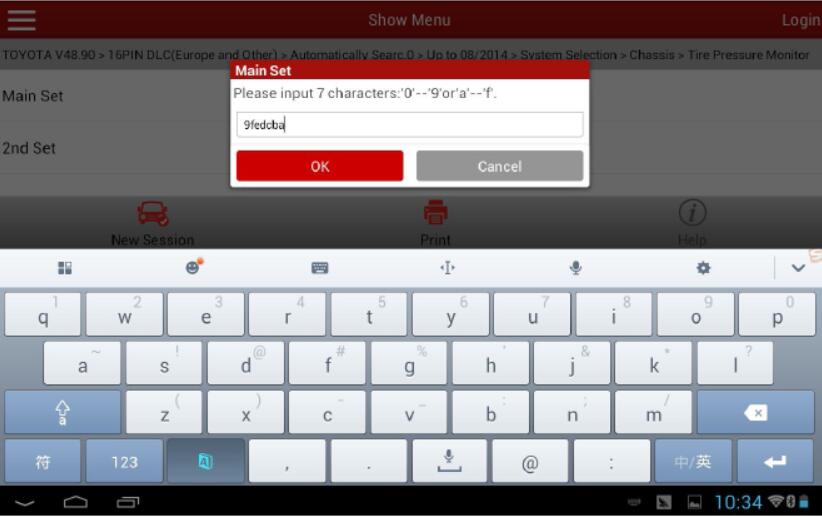
24.Input the original ID5 code "1234abcâ€.
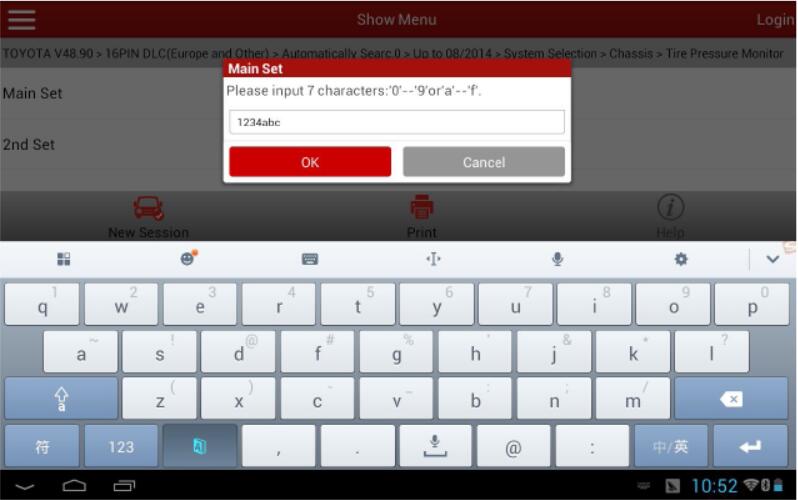
25.After successful entry, it prompts "ID login completedâ€.
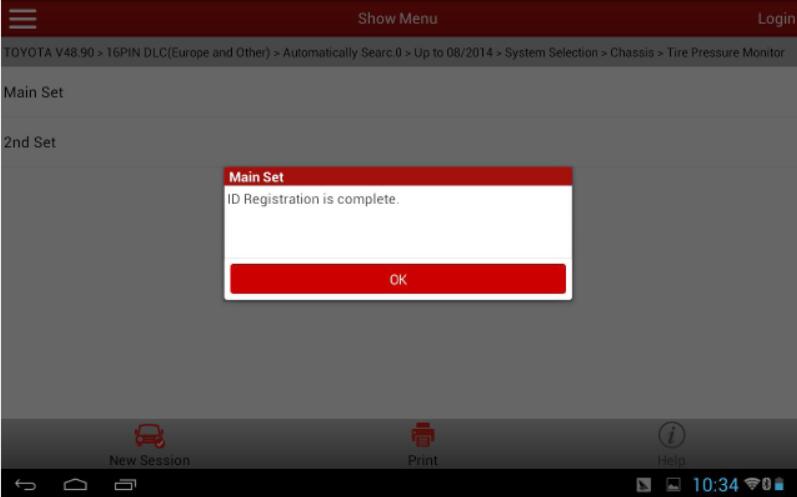
26.Read the data streams of ID1-ID5 again to confirm each ID code has been successfully written.
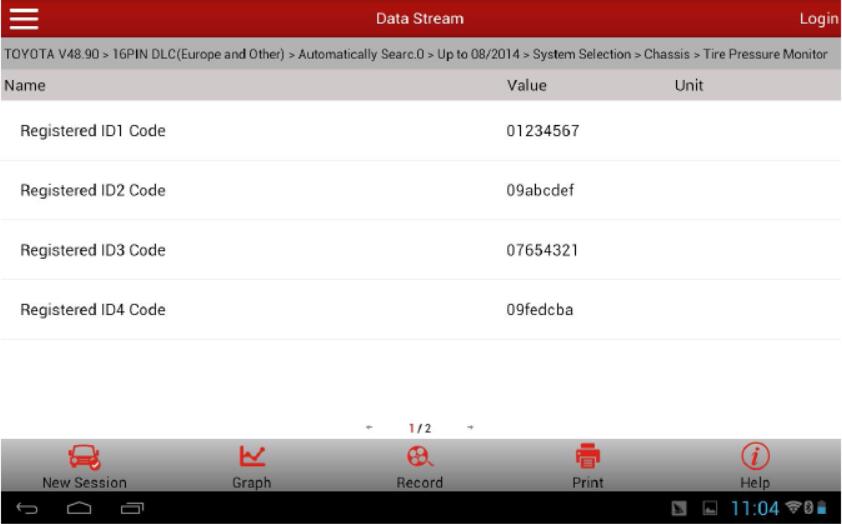
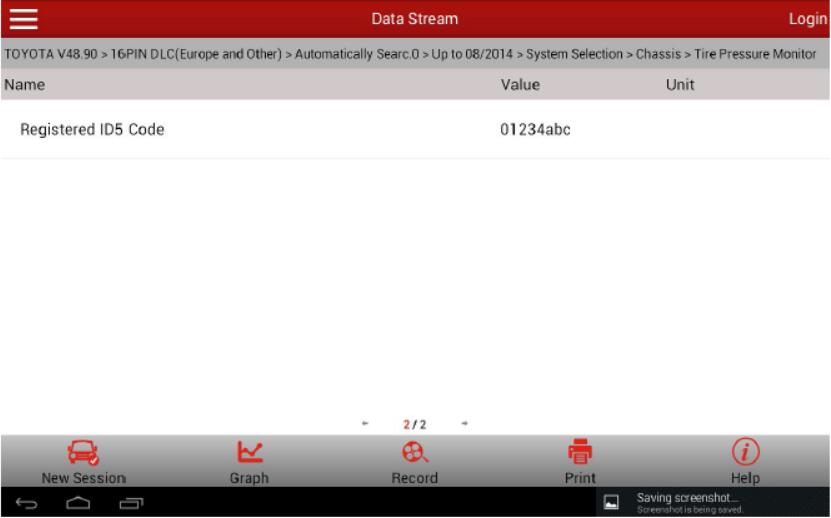
27.Drive the vehicle, everything is normal. Problem has been solved.
Posted by: youobd2 at
11:01 AM
| Comments (1)
| Add Comment
Post contains 269 words, total size 14 kb.
Posted by: velikan10 at November 05, 2020 05:10 AM (vQoj0)
37 queries taking 0.0291 seconds, 130 records returned.
Powered by Minx 1.1.6c-pink.

