



May 26, 2021
VIN Registration is an operation to registering VIN in ECM (Engine Control Module). It must be performed each time ECM is replaced. NOTE: Accurate VIN which is registered in ECM may be required for Inspection & Maintenance (I/M). For example, Nissan X-Trail T32 2017 ECM VIN registration can be done by anyLaunch X431includingLaunch X431 V,X431 v+,PAD Vetc.
Procedure:I.E X431 PAD V Nissan X-Trail T32 2017 ECM VIN registration
Hook X431 Pad V up to Nissan X-Trail T32 2017, select "Diagnosis†and then Nissan, then "Full system diagnosisâ€.
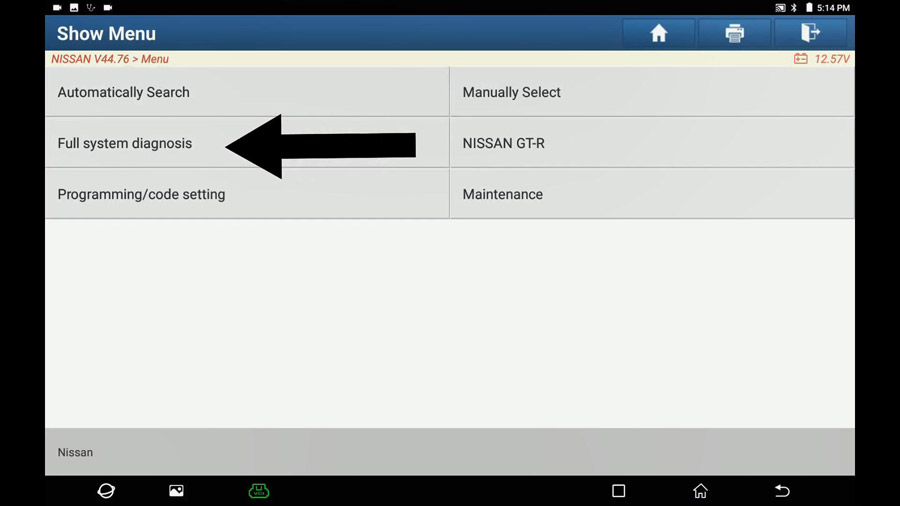
Select "The vehicle with 16PINâ€.

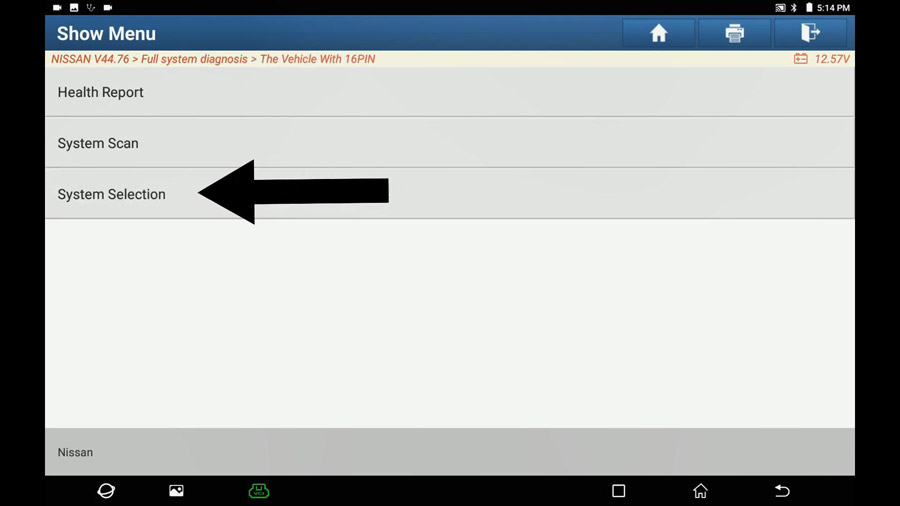
System selection.
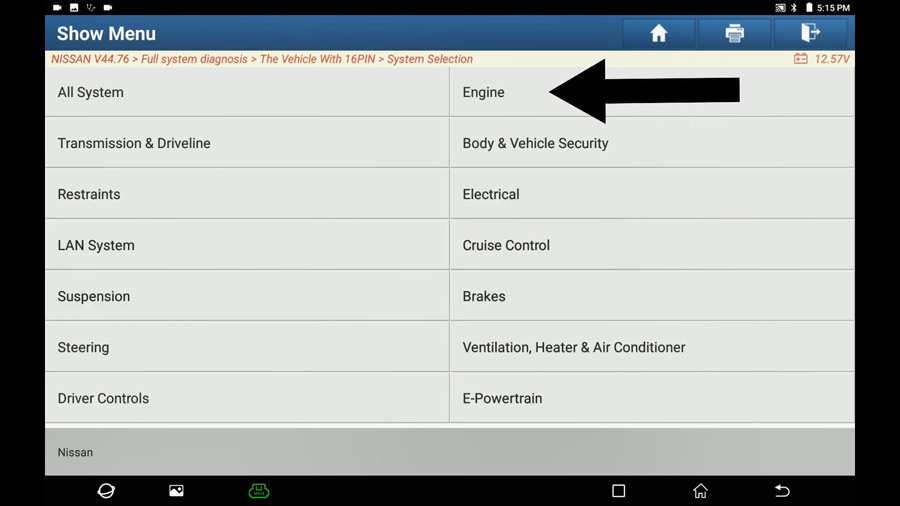
Engine.
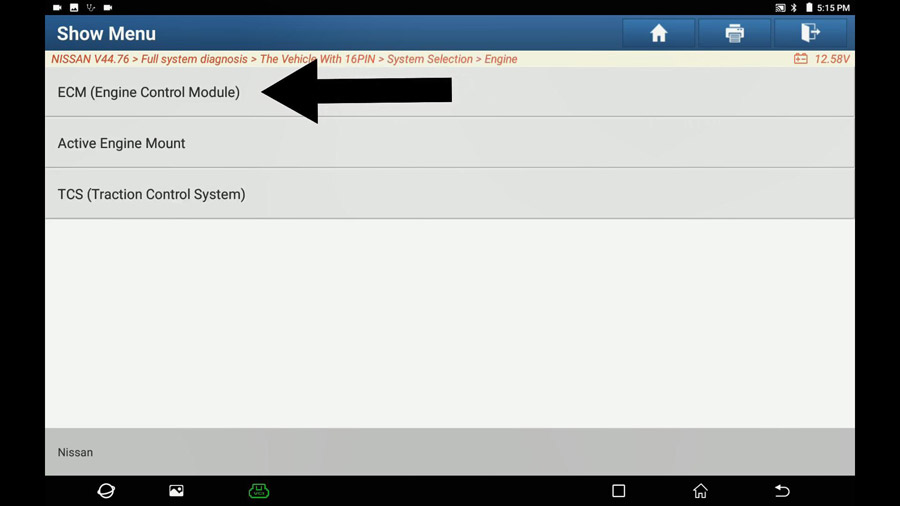
ECM (Engine Control Module).
Communicating… till 100%
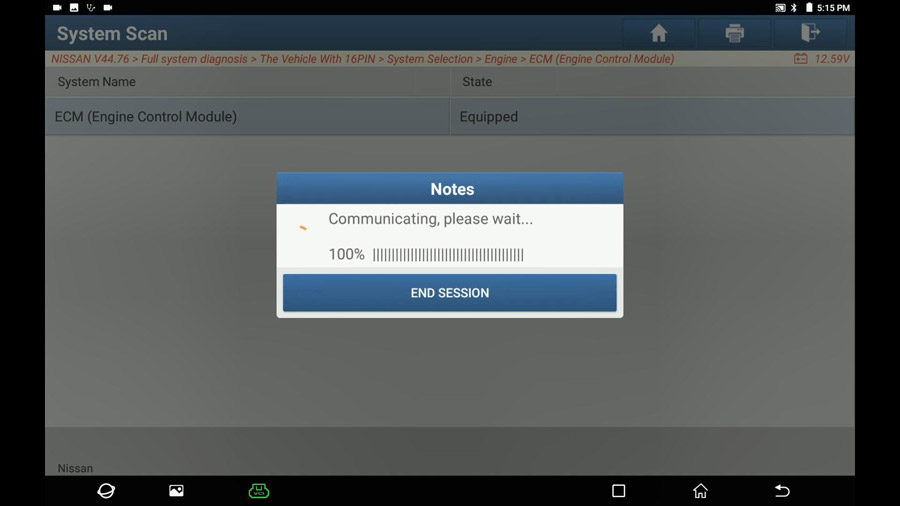
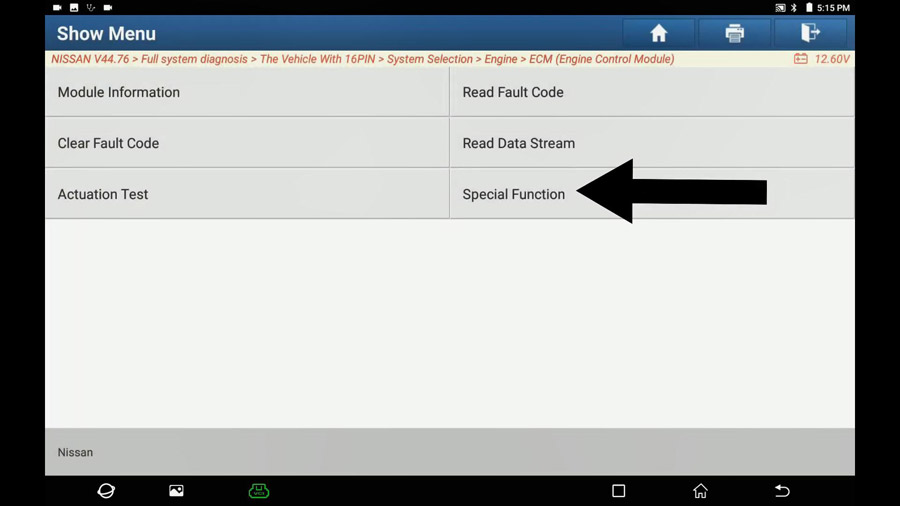
Special function.
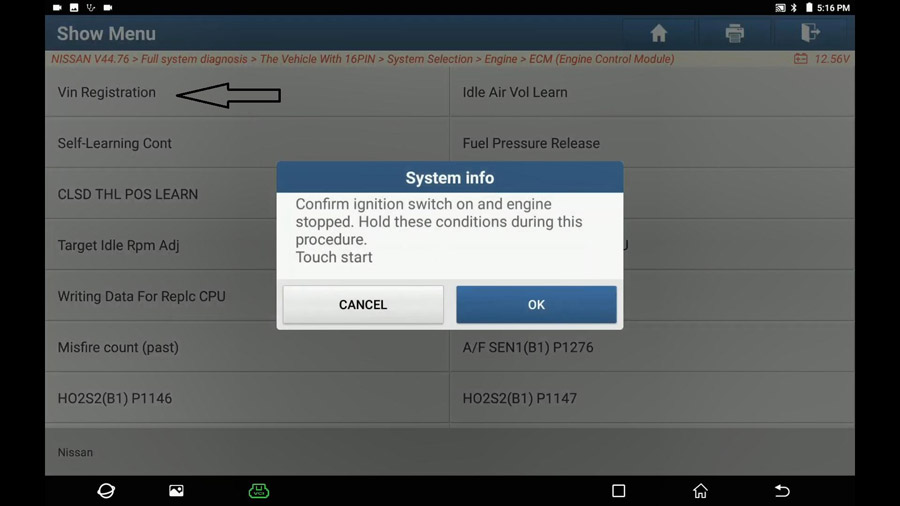
Select "Vin registrationâ€.
Turn ignition on and engine stopped.
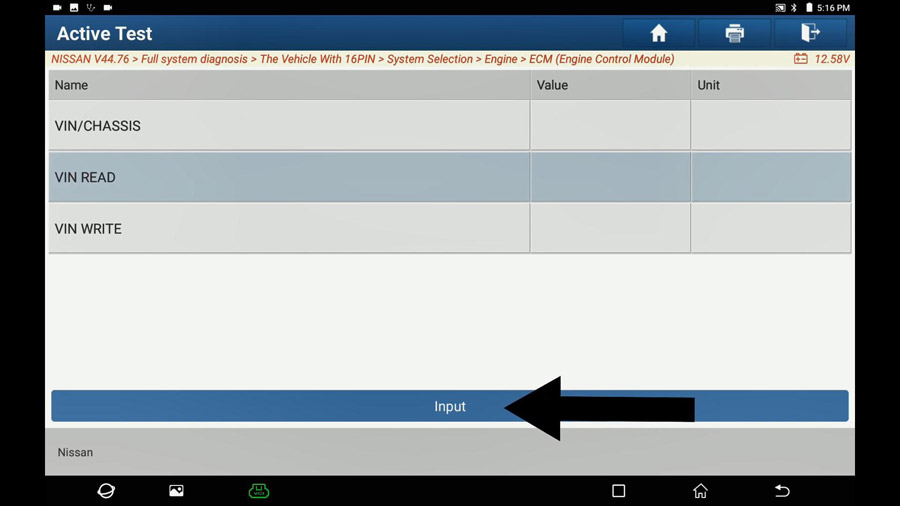
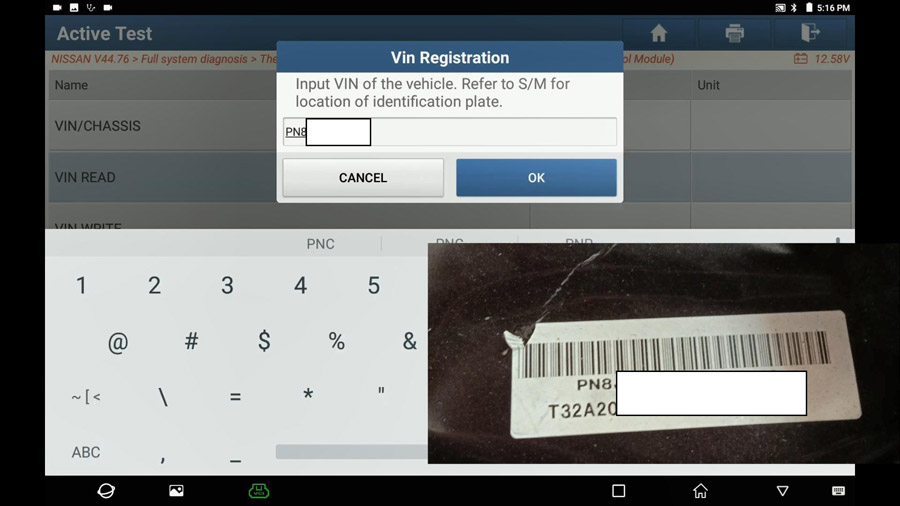
Select "VIN Read†and click on "Readâ€.
Input VIN, refer to S /M for location of identification plate.
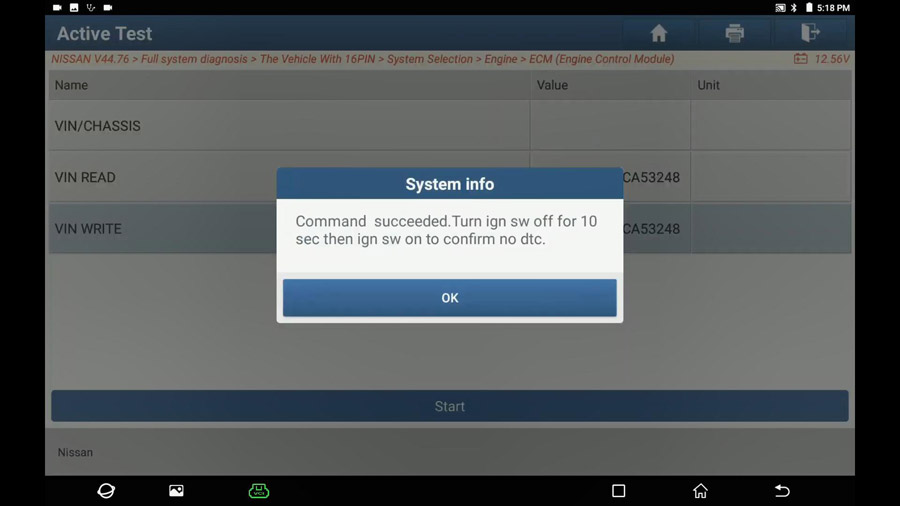
Command succeed. Turn ignition off for 10 seconds and then turn on to confirm no DTC.
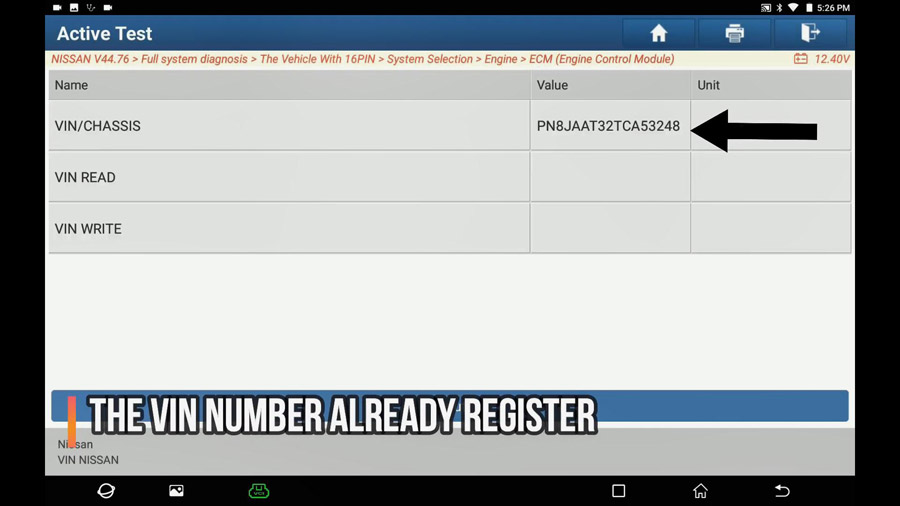
Double check:
Back to ECM (Engine Control Module) -> Vin registration.
You can see on X431 PAD V VIN Value, that means the VIN Number is already registered successfully.
Job is done.
Please keep in mind, if you have any of X431 V, X431 V+ etc, you can also perform VIN registration.
Enjoy!
Posted by: youobd2 at
01:10 PM
| No Comments
| Add Comment
Post contains 213 words, total size 6 kb.
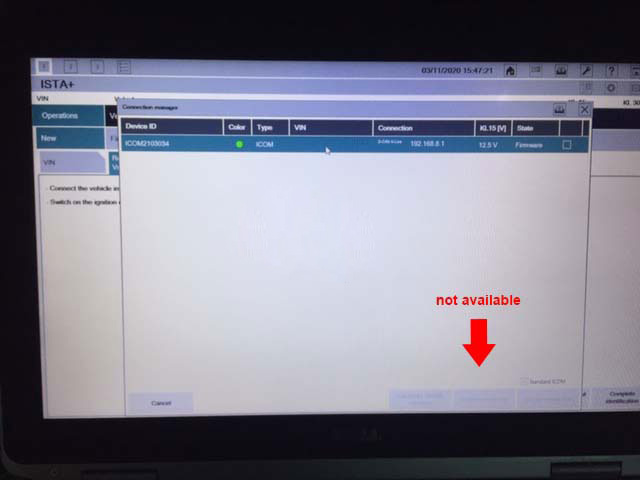
Before starting our topic "How to Upgrade ICOM Next Firmware?â€, let’s have an overview of one user’s feedback: when powered up the unit, immediately the COMM LED light RED ! Other LEDs light blue. When connected the unit to my laptop with ISTA D v4.24, LAN LED lights blue and IToolRadar recognized the unit. But ISTA does not connect to the ICOMâ€.
Look at the screenshot of error:
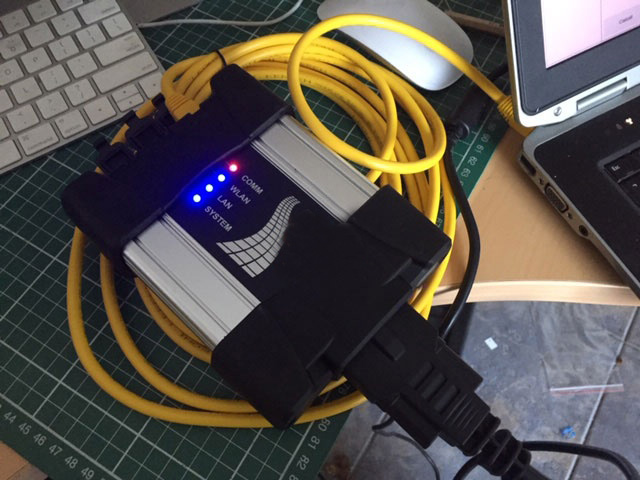
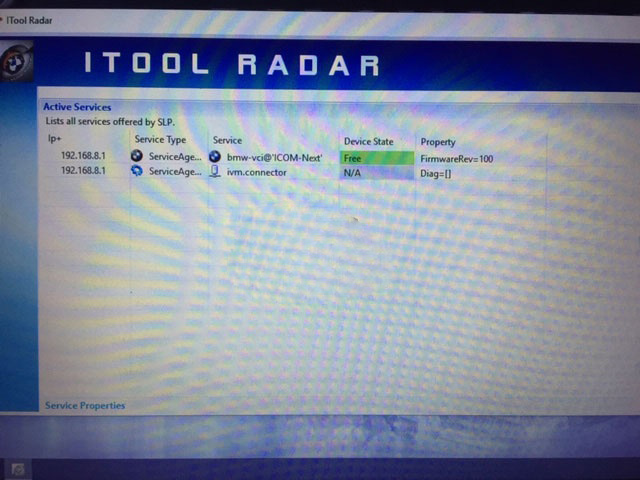
Possible reason and solution:
Need to update your ICOM Next firmware.. yours is on v100. latest is v141
The method to update ICOM next firmware:
By obdii365.com engineer: Open "vx manager†to click on "Firmware upgradeâ€.
Browse http://www.vxdiag.net/
Click on "Downloadâ€
Click on "VX Managerâ€.
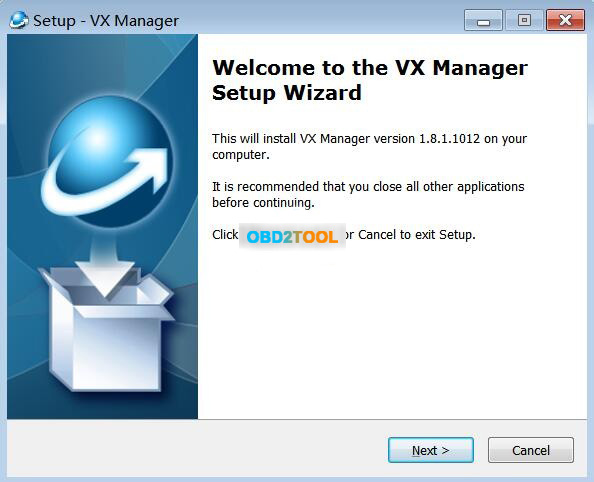
Run VX Manager.exe to setup
Click on [Next]
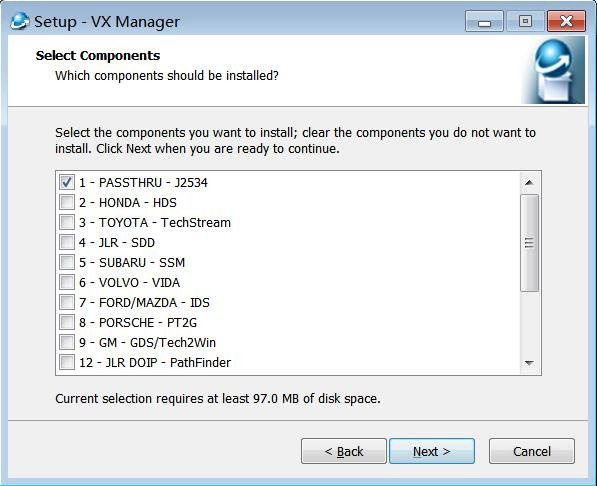
Select Components.
Installing…
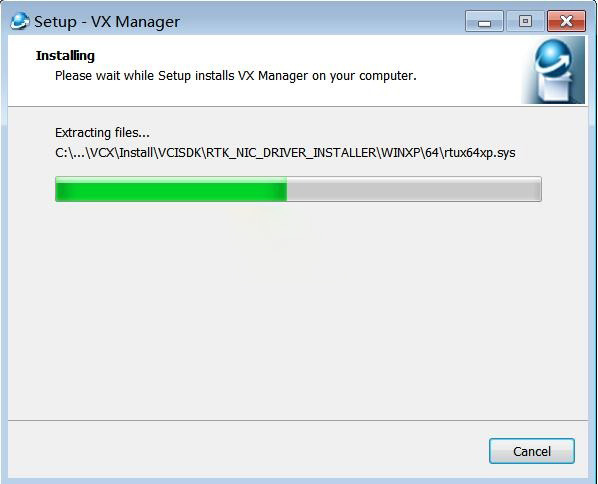
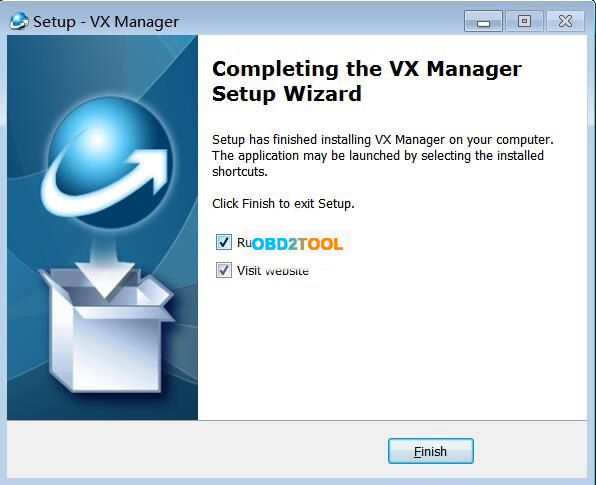
Complete the VX Manager Setup Wizard.
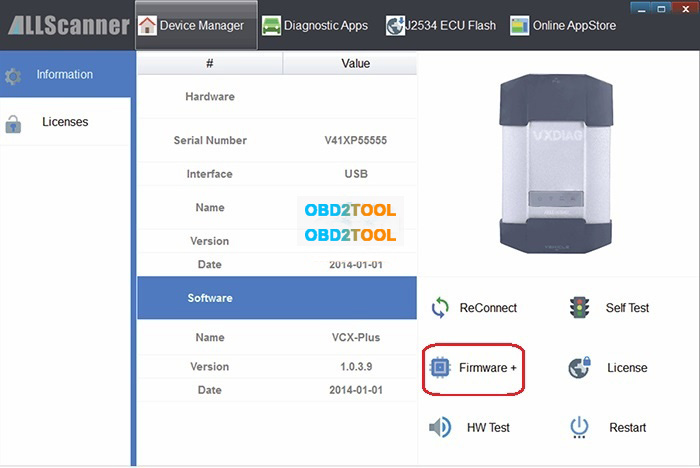
Connection ICOM NEXT device and run VX Manager, and you will have the information of device in "Device Managerâ€.
Click on "Firmware†to upgrade.
Posted by: youobd2 at
12:59 PM
| No Comments
| Add Comment
Post contains 159 words, total size 4 kb.
May 13, 2021
It can also be used with Launch HD module to test Heavy Trucks.
It is global version, no IP limited. You can use it everywhere in the world.
-ECU Coding and Auto VIN Tech
This diagnostic tablet supports ECU coding function on a large amount of makes, including Benz, Ford and more.
It also supports quick diagnosis via one-button VIN scanning.
-Active Test
The Active Test function is used to access vehicle-specific subsystem and component tests. Available test vary
by manufacturer, year, and model, and only the available tests display in the menu.
-All System Diagnosis
LAUNCH X431 V+ can read DTCs and data streams for ALL systems to diagnose car comprehensively including
Fuel system, Emission system, Transmission, Engine, Body, Powertrain and more, thus users don’t have to buy
other tools for diagnosing systems for time & money saving.
Full 11 Special Functions:
1. Oil Reset Service
Clear the Oil light, perform reset for the engine oil life system;
2. Steering Angle Calibration
Perform steering angle adjustment, clear steering sensor fault memory and turn off steering wheel warning light.
3. Electronic Parking Brake Reset
Reset the brake pad after repairs in electronic parking brake system are done.
4. Battery Register & Battery Maintenance
Re-match the control module and motoring sensor for battery detecting more accurately, clear original low battery information and prevent the related control module from detecting false information.
5. ABS Bleeding
Perform various bi-directional tests to check the operating conditions of Anti-lock Braking System (ABS).
6. Electronic Throttle Position Reset & Learn
Initialize the throttle actuators to the default state for regulating throttle (or idle engine) operations accurately.
7. Diesel Particulate Filter (DPF) Regeneration
Clear particulate matter from the DPF filter to stabilize the filter performance.
8. Tire Pressure Monitor System Reset
Reset tire pressure and turn off the tire pressure MIL.
9. Tooth Learning
Clear the lost car key’s information and program the new key into the ECU database to protect user’s car from being stolen.
10. Anti-theft Matching:
Clear the lost car key’s information and program the new key into the ECU database to protect user’s car from being stolen.
11. Injector matching
Program in the new fuel injector numbers after replacement to replace the ones previously programmed into the ECU.
5 More Reset Functions:
You can check the 5 reset functions in the car diagnostic software.
1. Air Suspension Reset
2. Gearbox Reset
3. Sunroof RESET
4. AFS Reset
5. EGR Reset
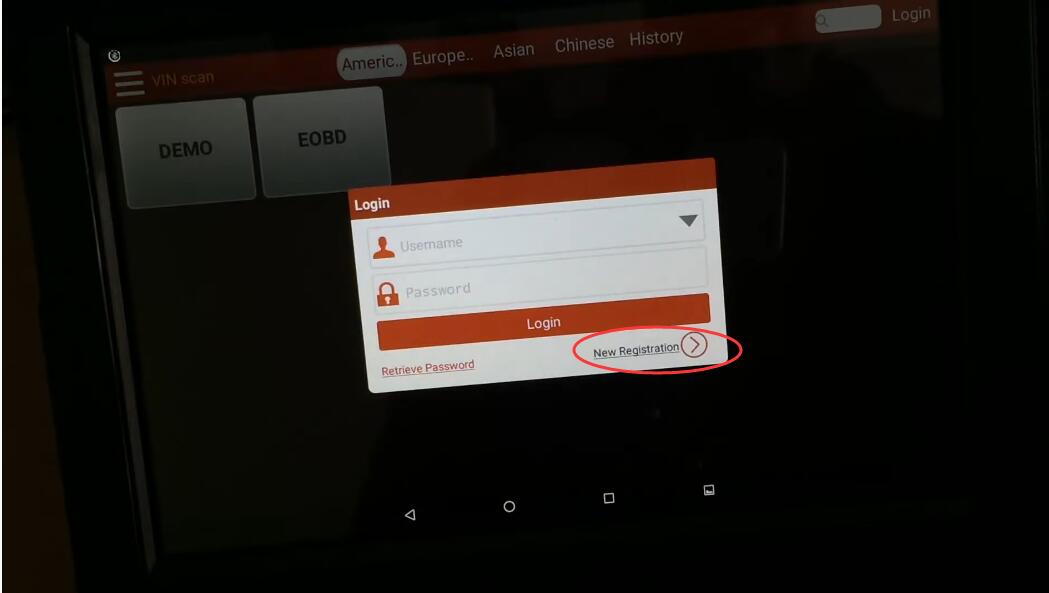
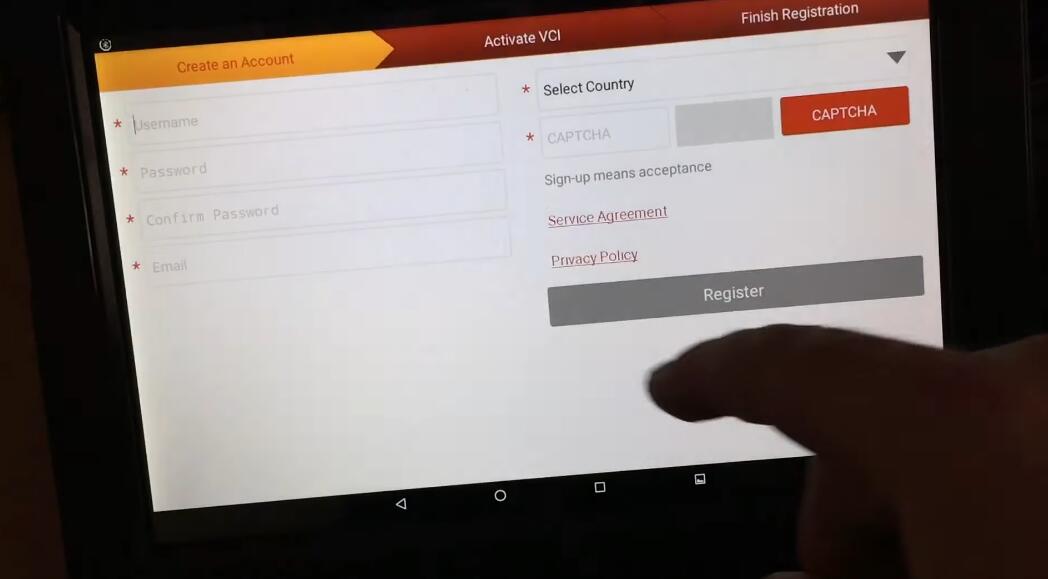
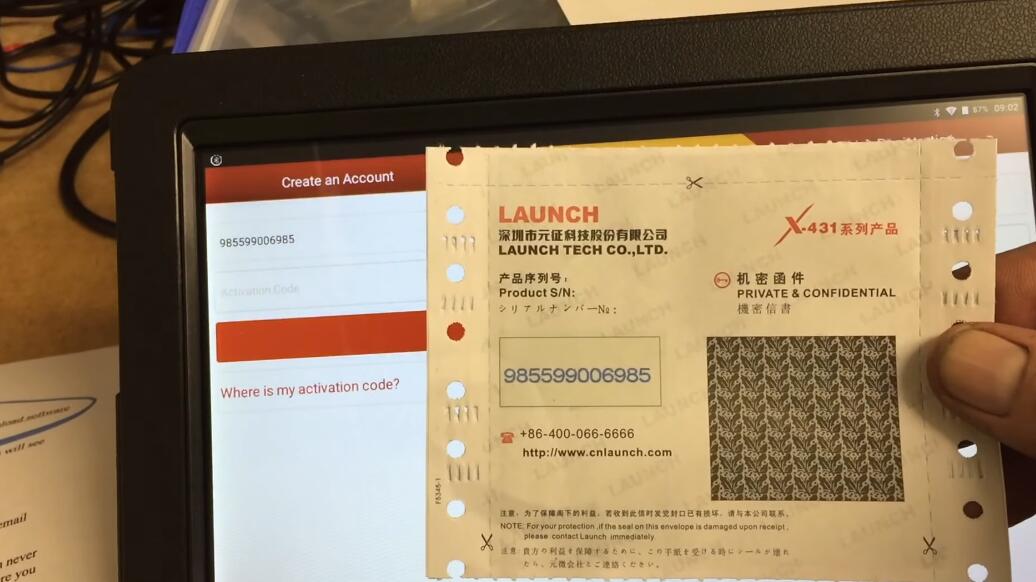
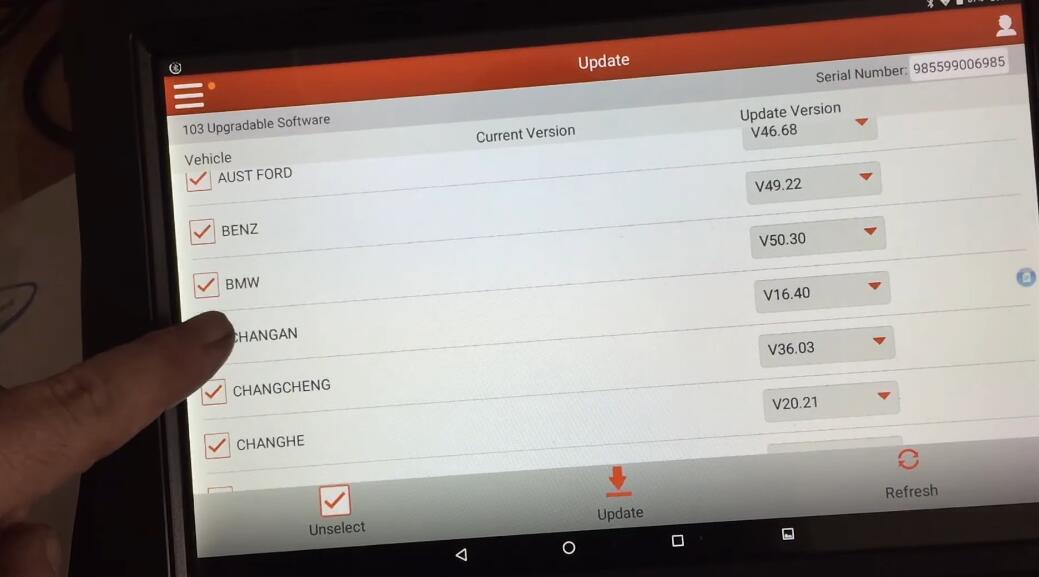
Launch X431 V+ – Setup & Initial Impressions
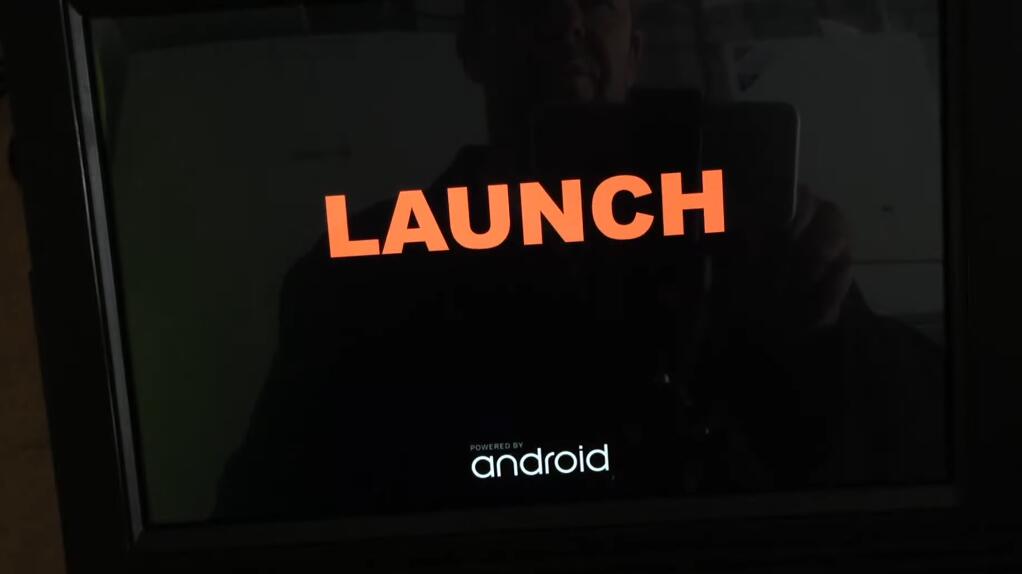
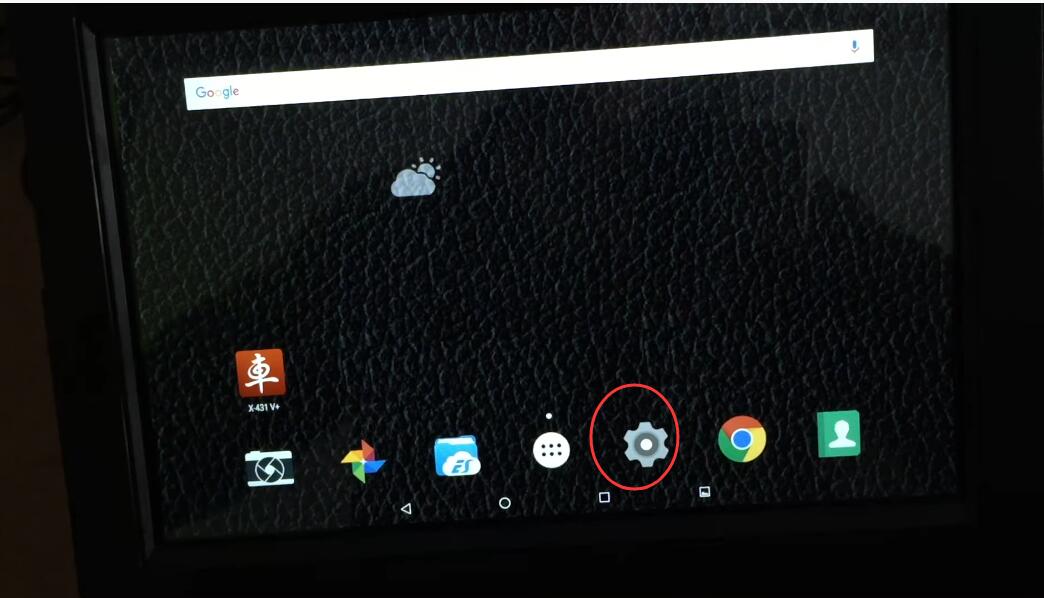
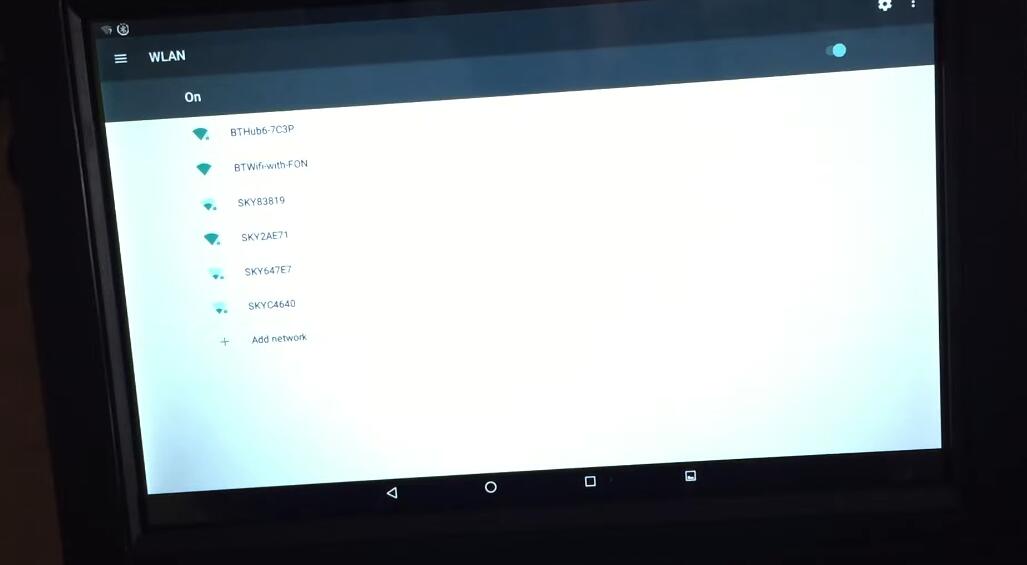
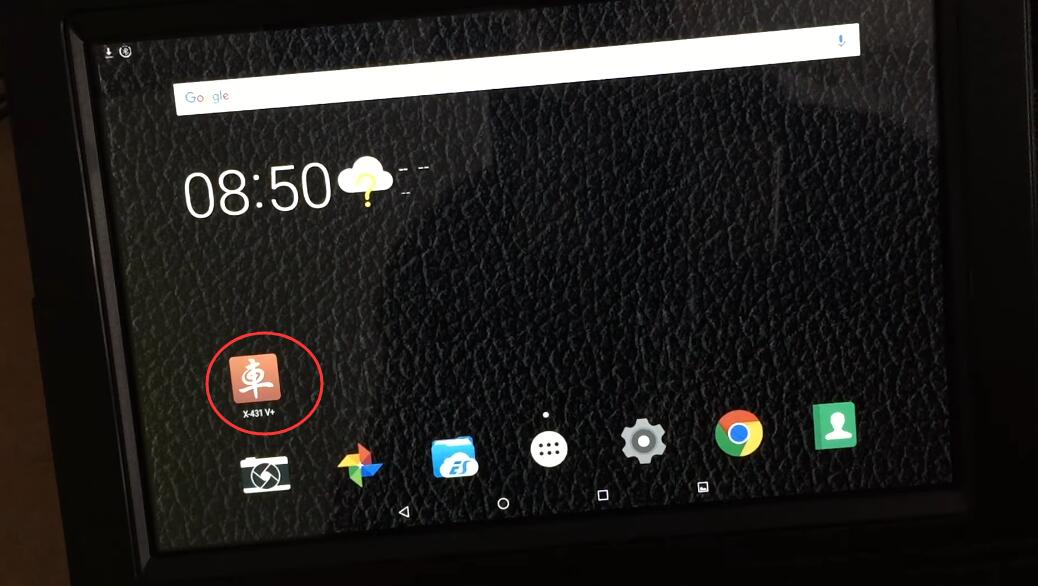
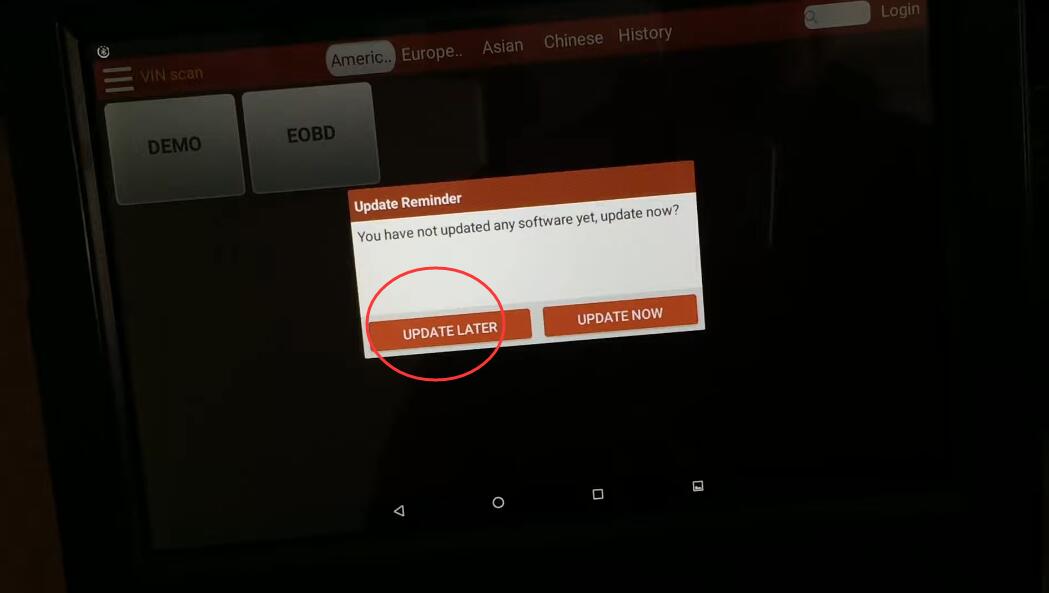
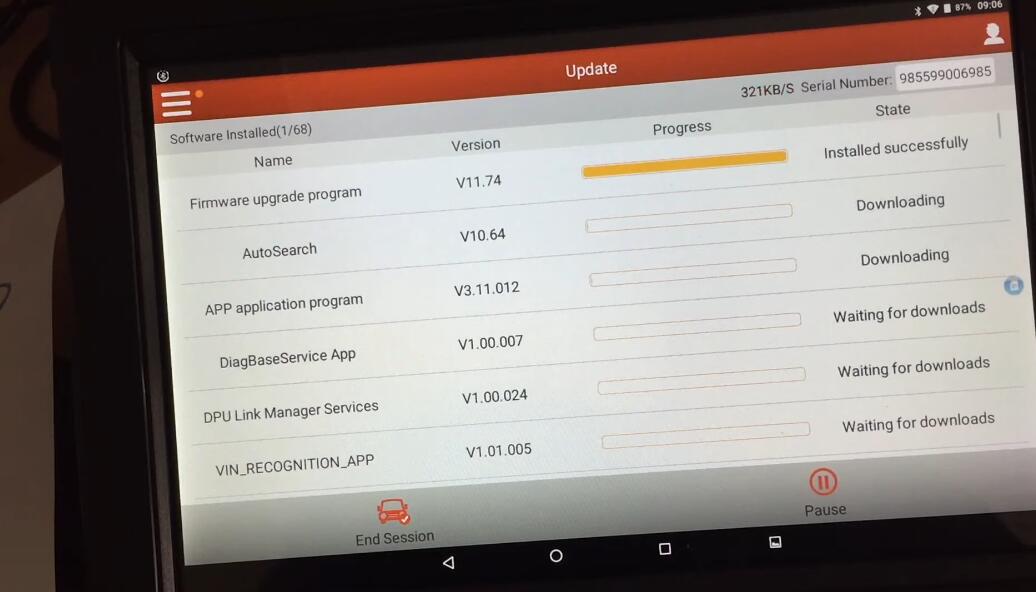
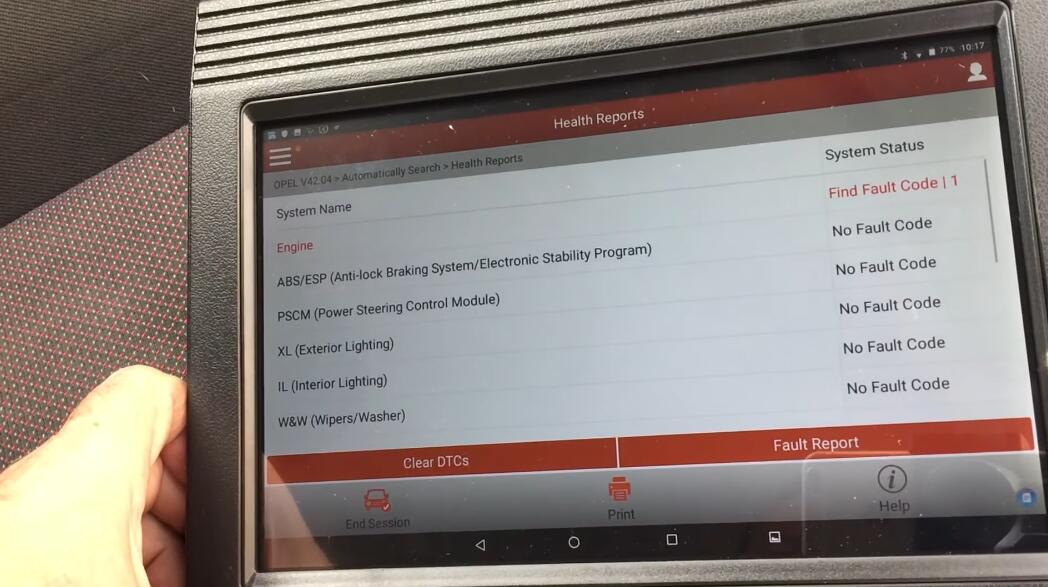
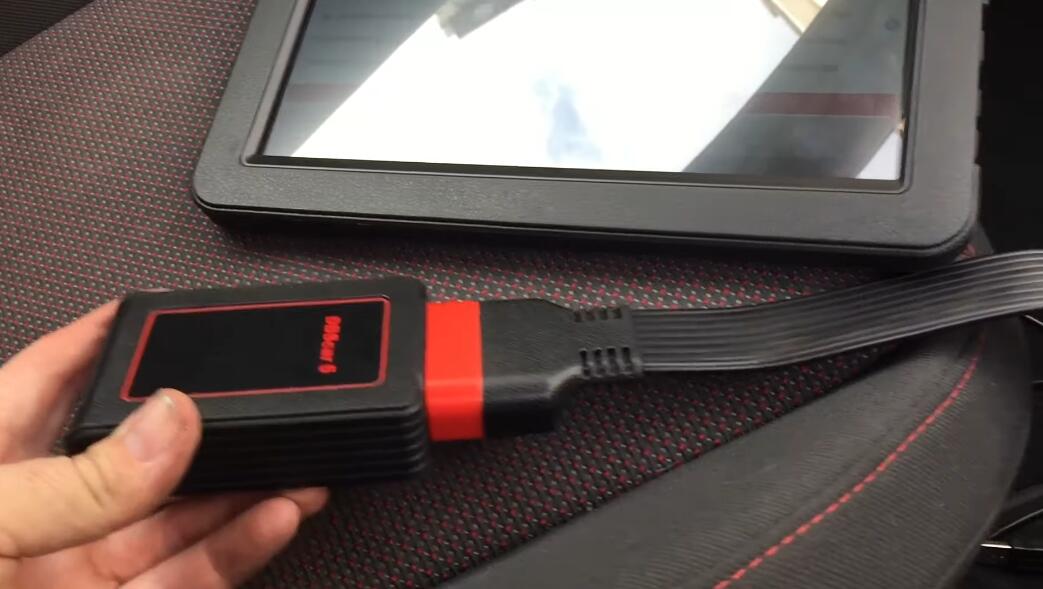
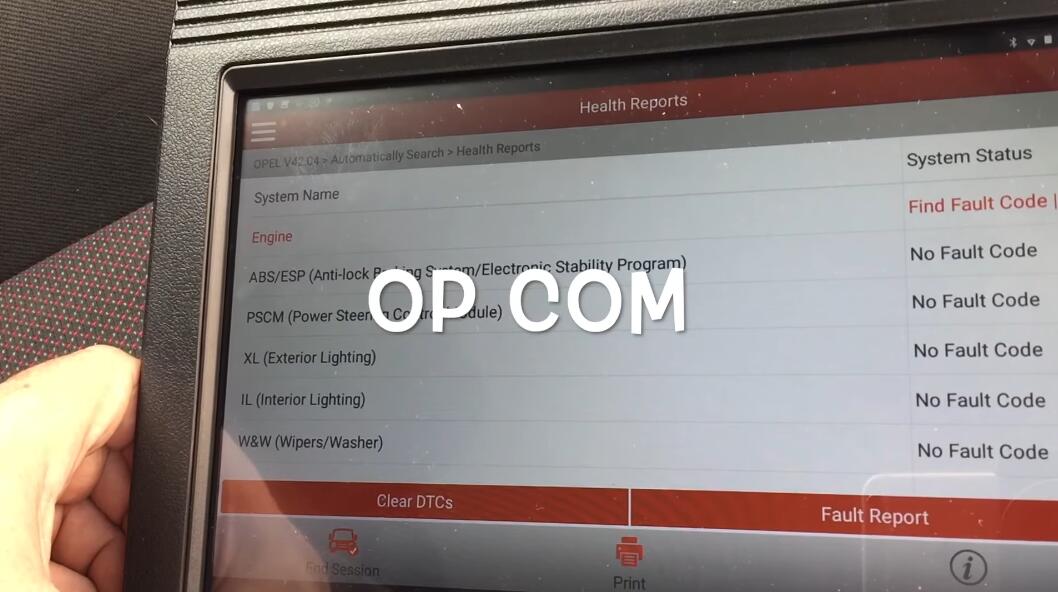
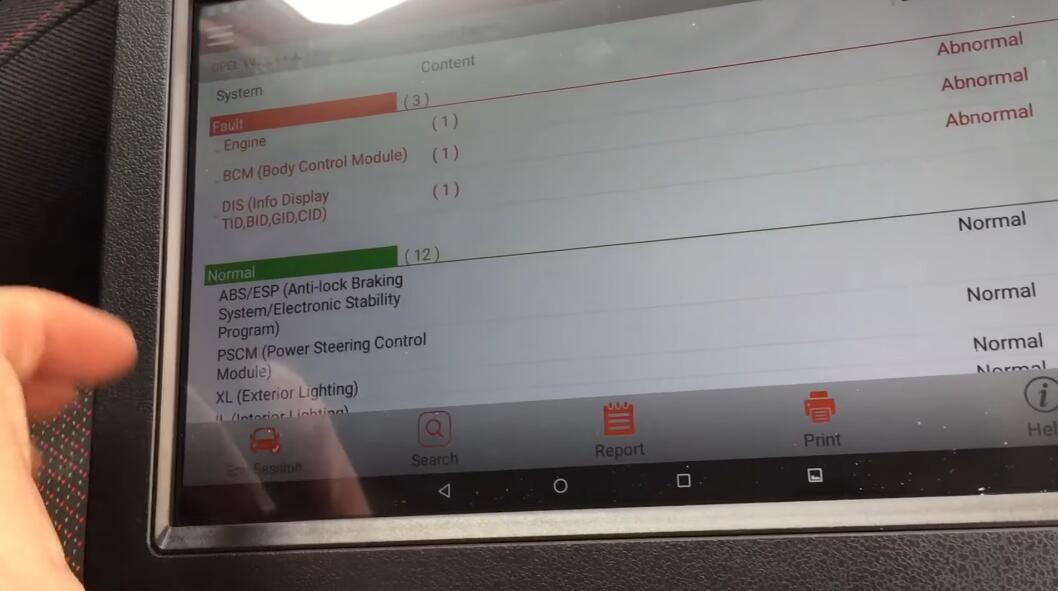
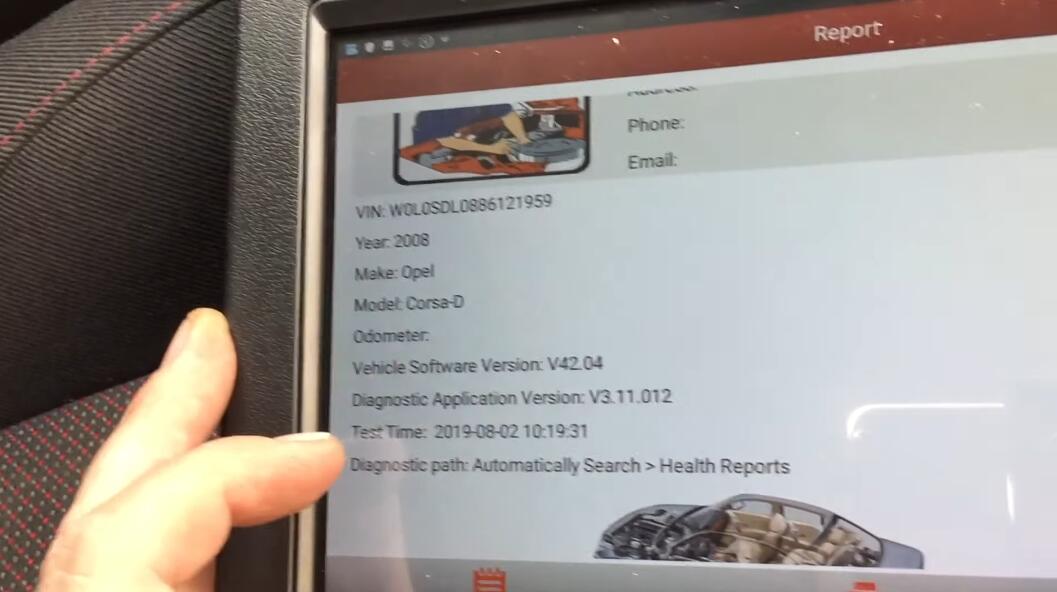
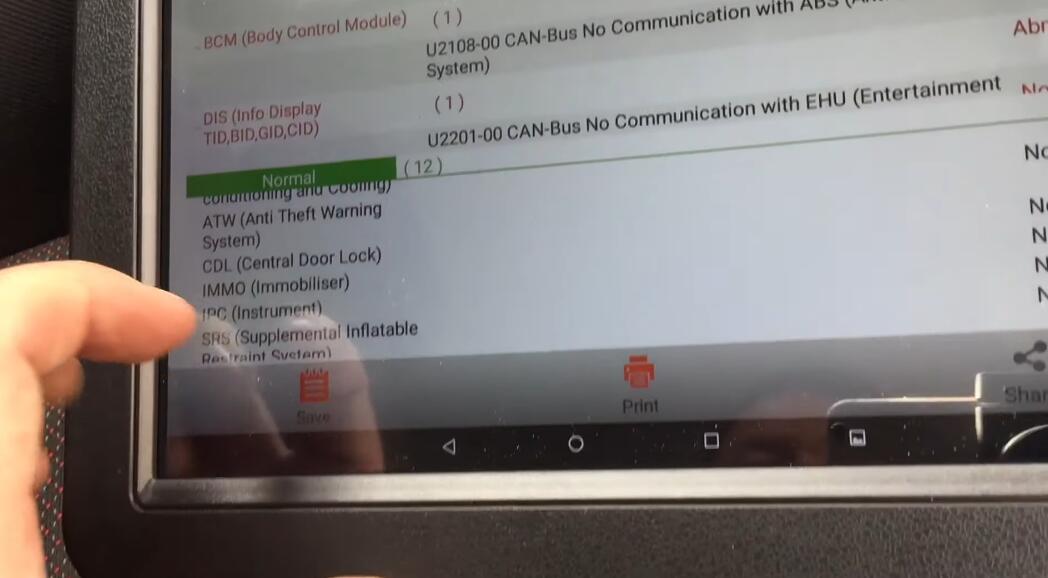
If you want to know more aboutLaunch X431, please visit our websitewww.obd2tool.com
Posted by: youobd2 at
08:33 AM
| Comments (1)
| Add Comment
Post contains 454 words, total size 9 kb.
34 queries taking 0.0271 seconds, 130 records returned.
Powered by Minx 1.1.6c-pink.

