



July 24, 2019
Confirmed:CGDI BMW adds "BMW diagnosis†to be able to program and code BMW E series; able to read/clear trouble codes for BMW E series, F series, G series.
How to update CGDI BMW diagnosis function for free:
As long as you have any of CG100 or CG Pro or CGDI MB, please provide the serial number for free trial.
For BMW diagnosis: CGDI BMW VS BMW ICOM
1.Easy to use. As long as you are qualified with corresponding vehicle maintenance knowledge, CGDI BMW does not have high requirements for the user’s professional skills and English level.
2.Cheap. CGDI BMW is cheaper thanBMW ICOM(clone and original).
BMW ICOM clone & original are able to diagnose, program and code BMW E-series models at higher price (clone: about 400eur).
Besides, BMW ICOM has some requirements for the user’s operating skills during installation, therefore some users will choose a hard disk with pre-installed software and be charged.
3.Menu-driven & automatic operation instead of manual operation, which save much time.
How does CGDI BMW diagnose BMW 3 series E93 successfully?
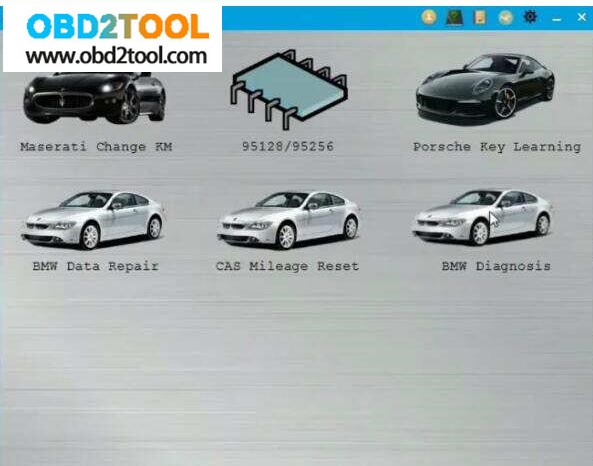
1.Select "BMW diagnosisâ€.
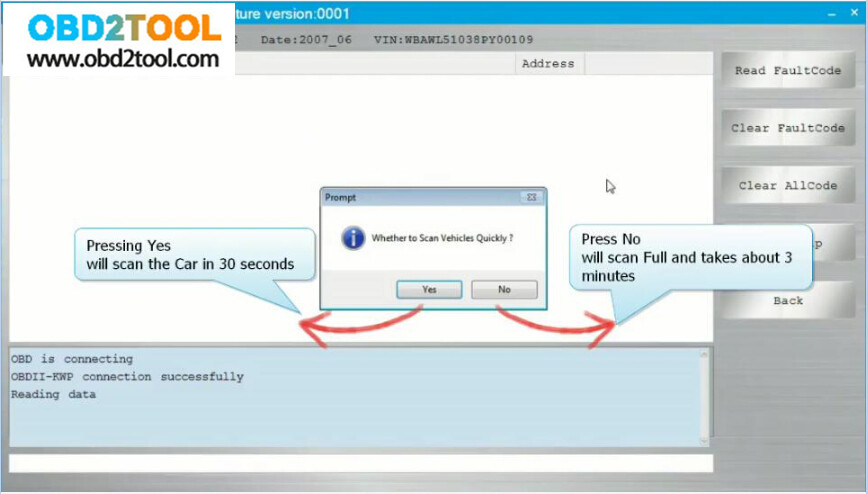
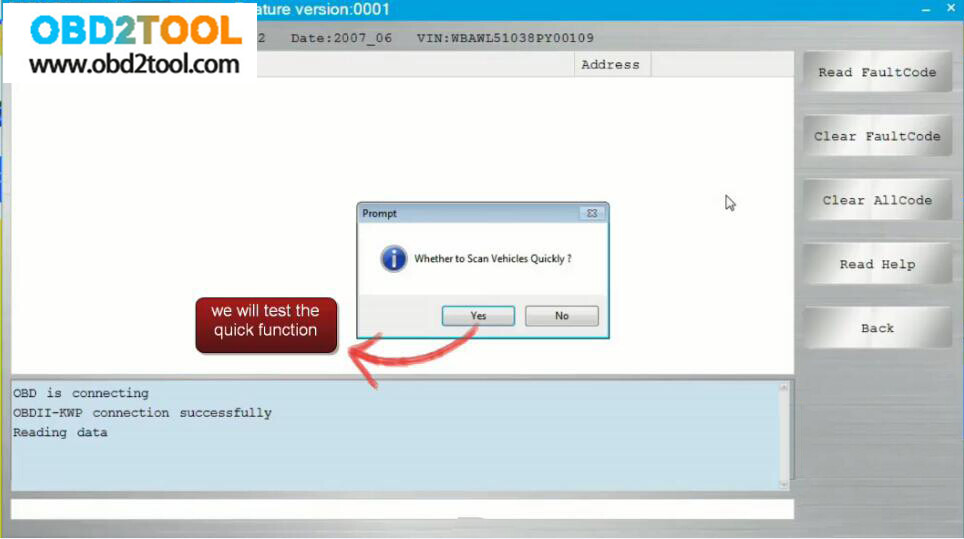
2.It pops up "Whether to scan vehicle quicklyâ€.
Press "Yes†and CGDI BMW will scan the BMW in 30 seconds.
Press "No†and CGDI BMW will scan the BMW all systems and take about 3 minutes.
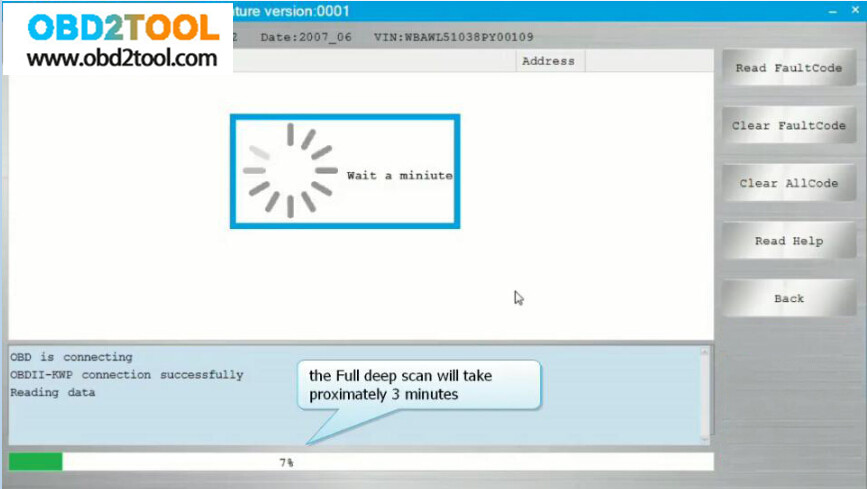
3.After selecting "Noâ€.

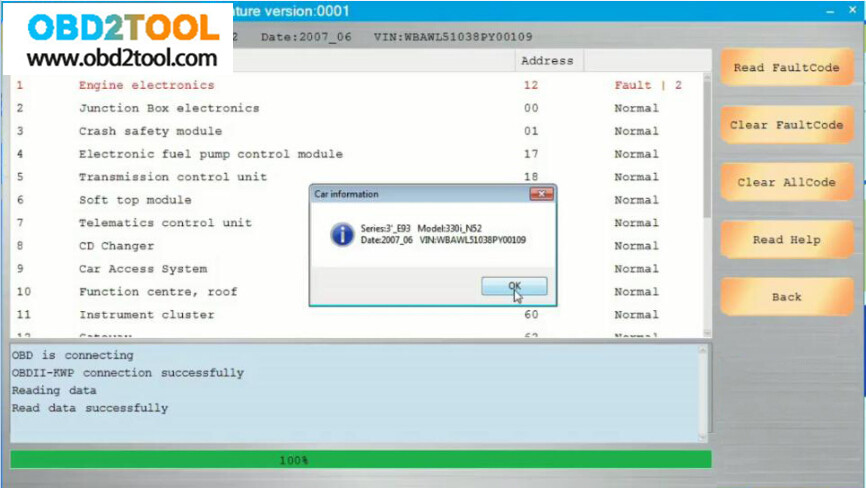
4.It pops up the BMW information.
Have diagnosis options :
Read fault codes, clear fault codes, Clear all codes, Help, back.
It is menu-driven operation, easy to use.
At the left corner, you will see the working status.
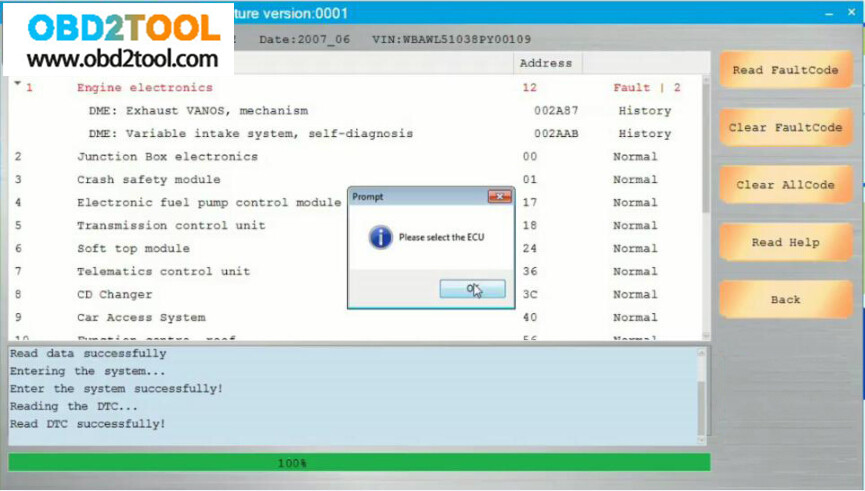
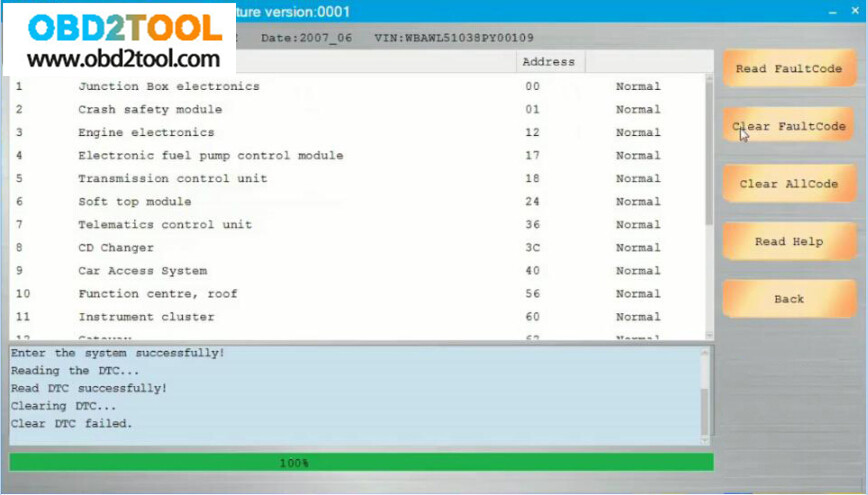
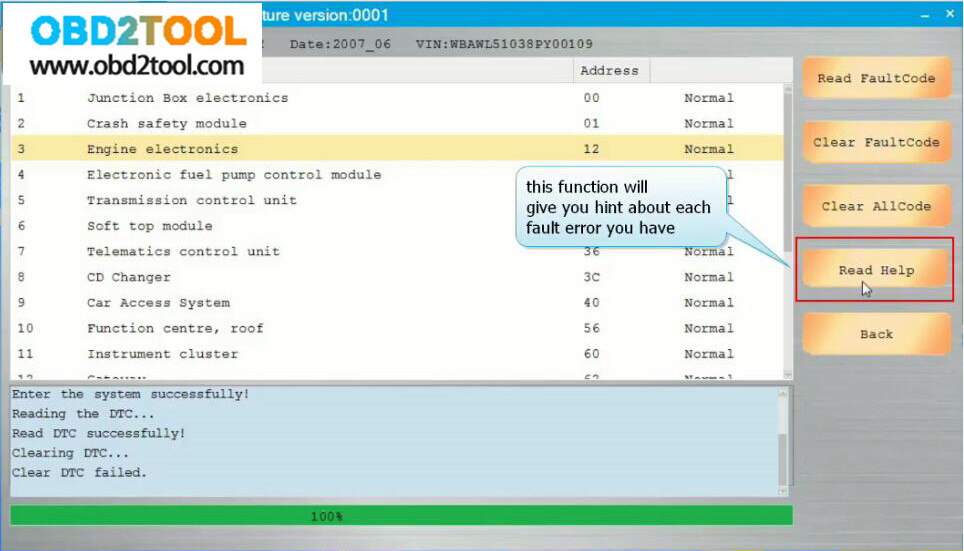
5.Back to select "BMW diagnosisâ€, then "scan vehicle quicklyâ€.
And you will see all trouble codes are cleared, and all are normal.
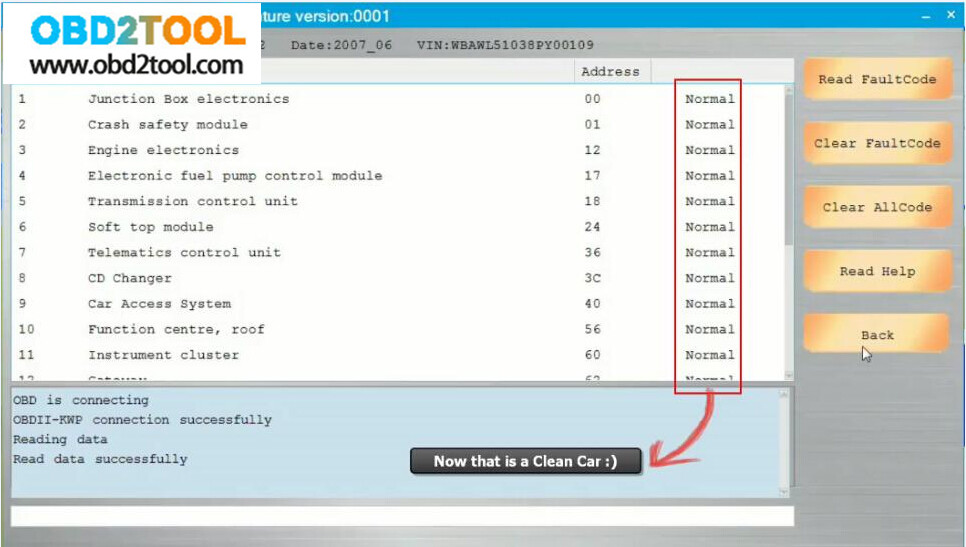
Don’t you think it is easy to use CGDI BMW Prog for diagnosis?
Posted by: youobd2 at
08:11 AM
| Comments (1)
| Add Comment
Post contains 300 words, total size 6 kb.
Confirmed:CGDI BMW adds "BMW diagnosis†to be able to program and code BMW E series; able to read/clear trouble codes for BMW E series, F series, G series.
How to update CGDI BMW diagnosis function for free:
As long as you have any of CG100 or CG Pro or CGDI MB, please provide the serial number for free trial.
For BMW diagnosis: CGDI BMW VS BMW ICOM
1.Easy to use. As long as you are qualified with corresponding vehicle maintenance knowledge, CGDI BMW does not have high requirements for the user’s professional skills and English level.
2.Cheap. CGDI BMW is cheaper than BMW ICOM (clone and original).
BMW ICOM clone & original are able to diagnose, program and code BMW E-series models at higher price (clone: about 400eur).
Besides, BMW ICOM has some requirements for the user’s operating skills during installation, therefore some users will choose a hard disk with pre-installed software and be charged.
3.Menu-driven & automatic operation instead of manual operation, which save much time.
How does CGDI BMW diagnose BMW 3 series E93 successfully?
1.Select "BMW diagnosisâ€.
2.It pops up "Whether to scan vehicle quicklyâ€.
Press "Yes†and CGDI BMW will scan the BMW in 30 seconds.
Press "No†and CGDI BMW will scan the BMW all systems and take about 3 minutes.
3.After selecting "Noâ€.
4.It pops up the BMW information.
Have diagnosis options :
Read fault codes, clear fault codes, Clear all codes, Help, back.
It is menu-driven operation, easy to use.
At the left corner, you will see the working status.
5.Back to select "BMW diagnosisâ€, then "scan vehicle quicklyâ€.
And you will see all trouble codes are cleared, and all are normal.
Don’t you think it is easy to use CGDI BMW Prog for diagnosis?
Posted by: youobd2 at
08:00 AM
| No Comments
| Add Comment
Post contains 302 words, total size 6 kb.
July 23, 2019
Honda Accord V6 2007 have lost all keys. Possible to use Honda HDS to program new keys?
Answer:
Yes. You can make new keys to Accord with HDS if you have a decent HIM diagnostic tool.
Here is the test report: HIM HDS working for Accord 2007 all keys lost
Connect Honda HIM interface to your vehicle by OBD.
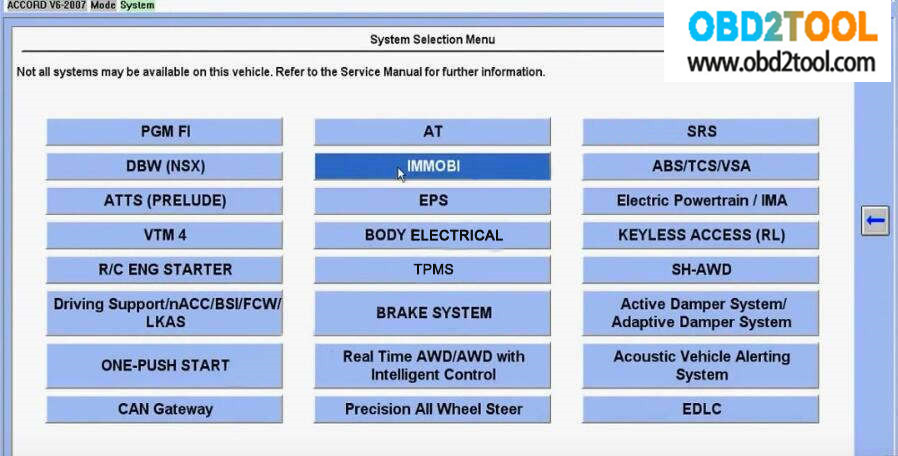
Run the Honda HDS software and enter "System Selection Menuâ€
Select "IMMOBIâ€
Note: Not all system may be available on this vehicle.
Refer to the Service Manual for further information
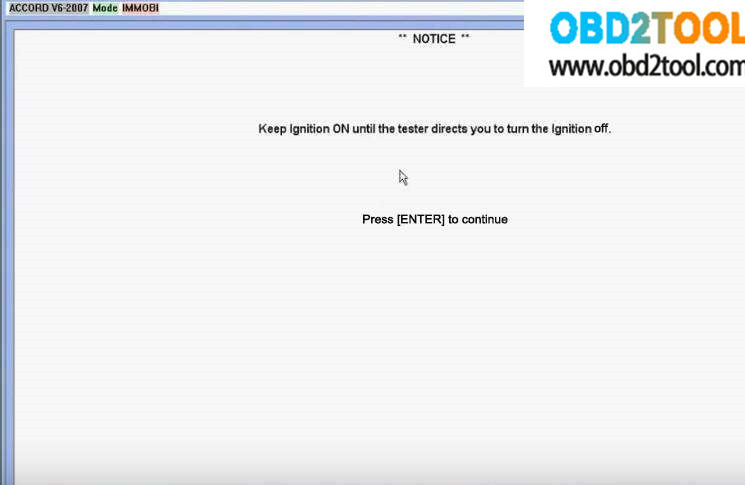
Keep ignition ON until the tester directs you to turn the ignition off.
Press [Enter] to continue
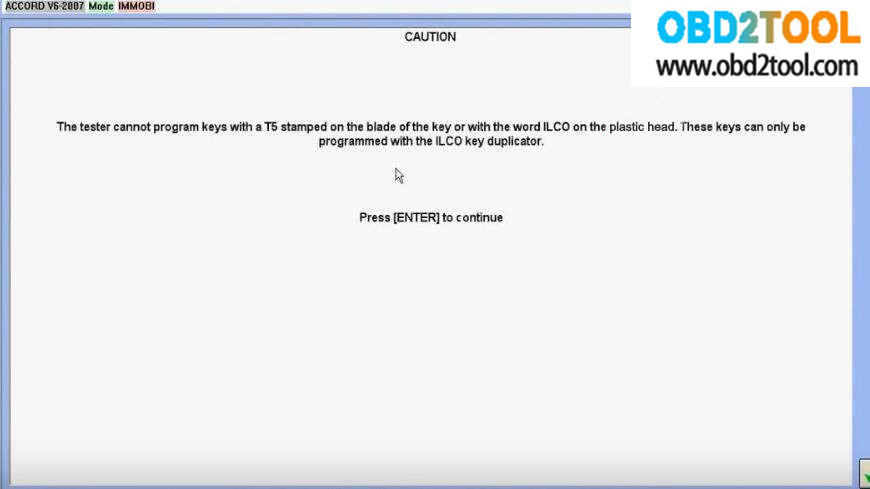
The tester cannot program keys with T5 stamped on the blade of the key or with the word ILCO on the plastic head.
The keys can only be programmed with the ILCO key duplicator.
Press[Enter] to continue
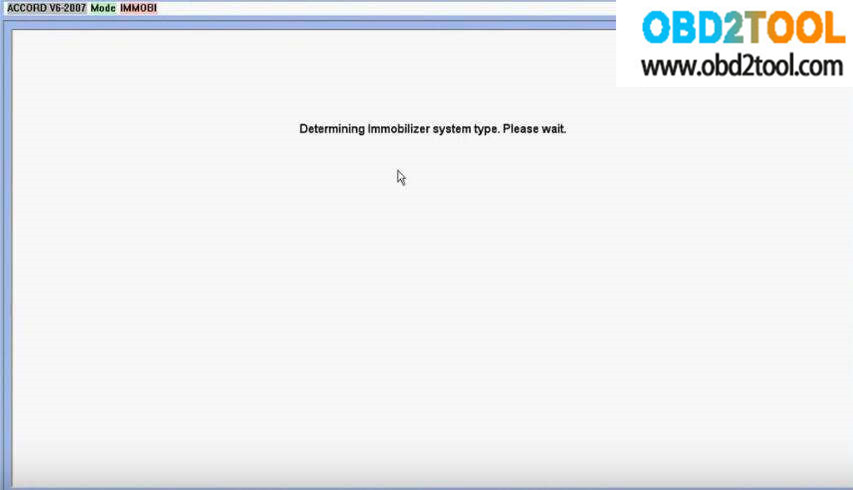
Determining immobilizer system type. Please wait.
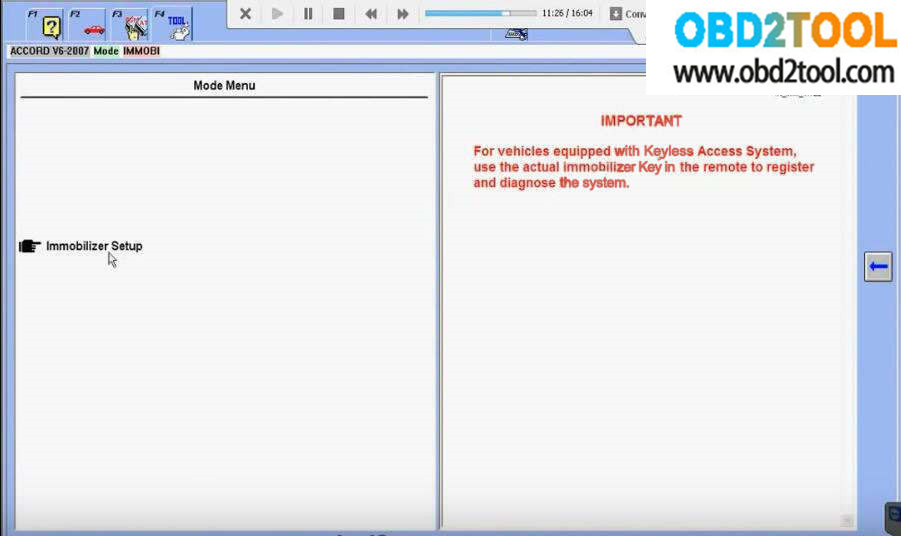
Select "Immobilizer Setupâ€
IMPORTANT:
For vehicle equipped with keyless Access System, use the actual immobilizer key in the remote to register and diagnose the system
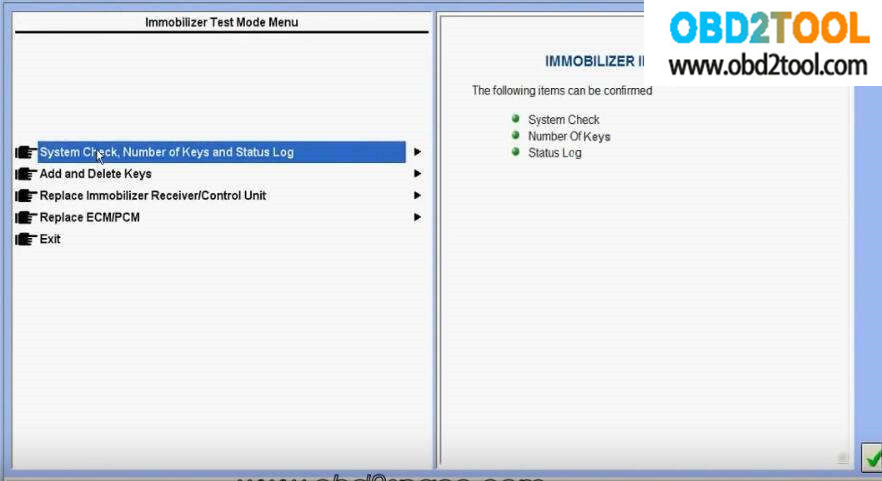
Then you will see there are 5 options as below picture:
Before programming new keys, you would better to check the number of key.
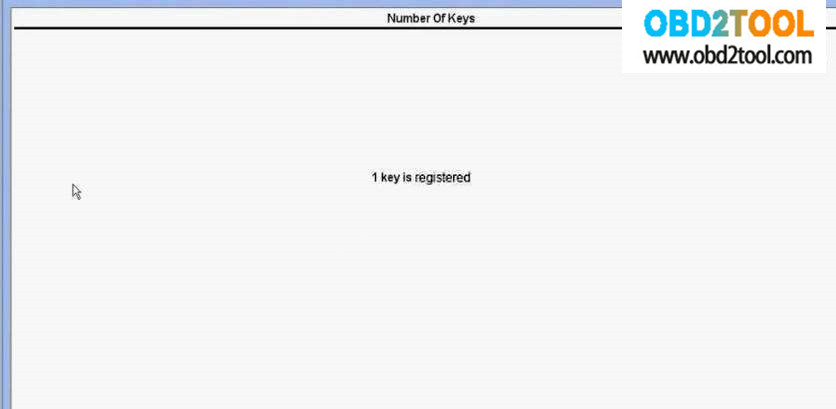
Select "System Check, Number of Keys and Status Log â€Ã †Number Of Keysâ€
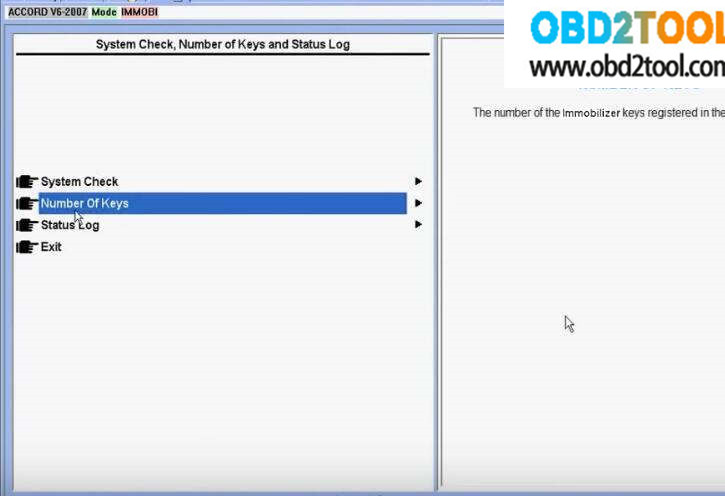
It show there is 1 key registered
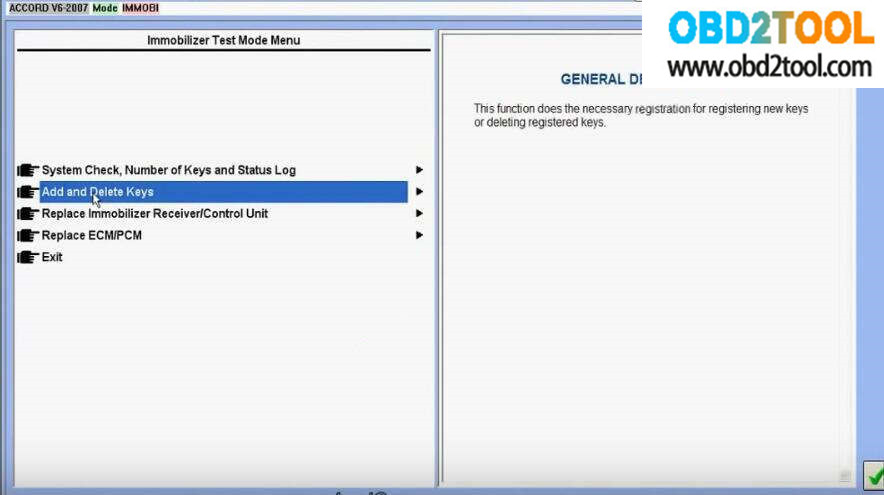
Then Exit the selection and select "Add and Delete Keysâ€
This function does the necessary registration for registering new keys or deleting registered keys
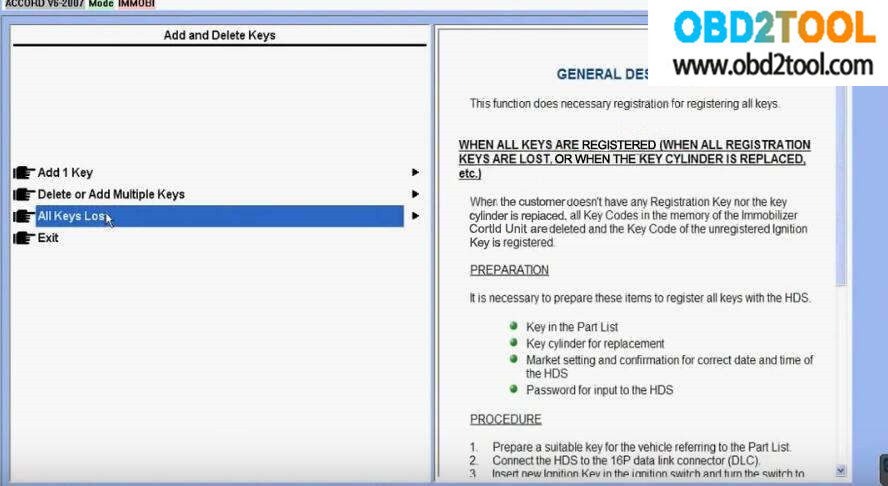
Select "All Key Lostâ€
It prompt "Obtain PCM-code(IMMOBILIZER PCM CODE) for In
This vehicle’s VIN will be required to obtain the passwordâ€
Look here: methods to get immo pin code:
1.Inquire dealer to get immo pin code via VIN
2.Disassemble immo box or smart box to read out the pin code by programmer
3.Read out immo pin code by auto key programmer
Read out PIN Code from immo/smart box.
The pin code is stored in the chip located in ECU,immo box,smart box or BCM box,it depend on the vehicle models.You need to remove chip from PCB,then use programmer to read out the pin code,the accuracy up to 99%.This method require you have skillful operations:disassembling,welding,reading out pin code.
Read out PIN code by auto key programmer:
Many devices can calculate the pin code by their programmer,you just need to plug the programmer into OBD socket to get pin code,then programming keys.
Try to disassemble chip to read out pin code when you find the device can not support.
In summary, when you get incorrect PIN code by VIN calculating:
1.Check difference between the appearance VIN and immo system VIN.
If you they are different,the immo system VIN is more reliable.
2.Make sure vehicle models is corresponding to the immo system.(many freshman select incorrect models)
3.Immo system have been locked due to much time incorrect pin code enter(wait for hours or next day,try it again!)
Inquire PIN Code by Dealer or Three-part via VIN.
Because the VIN(Vehicle Identify Number) of each car is unique identification. It will cost you $20~100 depend on your vehicle models, the accuracy rate is more than 95%.The advantage is that you do not need to disassemble any parts on the vehicle.After getting the PIN code, you are available to program keys directly.
Personally, if the problem can be solved by paying a little,you would better to, it will save you much time.
But sometimes, your customers unwilling to spend extra money or you got the incorrect PIN code by VIN, so you need to try other methods.
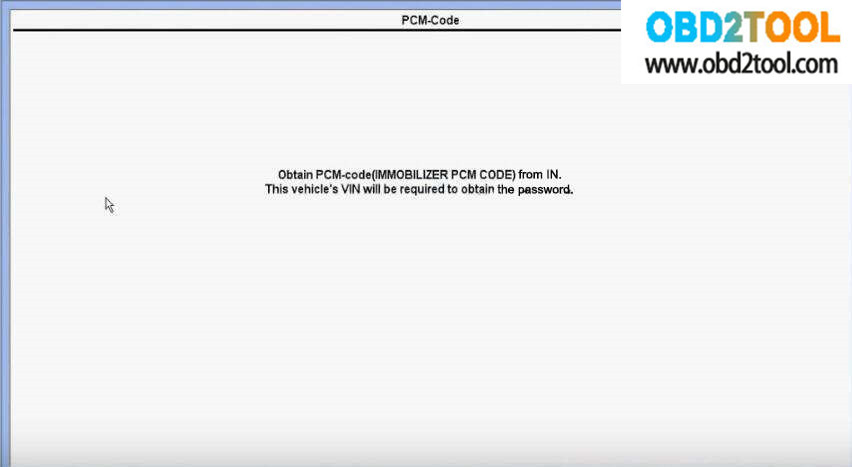
Enter PCM-Code
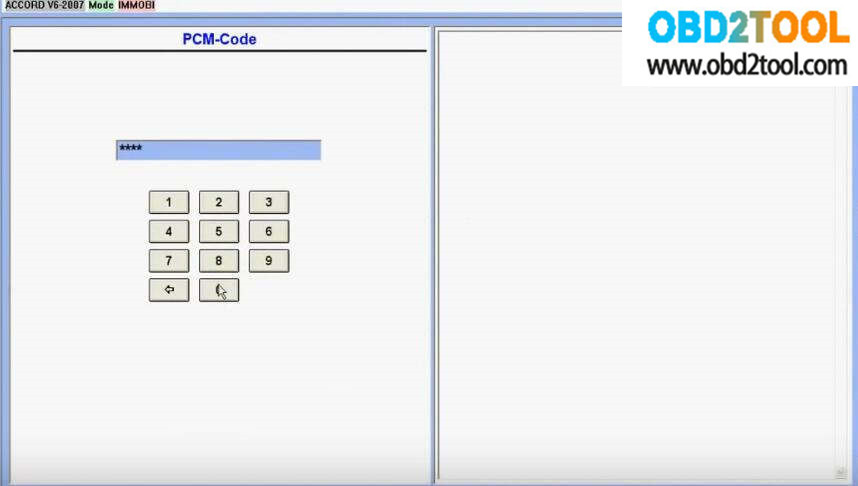
After input the PCM code, it prompt you to enter the key number you want to register.
Here enter "1â€
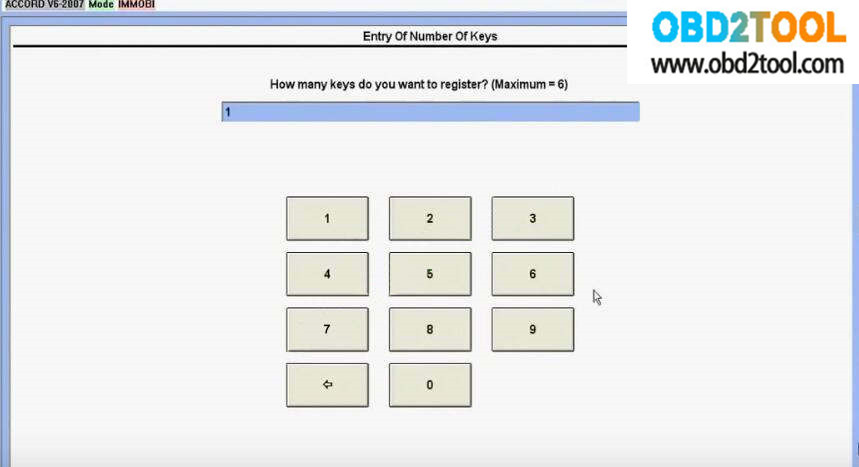
Then follow the Honda HDS guides:
Turn the ignition switch off
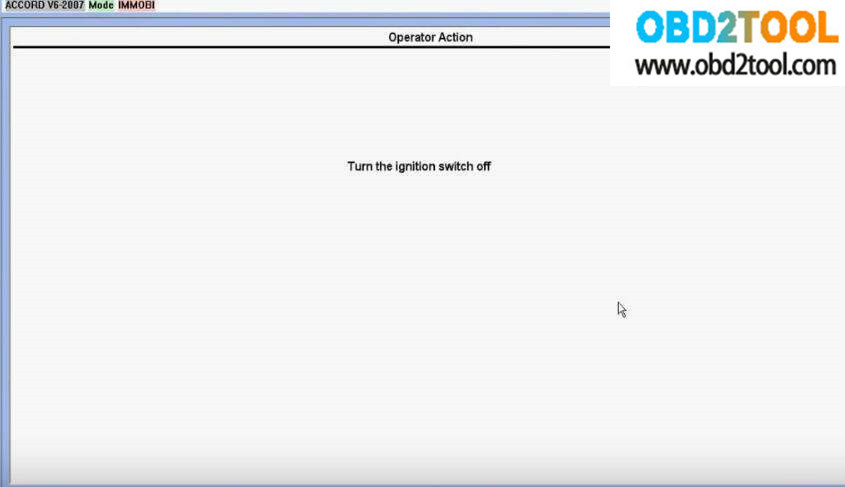
Then turn the ignition switch on
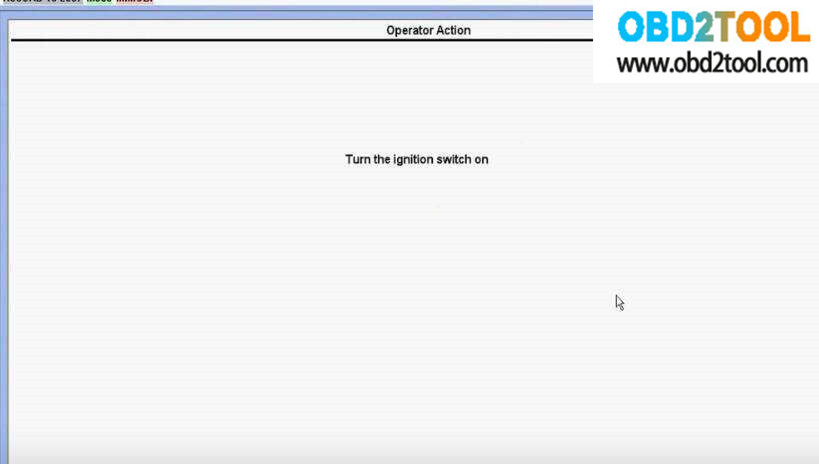
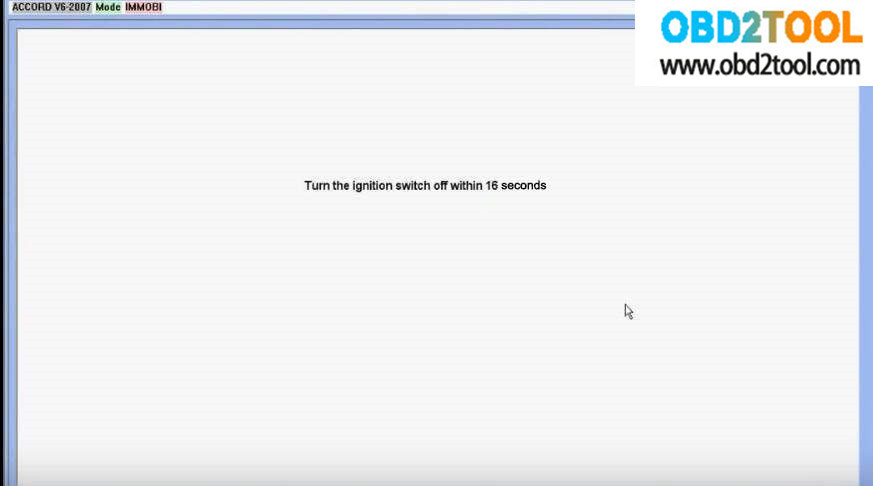
Turn the ignition switch off within 16 seconds
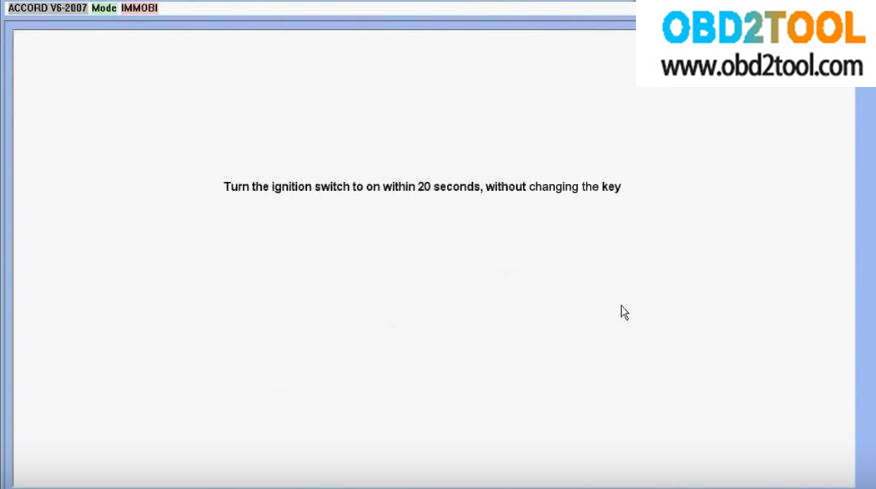
Turn the ignition switch to on within 20 seconds, without changing the key
Turn the ignition switch off
Then turn the ignition switch on
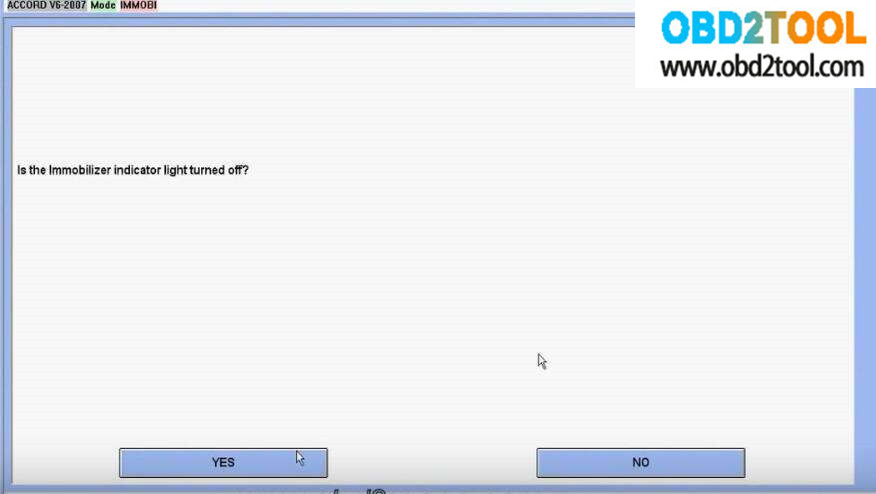
It prompt that "Is the immobilizer indicator light turned off?â€
Click "Yes†to continue
Turn the ignition switch off
Turn the ignition switch on
Turn the ignition switch off
Turn the ignition switch on again
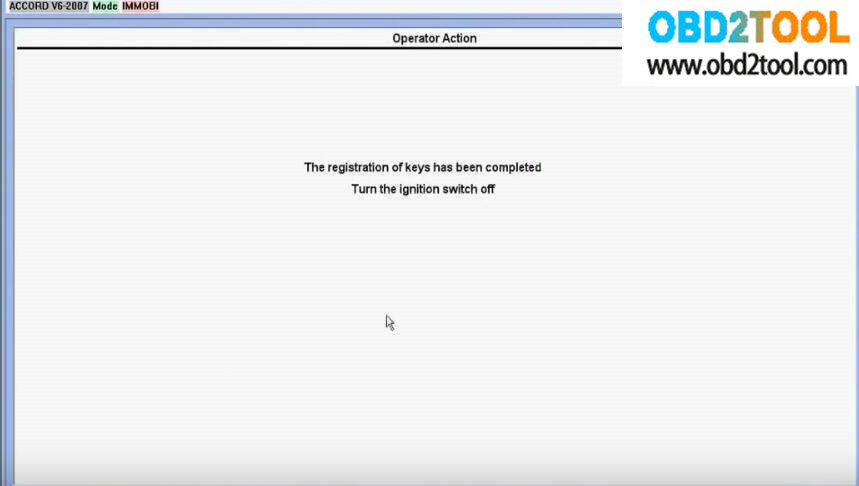
The registration of keys has been completed.
Turn the ignition switch off
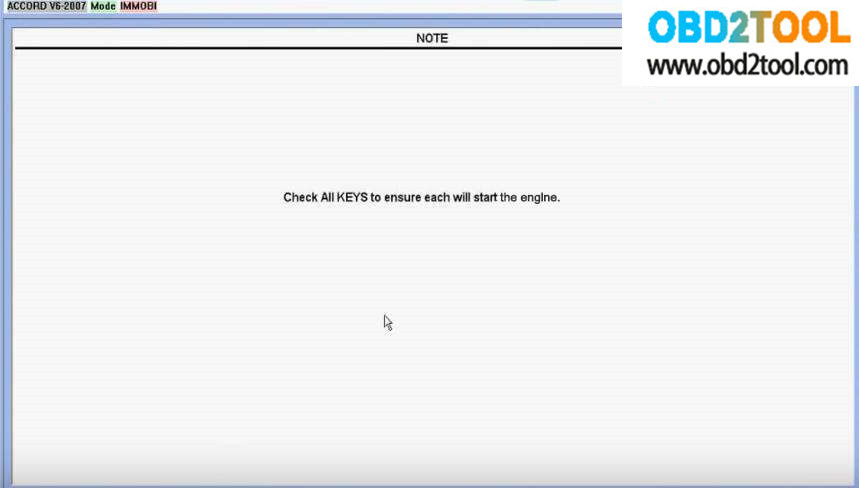
Check All Keys to ensure each will start the engine
Done!
Posted by: youobd2 at
01:53 PM
| Comments (1)
| Add Comment
Post contains 722 words, total size 12 kb.
July 04, 2019
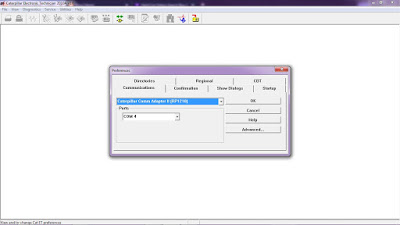
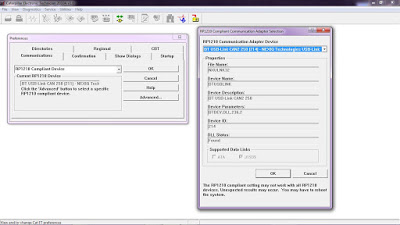
How to Connect CAT ET Software from your Laptop to ECM?
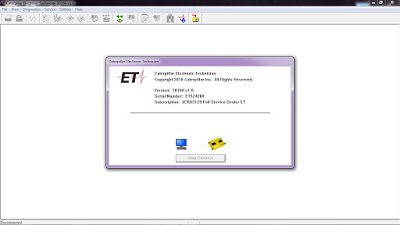
-Open Caterpillar ET Software, it will automatically connect to ECM, Click "Stop Connectâ€.
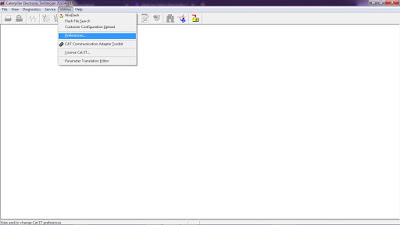
-Click on Menu: "Utilities – Preferencesâ€.
-If using Caterpillar Comm Adapter 3, and Mark on "Enable Dual Data Link Serviceâ€.
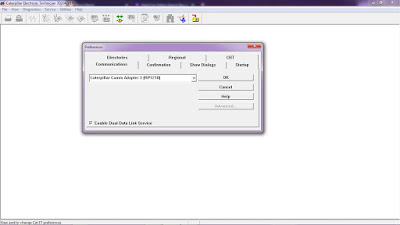
-If using Caterpillar Comm Adapter II, and setting "Ports†(example: COM4) as your COM port at Device Manager.
-If using NEXIQ USB-Link, Choose "RP1210 Compliant Deviceâ€, also Click Advanced button to select a specific RP1210.
#Driver Download:
-NEXIQ USB Link
-Caterpillar Comm Adapter 3– V2.0
Posted by: youobd2 at
09:55 AM
| Comments (1)
| Add Comment
Post contains 100 words, total size 3 kb.
36 queries taking 0.0281 seconds, 134 records returned.
Powered by Minx 1.1.6c-pink.

