



November 23, 2019
Are you searching the answer about whetherCGDI Prog BMWcan code for 2016 BMW Mini cooper or not? Here share the test report about this car model from CG Company. Hope it helps you!
Preparation:
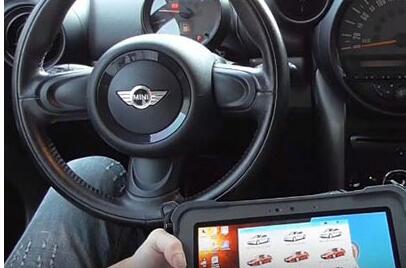
Car: 2016 BMW Mini Cooper KOMBI
Model: E series R60 (CAS3+ N16)
Device: CGDI Prog BMW key programmer

Test:
Connect CGDI BMW device to the vehicle with OBD wire harness
Open the car ACC button
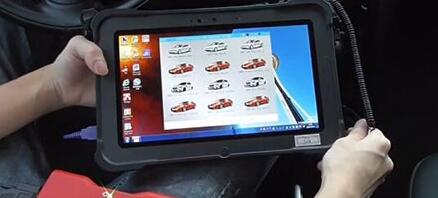
Enter CGDI software to select "BMW E Series Codingâ€

Important!
When you use this function, must make sure the network connection well
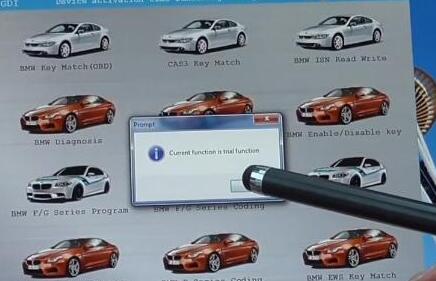
Wait a moment, and a message will appear with "Current function is trial functionâ€, click "OKâ€
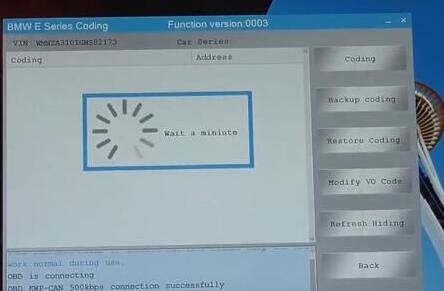
OBD is connecting…

Reading data…
"Current vehicle FA information is inconsistent. Do you want to code with CAS Fa?â€
Click "Yesâ€
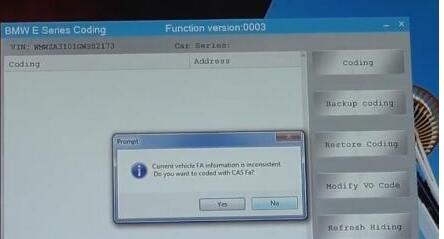
Read data successfully
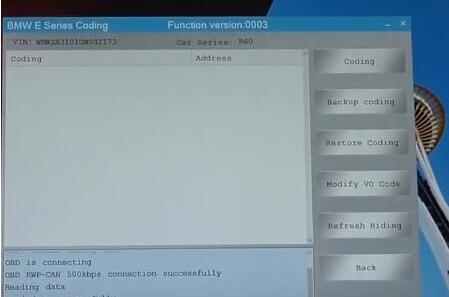
The vehicle available communication module has been marked black. Please select the appropriate module to set the code
Click "OKâ€

All the modules of the car have been read successfully
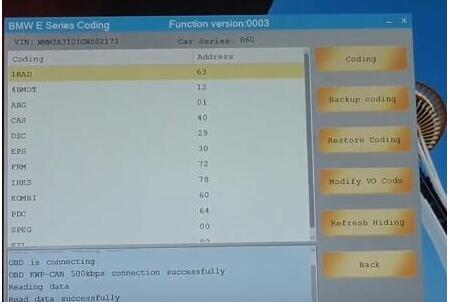
When the meter mileage is adjusted other languages or red dots will be displayed, so we need to code KOMBI to return to normal
Select "KOMBI†-> "Codingâ€
Click "Yes†when it prompts "Whether to backup data?â€
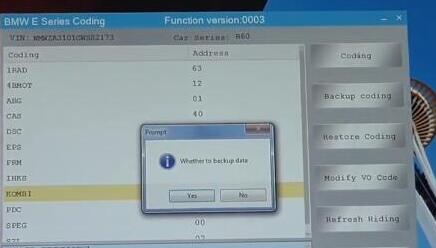
When coding, the meter and the central control will restart automatically

Finally, CGDI BMW key programmer coding KOMBI successfully!
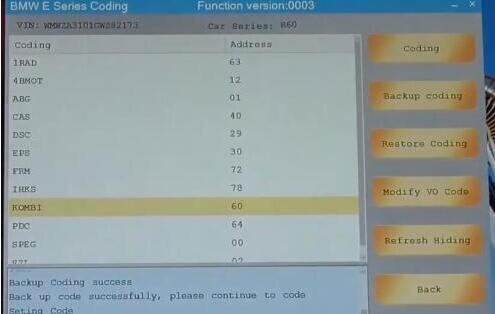
Good luck!
Posted by: youobd2 at
04:16 AM
| No Comments
| Add Comment
Post contains 228 words, total size 5 kb.
November 05, 2019
Step1: Caterpillar Open Electronic Technician
Get CAT Caterpillar ET 2010A License Key 1
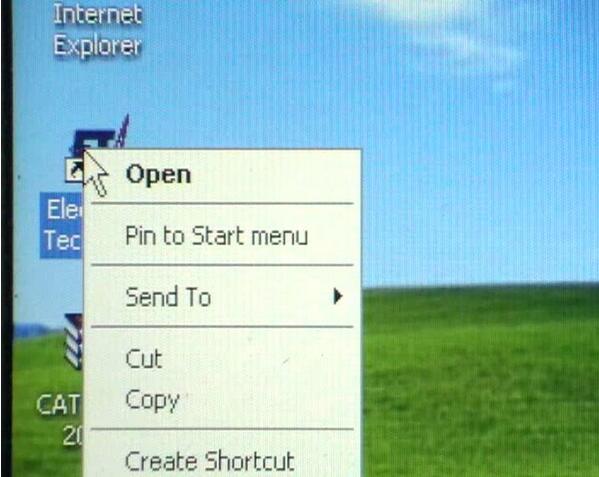
Step 2: Caterpillar Electronic Technican Asks for License
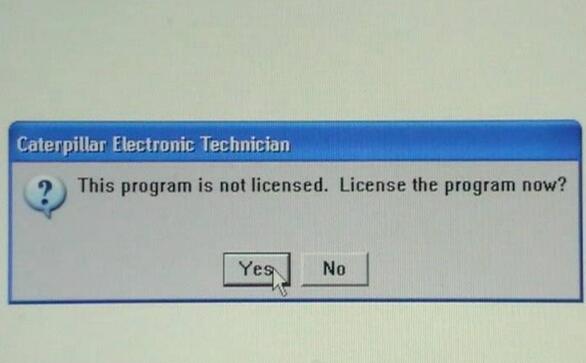
Step 3: Caterpillar ET 2010A Asks for Licensing
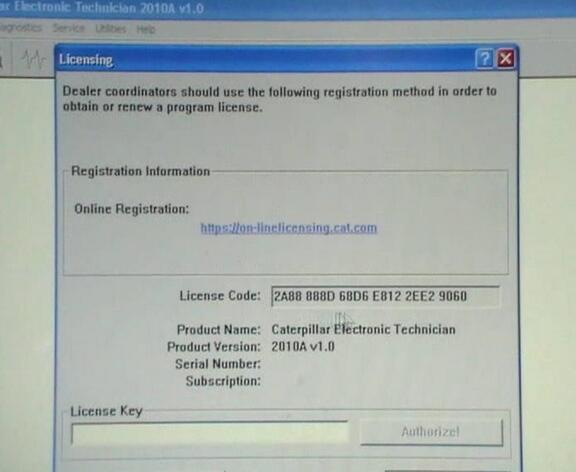
Step 4: Copy License Code

Step 5: Open CAT ET Key 2010A
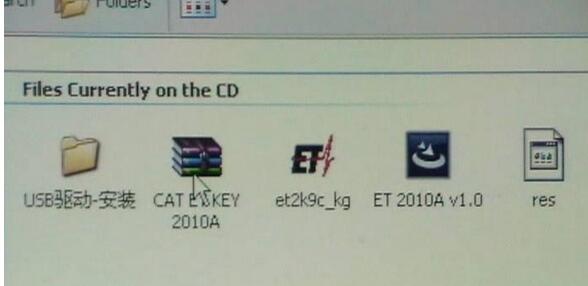
Step 6: Open †et2k9c.kgâ€

Step 7: Caterpillar ET 2010A Paste License Code
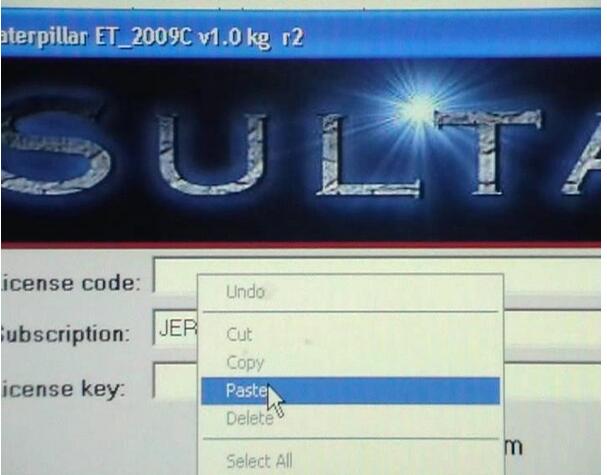
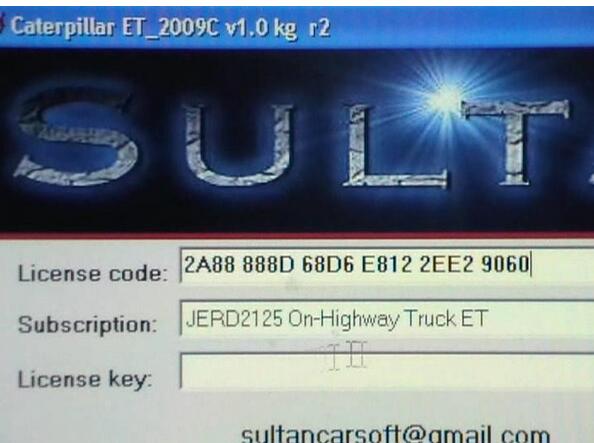
Step 8: Caterpillar ET 2010A Choose Subscription
Step 9: Caterpillar ET 2010A Copy License Key
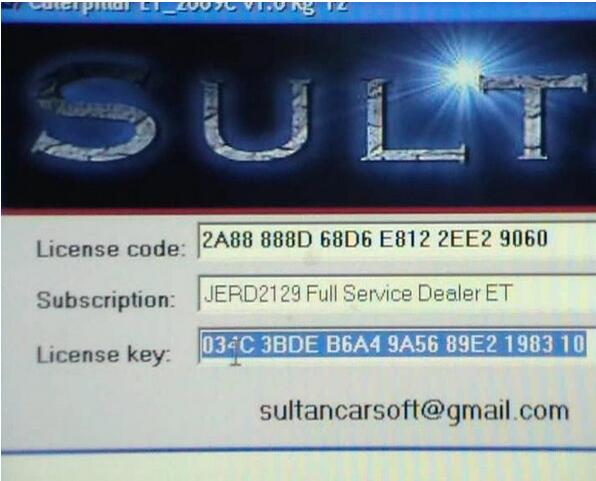
Step 10: Caterpillar ET 2010A Copy License Key
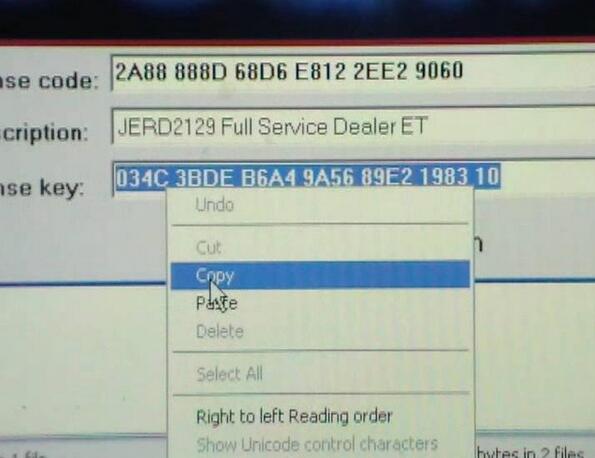
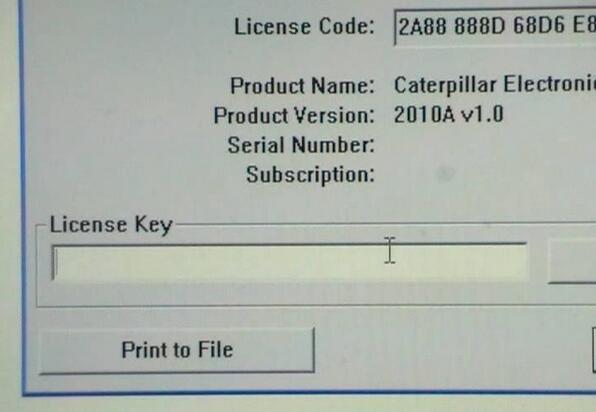
Step 11: Paste License Key in The Following Box
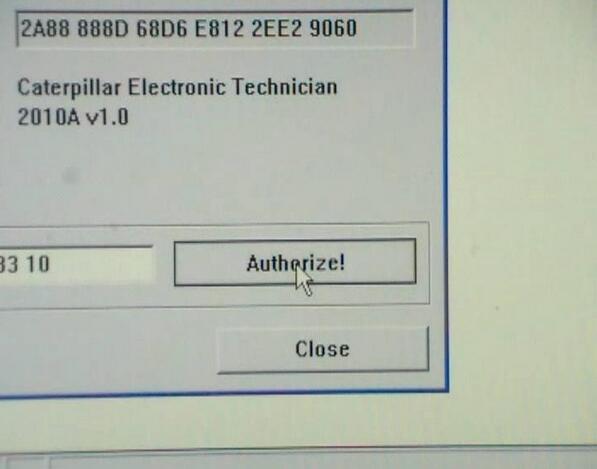
Step 12: Click Authorize
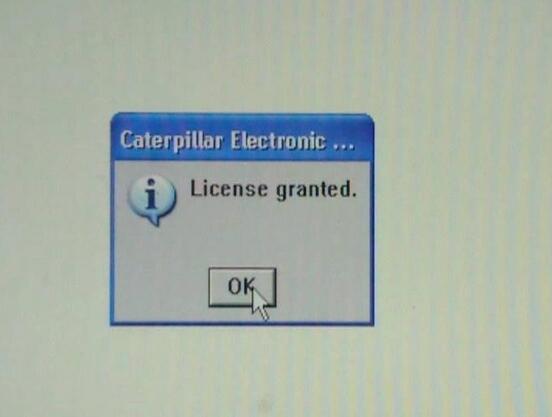
Step 13: Caterpillar ET 2010A Copy License Granted
Posted by: youobd2 at
10:38 AM
| No Comments
| Add Comment
Post contains 107 words, total size 5 kb.
32 queries taking 0.0295 seconds, 126 records returned.
Powered by Minx 1.1.6c-pink.

