



January 30, 2019
I’ve successfully read pin code and add a smart key to a Fiat Freemont with Lonsdor K518ISE Key Programmer.
(Note: The model is under 90 days free trail. You need to subscribe to use after 3 month.)
Connect K518 Auto Key Programmer host with vehicle via obd socket
Turn ignition to ON position
Select Immobilizer->Fiat->China->Freemont->Smart key->Read Pin Code
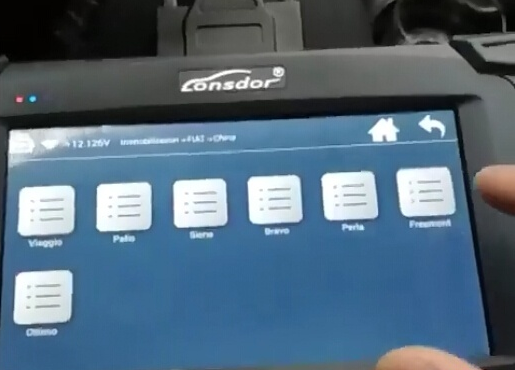
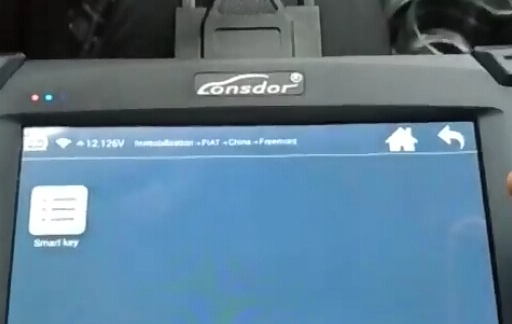
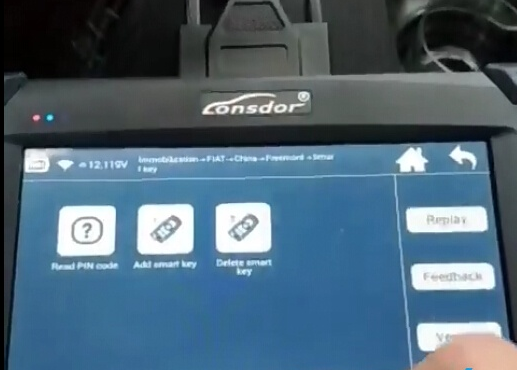
Turn ignition off and turn on emergency indicator
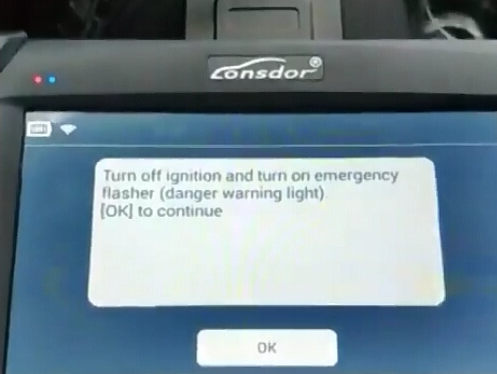
Read 4-digit pin code success.
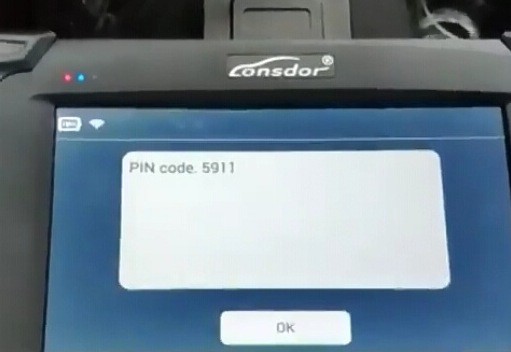
Select Add Smart Key
Turn ignition off and turn on emergency indicator
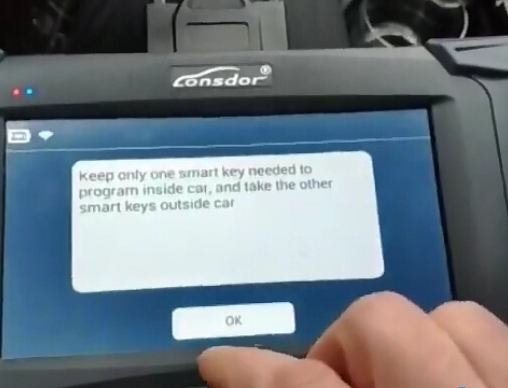
Keep the smart key need to be registered in car, take other keys outside the car
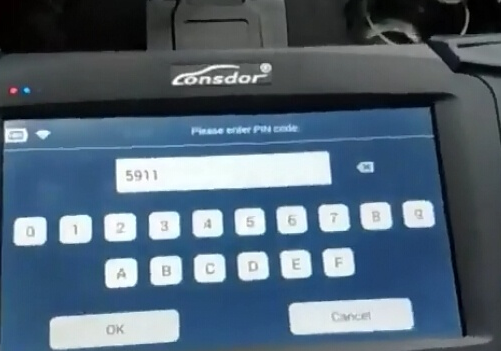
Lonsdor K518 will auto fill in pin code read previously
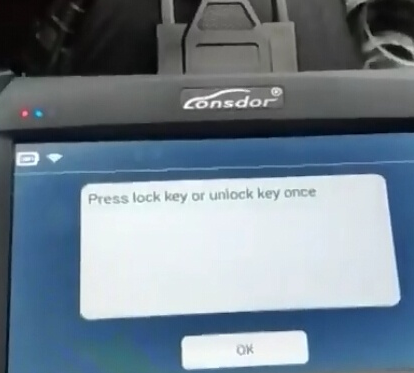
Press LOCK or UNLOCK button once
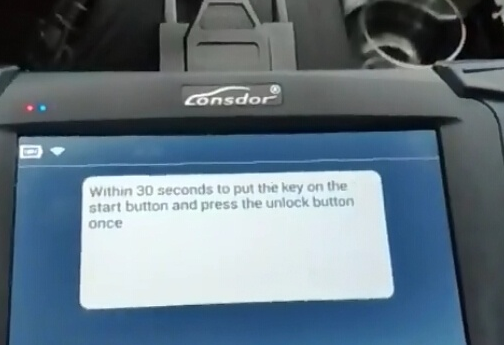
Put the key on the Start button and press UNLOCK button once within 30 seconds.
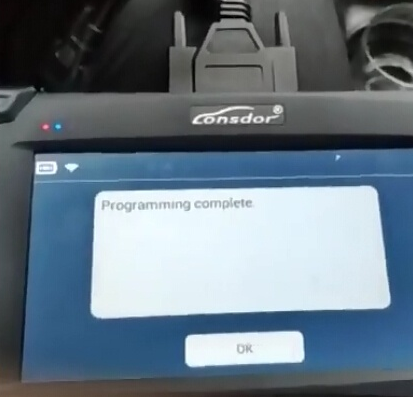
Programming completed
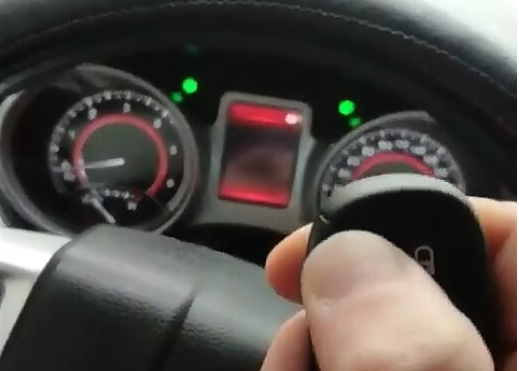
Test the smart key.
It is working.
Posted by: youobd2 at
05:55 AM
| No Comments
| Add Comment
Post contains 151 words, total size 4 kb.
35 queries taking 0.0196 seconds, 128 records returned.
Powered by Minx 1.1.6c-pink.

