



May 26, 2021
Before starting our topic "How to Upgrade ICOM Next Firmware?â€, let’s have an overview of one user’s feedback: when powered up the unit, immediately the COMM LED light RED ! Other LEDs light blue. When connected the unit to my laptop with ISTA D v4.24, LAN LED lights blue and IToolRadar recognized the unit. But ISTA does not connect to the ICOMâ€.
Look at the screenshot of error:
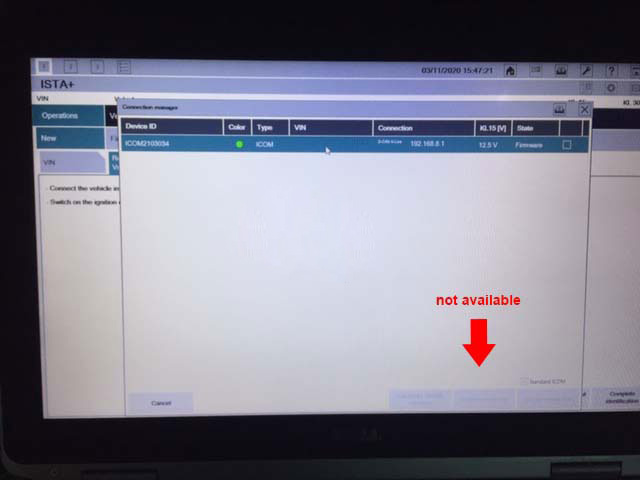
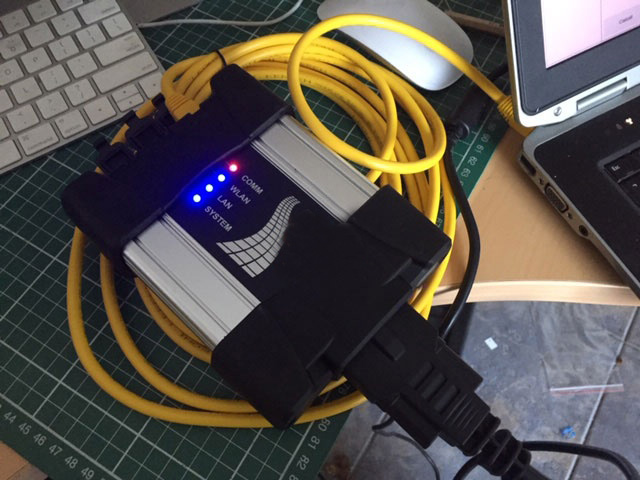
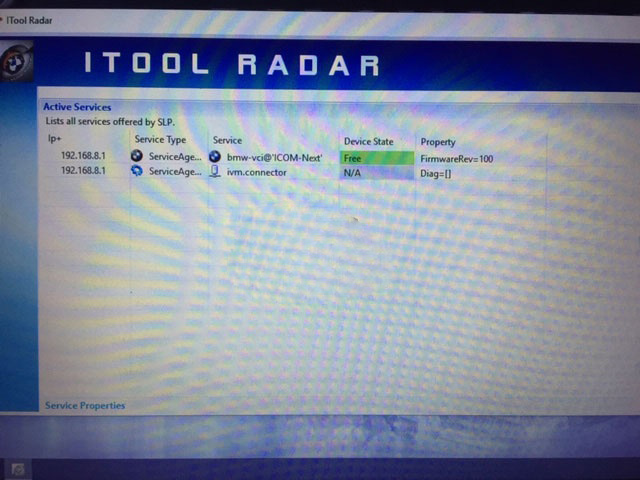
Possible reason and solution:
Need to update your ICOM Next firmware.. yours is on v100. latest is v141
The method to update ICOM next firmware:
By obdii365.com engineer: Open "vx manager†to click on "Firmware upgradeâ€.
Browse http://www.vxdiag.net/
Click on "Downloadâ€
Click on "VX Managerâ€.
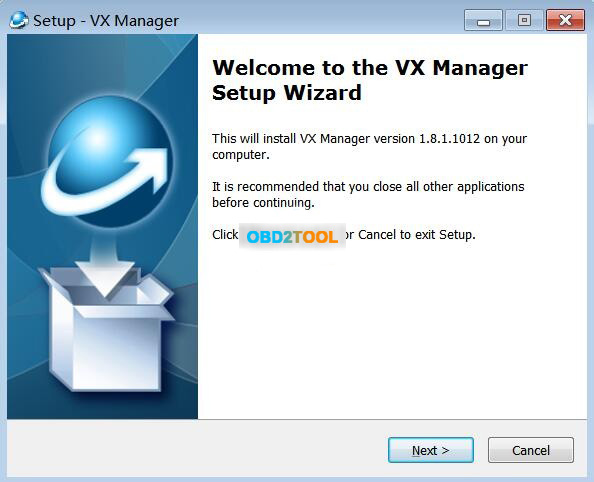
Run VX Manager.exe to setup
Click on [Next]
Select Components.
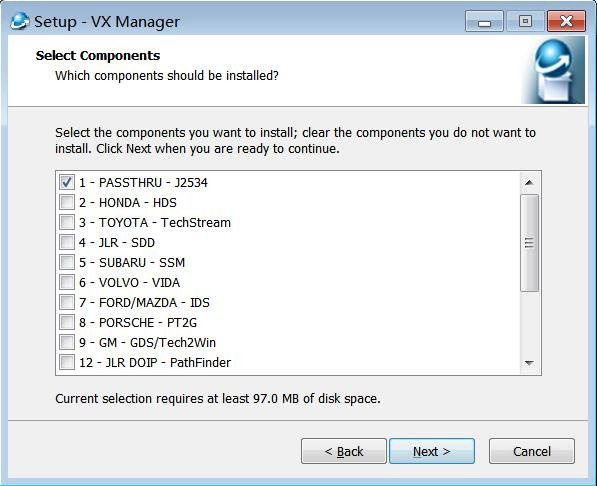
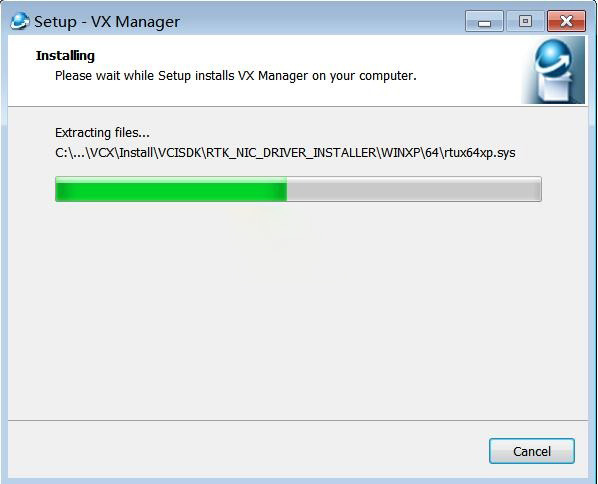
Installing…
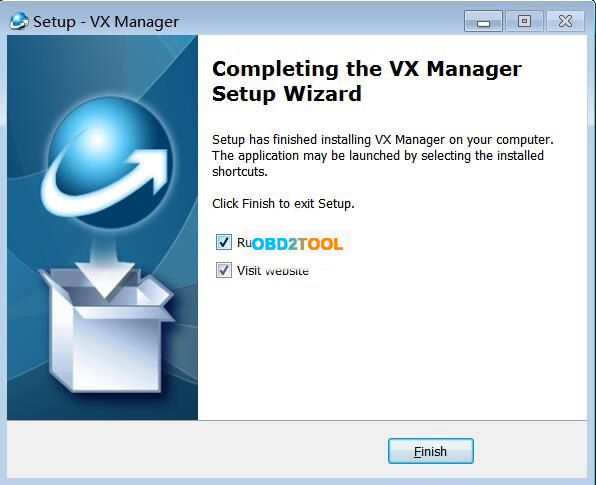
Complete the VX Manager Setup Wizard.
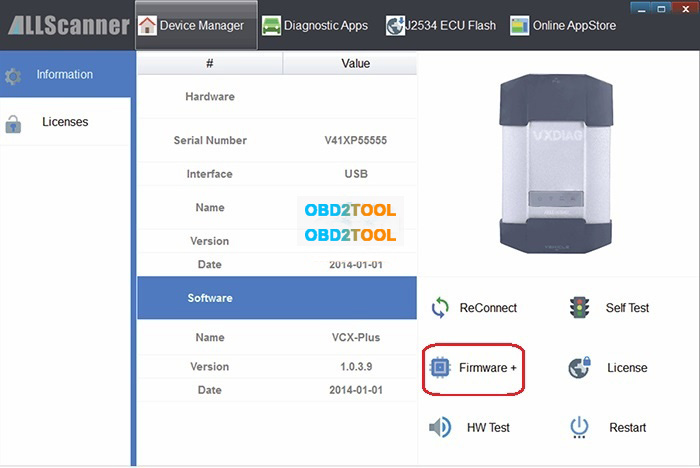
Connection ICOM NEXT device and run VX Manager, and you will have the information of device in "Device Managerâ€.
Click on "Firmware†to upgrade.
Posted by: youobd2 at
12:59 PM
| No Comments
| Add Comment
Post contains 159 words, total size 4 kb.
35 queries taking 0.0327 seconds, 128 records returned.
Powered by Minx 1.1.6c-pink.

