



April 23, 2018
BMW ISTA+ for BMW diagnostic & programming function, BMW ISTA+ software compatible with BMW ICOM A2,ICOM Next & Enet cable, recently some users to help those with error "Programming is not possible†when using BMW ISTA+. Eobdtool.com share How to Solve BMW ISTA+ 4.1 "Programming is not possible†as following.
Rheingold ISTA+ BMW Diagnostic Software BMW ISTA D/P software 2018.03 Version
Here obd2tool.com share lists possible solutions as follows:
Sw version: Ista+ 4.10.30
Hw: Enet cable
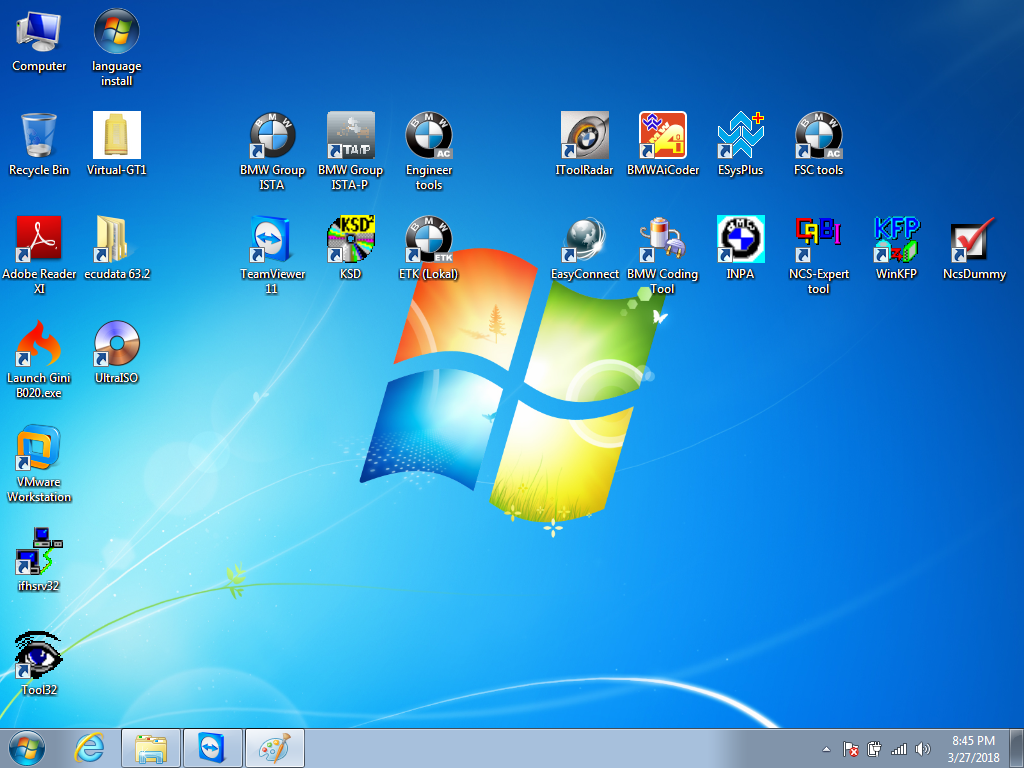
Error message: I get message after reading all ECU’s
"Programming is not possibleâ€
If I click this message away I can just continue.
I have: bin, binx64, host, hostx64
But which files/maps must be located in map PSdZ?
Solution 1:
Try it with the BLP data so the folder "data†under C / Rheingold / PSdZ / data ..
Of course, in the Reg also specify that the data is available but still as you have made everything on "false†..
you unpack the BLP under C / Rheingold / PSdZ / and you get the folder "data†..
So C / Rheingold / PSdZ / data ..
Reg:
"Product Version†= "4.10.30.15635â€
"Main Product Version†= "4.10â€
"Data version†= "10/04/31â€
"DataVersion_en-GB†"04/10/31â€
"Logistic Base Version†"10/04/30â€
"SWIData†= "04/10/30â€
"BMW.Rheingold.Programming.ExpertMode†"Trueâ€
"BMW.Rheingold.Programming.Enabled†= "Trueâ€
"BMW.Rheingold.Programming.PsdzDataPath†= ".. \\ .. \\ .. \\ \\ PSdZ data_swiâ€
If it doesn’t work, try the following solution. It works for bmw a2 in earlier version.
Solution 2:
In earlier versions this worked:
"BMW.Rheingold.Programming.ExpertModeâ€=â€Falseâ€
"BMW.Rheingold.Programming.Enabledâ€=â€Falseâ€
"BMW.Rheingold.Programming.PsdzDataPathâ€=â€..\\..\\PSdZ\\dataâ€
Have not tried on latest.
P.S. BLP must be installed normally into data folder. No need to create any empty folders.
Still had psdz path set to data_swi. You must adjust it to be data instead of data_swi when no sdp installed. Then it should not complain and work.BMW ICOM BLP data MUST be installed in all cases.
Solution 3:
Create empty folders
С:\Rheingold\PSdZ\data
С:\Rheingold\PSdZ\data_swi
Working registry
Windows Registry Editor Version 5.00
[HKEY_LOCAL_MACHINE\SOFTWARE\WOW6432Node\BMWGroup]
[HKEY_LOCAL_MACHINE\SOFTWARE\WOW6432Node\BMWGroup\ISPI]
[HKEY_LOCAL_MACHINE\SOFTWARE\WOW6432Node\BMWGroup\ISPI\ISTA]
"DataVersionâ€=â€4.10.31â€
"DataVersion_en-GBâ€=â€4.10.31â€
"ProductVersionâ€=â€4.10.30.15635â€
"MainProductVersionâ€=â€4.10â€
"InstallLocationâ€=â€C:\\Rheingoldâ€
"LogisticBaseVersionâ€=â€4.10.30â€
"SWIDataâ€=â€4.10.30â€
[HKEY_LOCAL_MACHINE\SOFTWARE\WOW6432Node\BMWGroup\ISPI\Rheingold]
"BMW.Rheingold.Programming.Enabledâ€=â€Trueâ€
"BMW.Rheingold.Programming.PsdzDataPathâ€=â€..\\..\\..\\PSdZ\\data_swiâ€
"BMW.Rheingold.Programming.ExpertModeâ€=â€Trueâ€
Rheingold location
Directory of c:\Rheingold\PSdZ
06-Apr-18 22:13 <DIR> .
06-Apr-18 22:13 <DIR> ..
29-Mar-18 19:35 <DIR> bin
29-Mar-18 19:35 <DIR> binx64
06-Apr-18 22:13 <DIR> data
16-Mar-18 09:25 <DIR> data_swi
29-Mar-18 19:35 <DIR> host
29-Mar-18 19:35 <DIR> hostx64
FULL SW
Directory of c:\Rheingold\PSdZ\data_swi
16-Mar-18 09:25 <DIR> .
16-Mar-18 09:25 <DIR> ..
16-Mar-18 09:52 <DIR> psdzdata
Lite SW
Directory of c:\Rheingold\PSdZ\data
06-Apr-18 22:13 <DIR> .
06-Apr-18 22:13 <DIR> ..
06-Apr-18 22:13 <DIR> psdzdata
Need purchase the Rheingold BMW ISTA+ BMW Diagnostic & Programming function just contact us freely.
http://obd2trade.com/2018/04/20/how-to-solve-bmw-ista-4-1-programming-is-not-possible/
Posted by: youobd2 at
12:53 PM
| No Comments
| Add Comment
Post contains 428 words, total size 6 kb.
35 queries taking 0.0184 seconds, 128 records returned.
Powered by Minx 1.1.6c-pink.

