



February 09, 2023
How to Set up INPA for VXDIAG VCX SE BMW
The guide is to help people who have problems in setting upBMW INPA softwarewithVXDIAG VCX SE BMW.
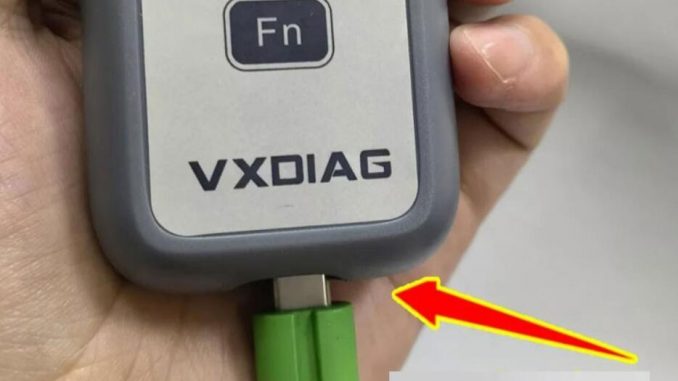
Setup requires USB connection
Make sure the USB cable is going all the way in.
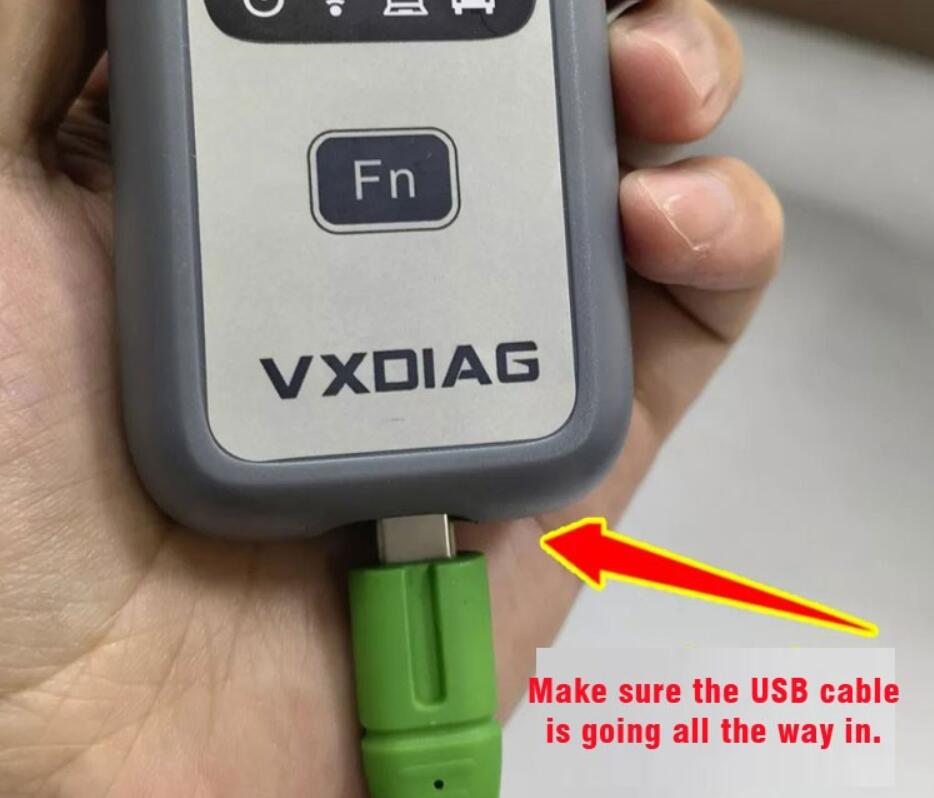
Connect VCX BMW with vehicle and laptop via USB cable
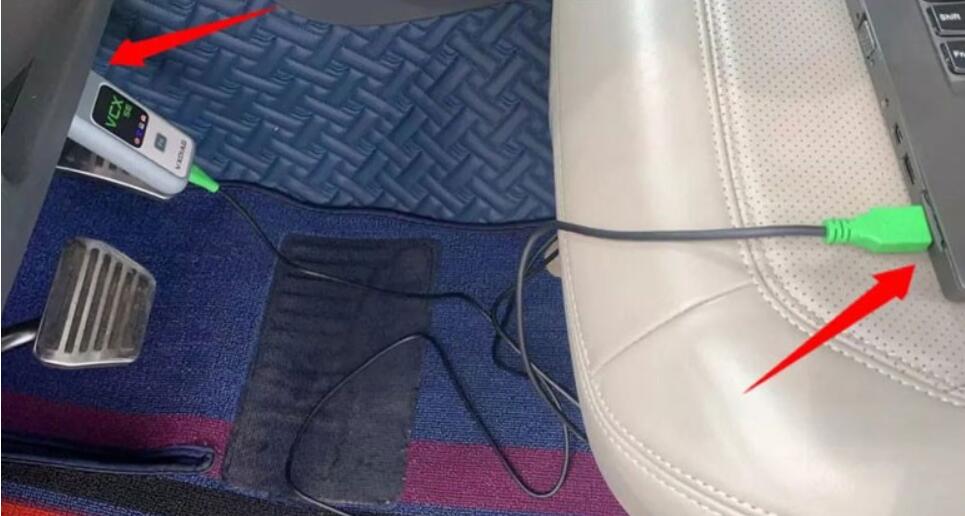
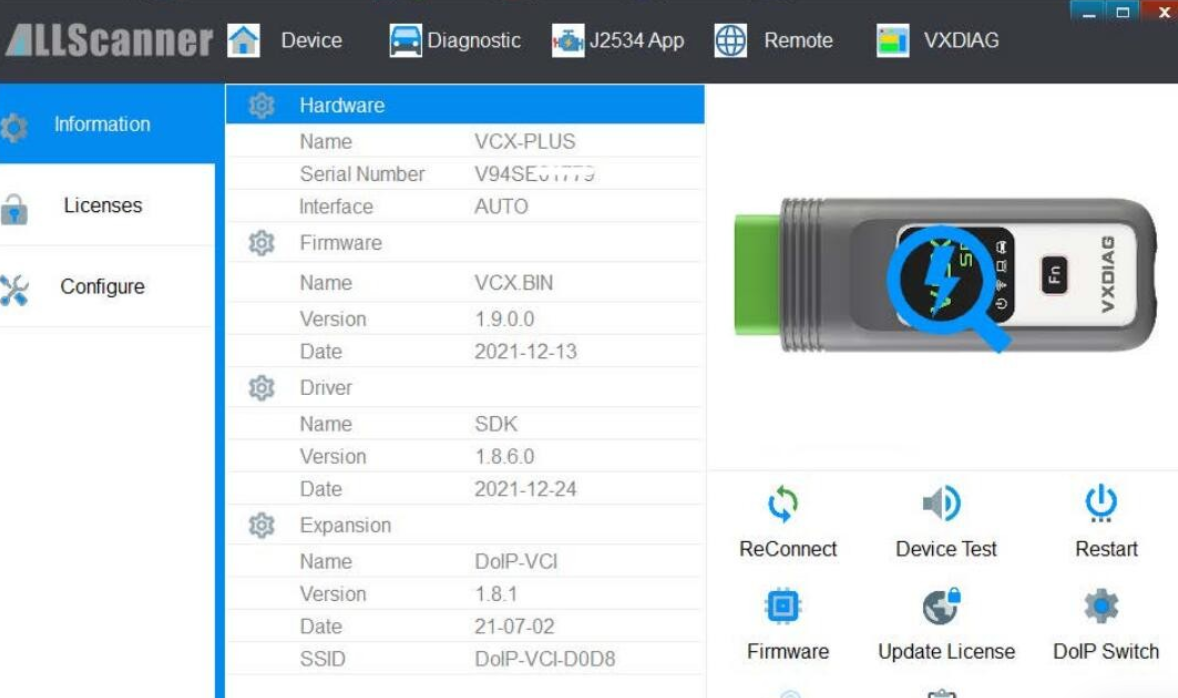
Open VX Manager to check device is well connected
VX Manager detects serial number, firmware driver version etc, vcx se bmw is well connected.
Open EasyConnect program
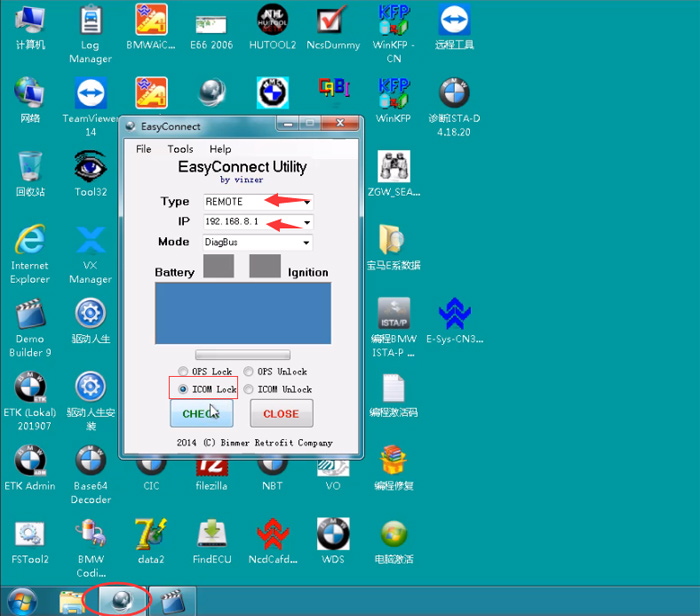
Choose Type: REMOTE
Set IP: 192.168.8.1
Select ICOM Lock and press CHECK button
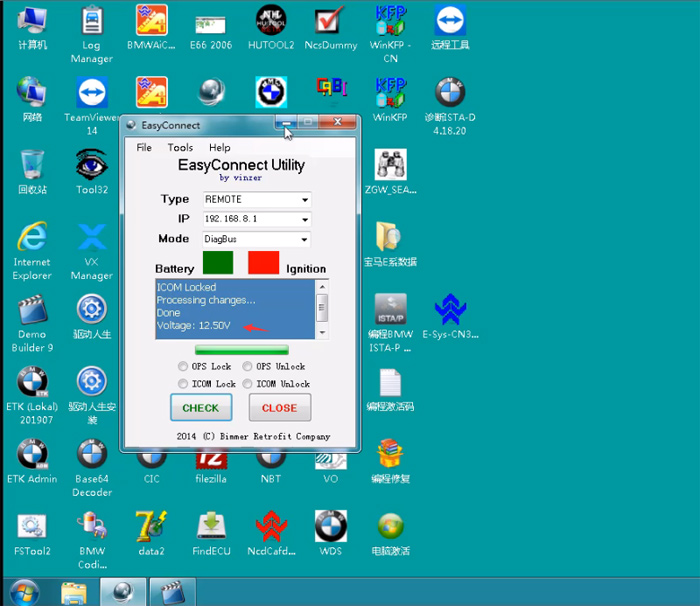
Voltage: 12.50V
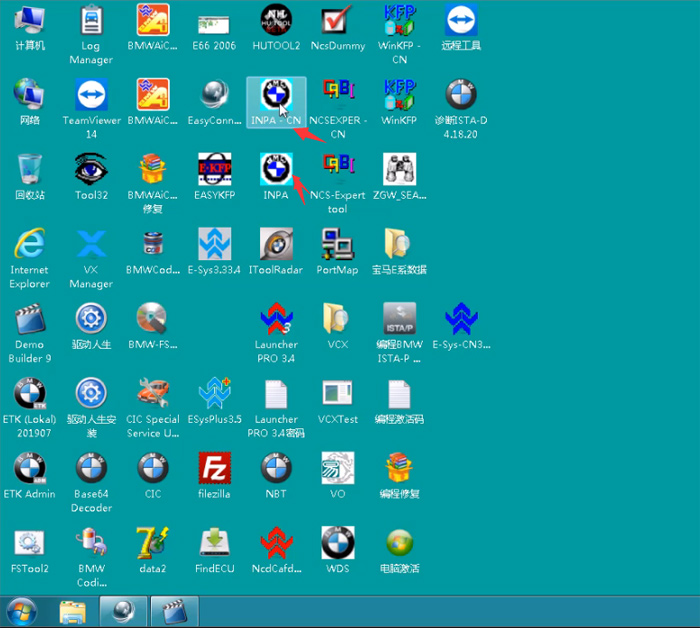
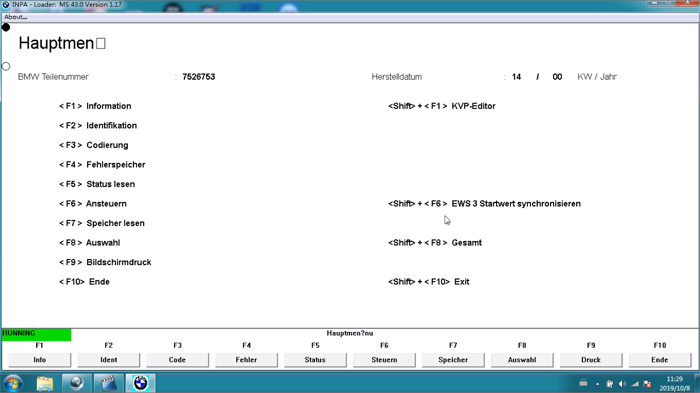
Now can you start INPA software on desktop
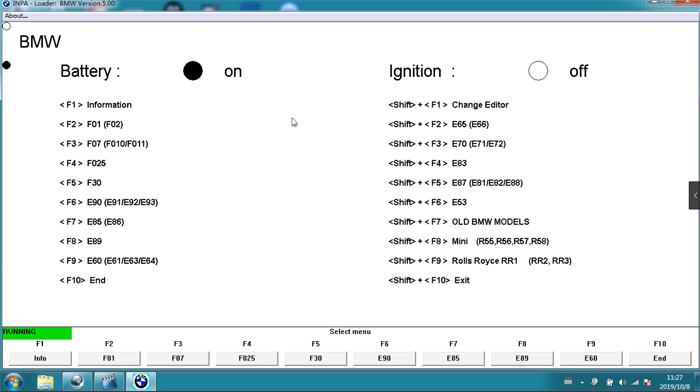
If the ‘on’ icon turns black, inpa software is ready to use.
Check video guide here as well
Posted by: youobd2 at
06:41 AM
| No Comments
| Add Comment
Post contains 120 words, total size 7 kb.
22kb generated in CPU 0.0128, elapsed 0.0274 seconds.
35 queries taking 0.0187 seconds, 128 records returned.
Powered by Minx 1.1.6c-pink.
35 queries taking 0.0187 seconds, 128 records returned.
Powered by Minx 1.1.6c-pink.

