



June 16, 2019
How to change language and update Autel Scanner
1.First of all, the language of the Android Tablet need to change from Spanish to English.
Double check System setting —- language —-English
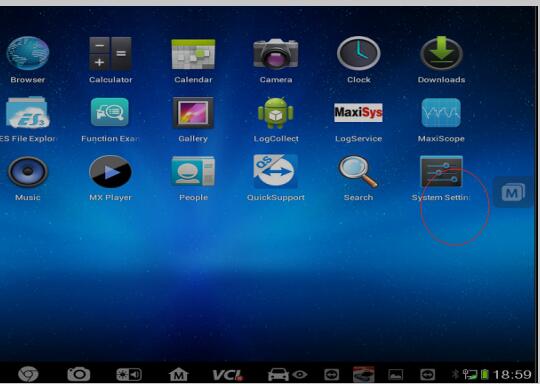
2.The language of Diagnostic need to change.
To change the language from Spanish to English.
Step 1: Click at Maxisys.
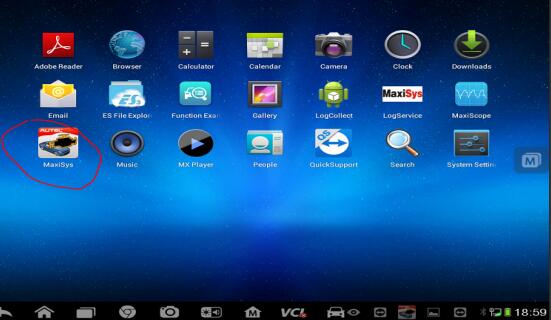
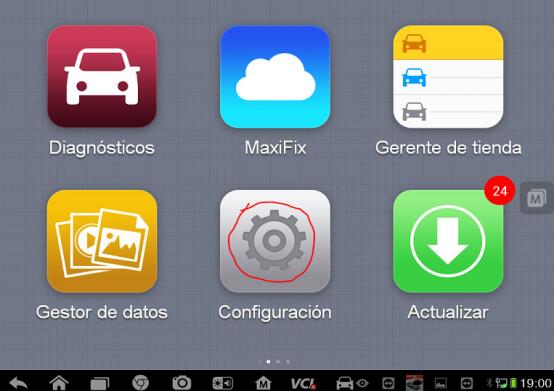
Step 2: Click at "Settingsâ€.
Step 3: Click at " Languageâ€
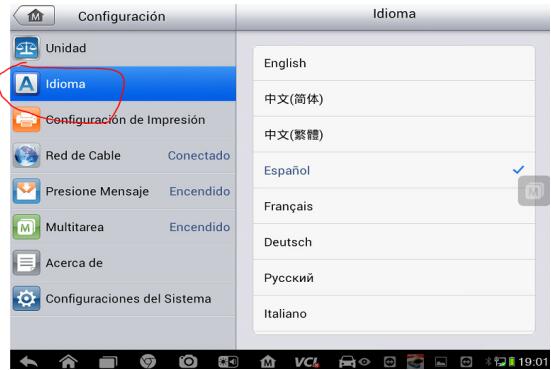
Step 4: Select " Englishâ€
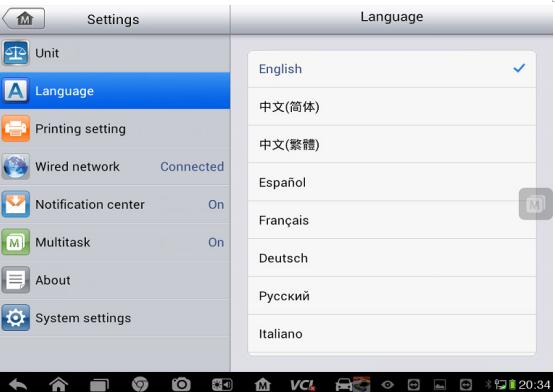
Then you can see that the language is in English now.
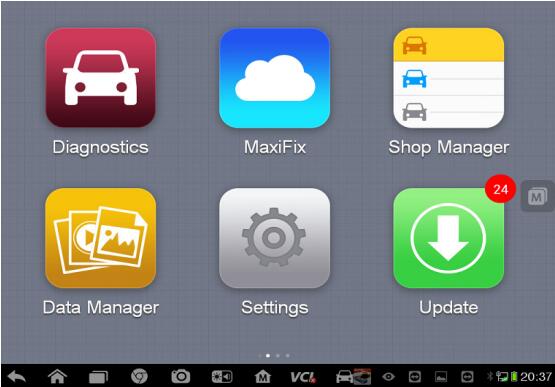
After changing language to English and if you found it is blank here(Maxisys—Diagnostic).
Please go to Update and select vehicles software and reload them.
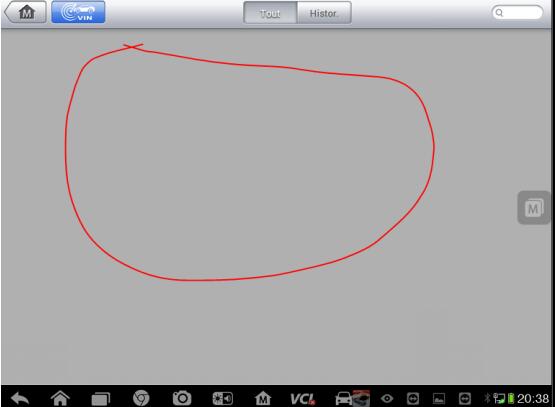
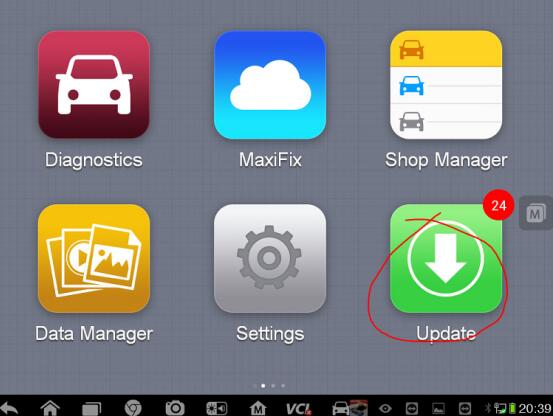
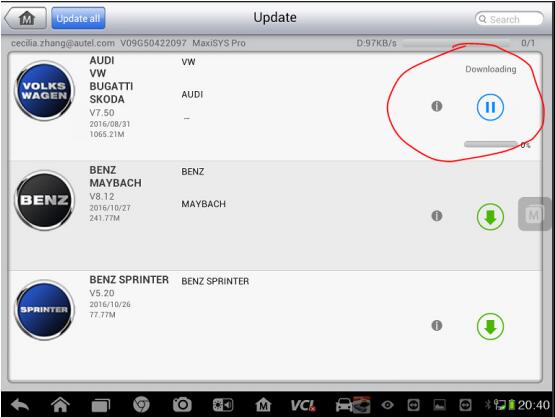
the video of How to change language and updateAutel Maxisys
Posted by: youobd2 at
10:49 AM
| No Comments
| Add Comment
Post contains 111 words, total size 4 kb.
19kb generated in CPU 0.0221, elapsed 0.0507 seconds.
35 queries taking 0.0367 seconds, 128 records returned.
Powered by Minx 1.1.6c-pink.
35 queries taking 0.0367 seconds, 128 records returned.
Powered by Minx 1.1.6c-pink.

