



April 19, 2020
It is highly recommend you backup the Autel Maxisys diagnostic software data in your card. You can restore them in case of data loss/corrupt or accidental deletion. Here is what you need to know to get your MaxiSys (Pro MS908P,MS906,Maxisys Elite,MS908,MS906BT,Mini MS905 etc) back up and running.

1. If you have a current subscription…Run an update.
2. If your yearly subscription has expired…Restore from backup.
3. Don’t have a backup…Renew the subscription.
How to backup the Autel MaxiSys software?

Prepare 32GB USB drive or Micro SD card
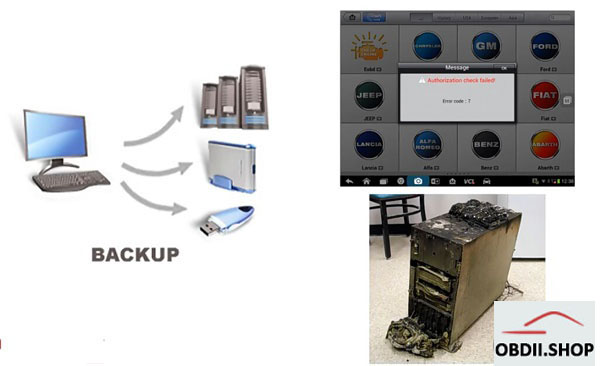
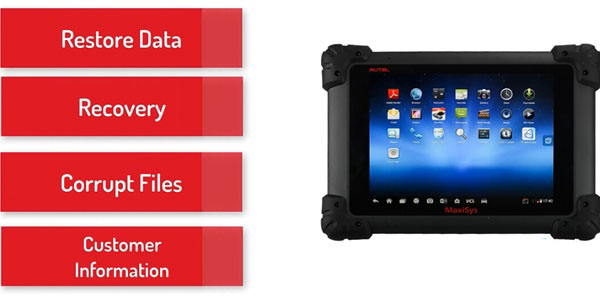
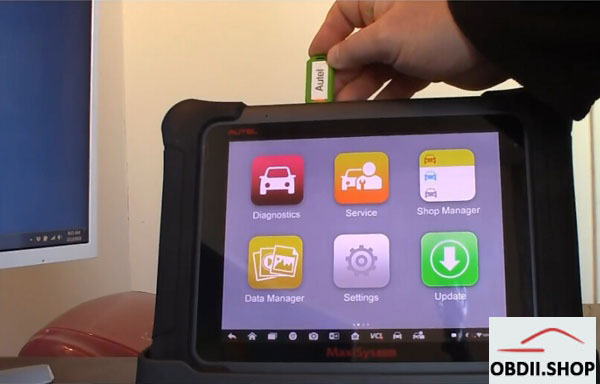
Insert the USB drive into Maxisys
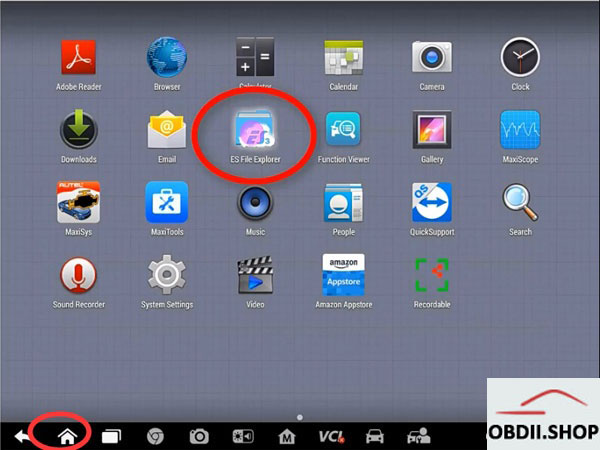
Click on Home button-> ES File Explorer
copy and paste the SCAN folder from the Autel tablet to the USB drive
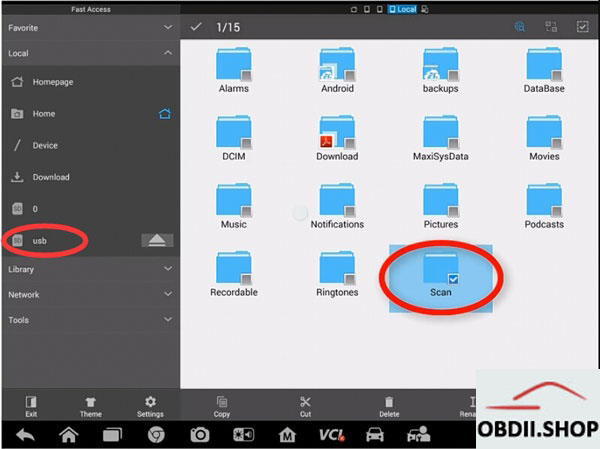
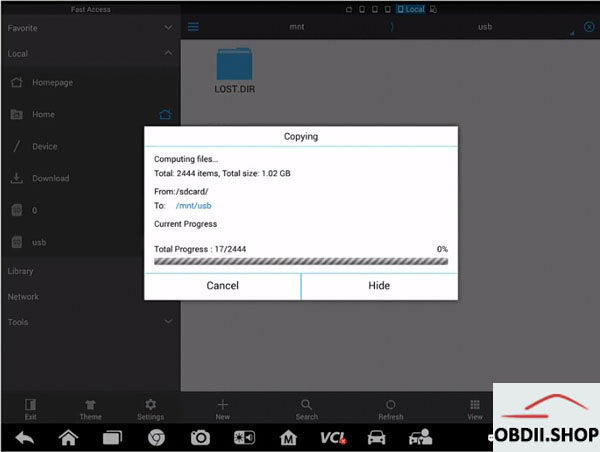
To summarize, copy and paste the SCAN folder from the Autel tablet to a flash drive (thumb drive, SD card, etc…) that is 32GB. WARNING: The Autel devices will not recognize a flash drive larger than 32GB.
FAQ:
Q: Which Autel tablets support this method of backup?
A: All of Autel’s current Android-based tablets, including, all the MaxiSys 906, 908 pro, and even the mx808 and ts608.
Q: The video recommends a 32GB flash drive, can a larger one be used?
A: No. The Autel tablets will not recognize a flash drive larger than 32GB.
Q: How do I restore the files from a backup?
A: Copy the SCAN folder from the backup flash drive to the tablet.
Q: Can the backup be used to restore the Autel tablet after the subscription has expired?
A: Yes.
Q: Can I "lend†my backup to a friend?
A: No. The backups are tied to the serial number.
Q: When should I make a backup?
A: Make at least one backup before your current subscription expires. Ideally, make at least two backups:
– one to use
– another one to use in case the first one does not work.
Posted by: youobd2 at
07:09 AM
| Comments (1)
| Add Comment
Post contains 319 words, total size 6 kb.
Posted by: greenbeen at November 10, 2020 08:45 PM (FNEw5)
37 queries taking 0.0219 seconds, 130 records returned.
Powered by Minx 1.1.6c-pink.

