



July 24, 2019
Confirmed:CGDI BMW adds "BMW diagnosis†to be able to program and code BMW E series; able to read/clear trouble codes for BMW E series, F series, G series.
How to update CGDI BMW diagnosis function for free:
As long as you have any of CG100 or CG Pro or CGDI MB, please provide the serial number for free trial.
For BMW diagnosis: CGDI BMW VS BMW ICOM
1.Easy to use. As long as you are qualified with corresponding vehicle maintenance knowledge, CGDI BMW does not have high requirements for the user’s professional skills and English level.
2.Cheap. CGDI BMW is cheaper thanBMW ICOM(clone and original).
BMW ICOM clone & original are able to diagnose, program and code BMW E-series models at higher price (clone: about 400eur).
Besides, BMW ICOM has some requirements for the user’s operating skills during installation, therefore some users will choose a hard disk with pre-installed software and be charged.
3.Menu-driven & automatic operation instead of manual operation, which save much time.
How does CGDI BMW diagnose BMW 3 series E93 successfully?
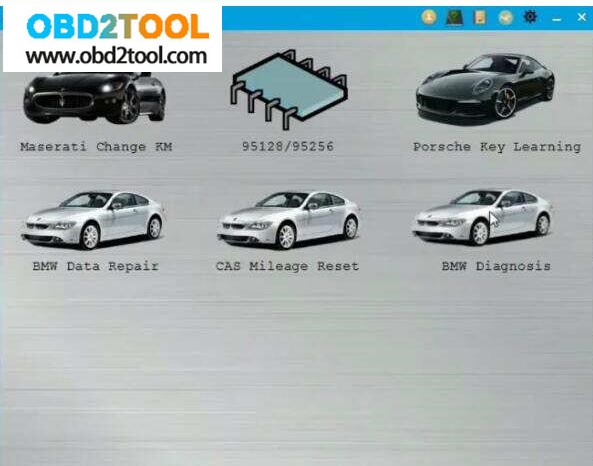
1.Select "BMW diagnosisâ€.
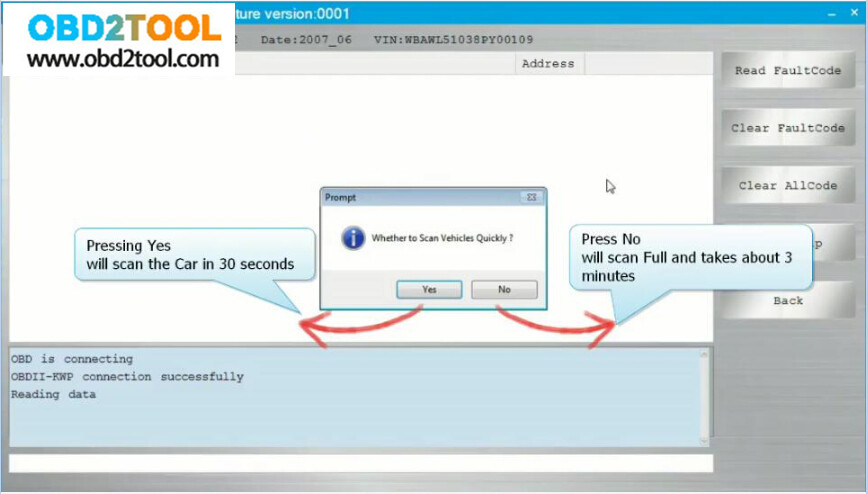
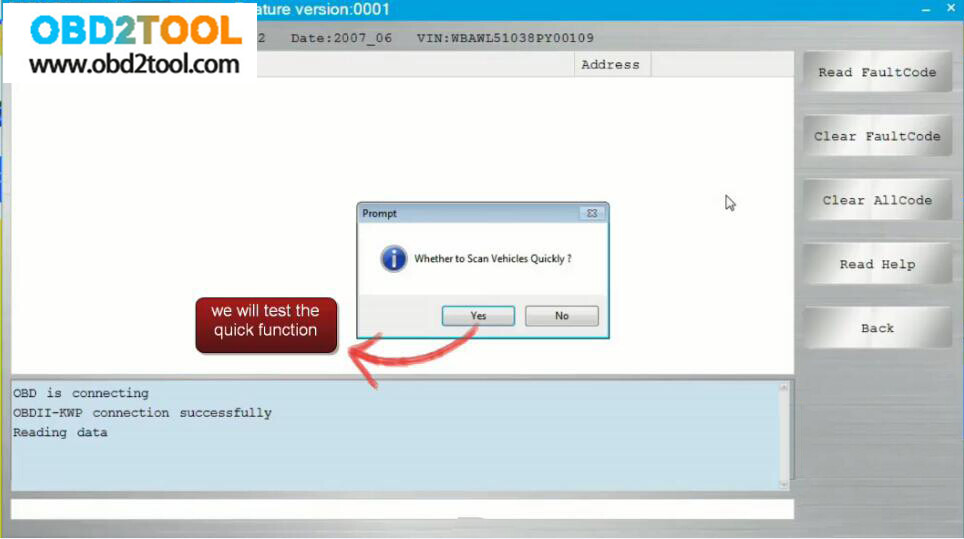
2.It pops up "Whether to scan vehicle quicklyâ€.
Press "Yes†and CGDI BMW will scan the BMW in 30 seconds.
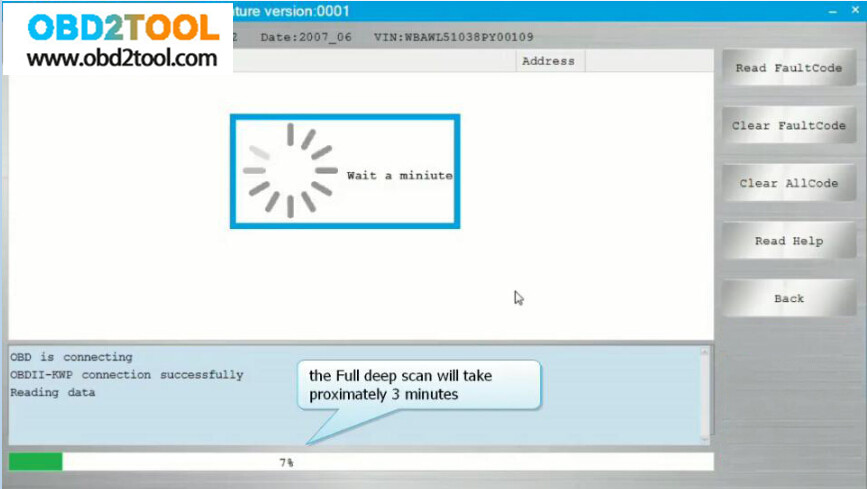
Press "No†and CGDI BMW will scan the BMW all systems and take about 3 minutes.
3.After selecting "Noâ€.

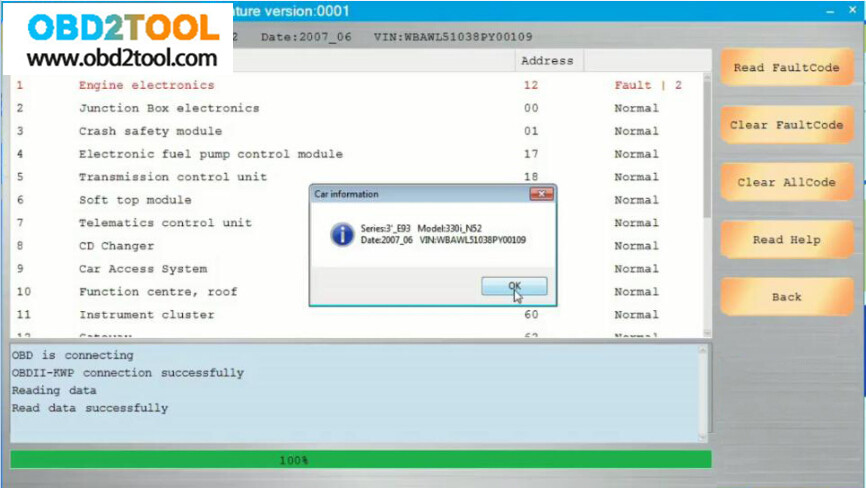
4.It pops up the BMW information.
Have diagnosis options :
Read fault codes, clear fault codes, Clear all codes, Help, back.
It is menu-driven operation, easy to use.
At the left corner, you will see the working status.
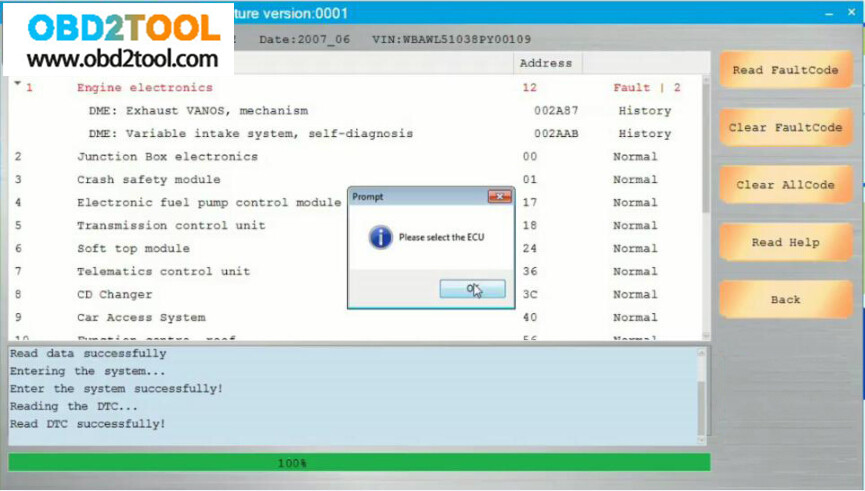
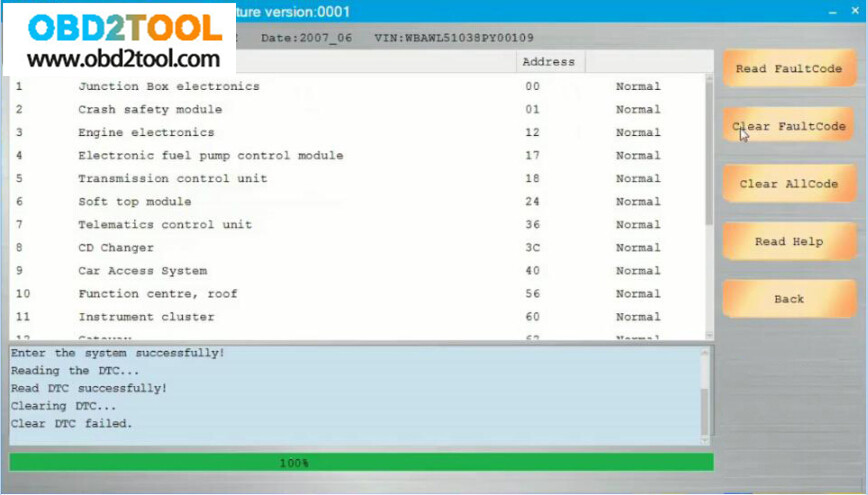
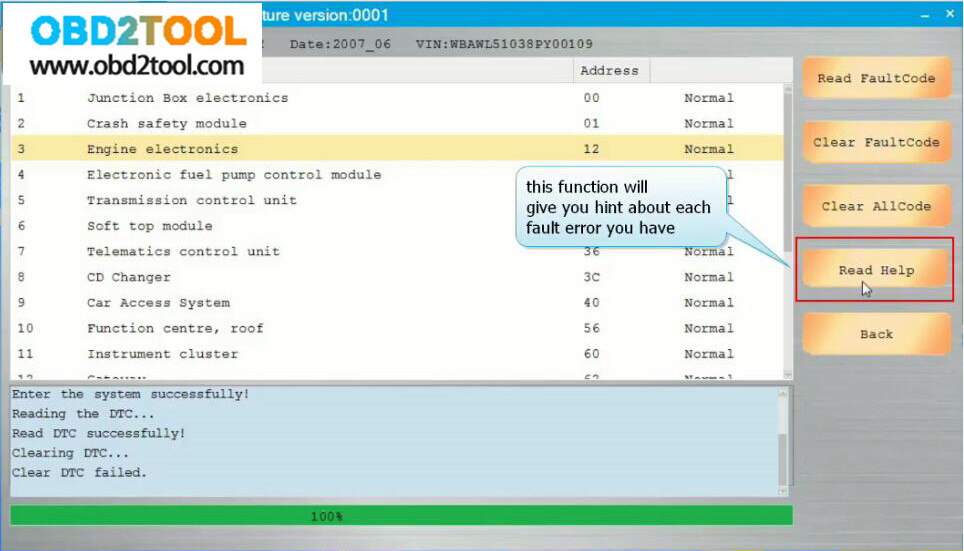
5.Back to select "BMW diagnosisâ€, then "scan vehicle quicklyâ€.
And you will see all trouble codes are cleared, and all are normal.
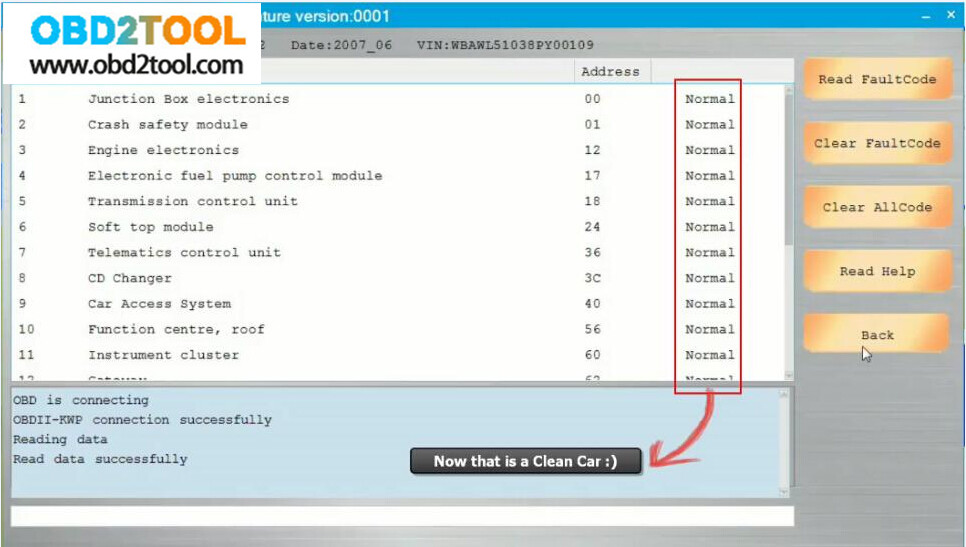
Don’t you think it is easy to use CGDI BMW Prog for diagnosis?
Posted by: youobd2 at
08:11 AM
| Comments (1)
| Add Comment
Post contains 300 words, total size 6 kb.
Posted by: ghost19 at November 12, 2020 06:24 AM (1sJKX)
37 queries taking 0.0328 seconds, 130 records returned.
Powered by Minx 1.1.6c-pink.

