



April 26, 2018
GM Tech 2 with multi-languages, TIS2000 Programming CD, CANDI interface, update via 32MB Card, multi car model software to choose,Support GM,SAAB,OPEL,SUZUKI,ISUZU and Holden. One GM Tech II Scanner can be used on all GM vehicle applications.
GM Tech2 Professional GM Diagnostic Tool for GM vehicles.It supportsall GM systems from 1992 to 2014.
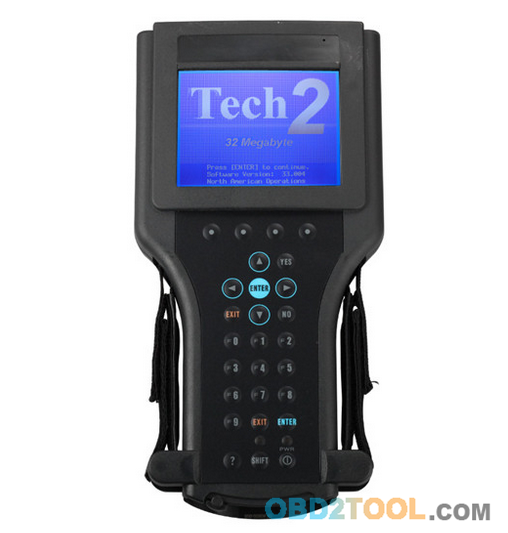
GM Tech2 Scanner specification:
1) Dimensions: 12
2) Microprocessor: 32 bit,16 MHz
3) Memory: 32 MB flash type II PCMCIA. Type III slot available for future expansion.
4) Communications: Integral RS232 communication port.
5) Screen: 3.8.8 backlit monochrome with full graphics capability:
320,40 pixels. Displays up to 9 vehicle parameters at once .Download
Tech2 Brochure (5.2 Mb)
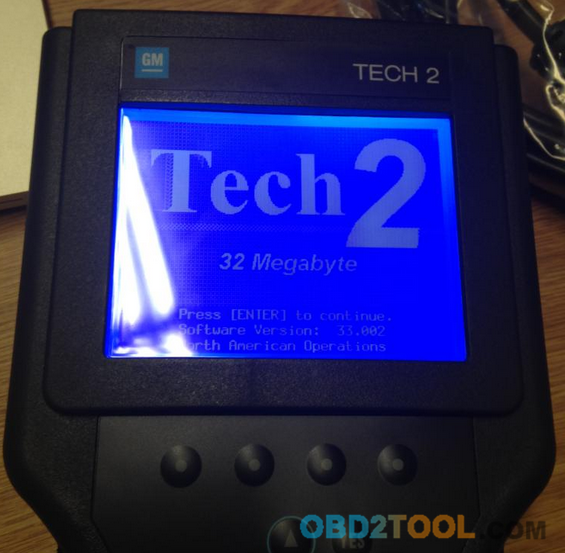
GM Tech2 Features:
1) Authentic GM software in the Auto Scanner Tool Tech 2 Flash means the most comprehensive diagnostic software available for late model GM vehicles.
2) Support for on-board diagnostics on all GM systems 1992 thru 2011.
3) Removable hardware modules provide insurance against scan tool obsolescence.
4) Large, easy-to-read backlit screen.
5) RS232 & RS485 ports provide the avenue to connect future devices to your Tech 2 Flash.
6) Ability to capture stored DTCs, Freeze Frame, and Failure Record for later review.
7) Ability to view the status of vehicle diagnostic tests as they run.
 Bi-directional The authentic GM 1992-current year software will
provide full bi-directional control when performing power train,
chassis, and body diagnostics.
Bi-directional The authentic GM 1992-current year software will
provide full bi-directional control when performing power train,
chassis, and body diagnostics.
An industry change in protocol from OBD II to Controller Area Network
(CAN) has begun. In order to perform diagnostics on a vehicle that uses
the CAN interface; you will need the Tech 2 Flash and a CAN diagnostic
interface module. The module connects between the Tech 2 Flashs
diagnostic link cable and the OBD adapter. Once the module is connected,
it can be used on all GM vehicle applications,even those vehicles using
other platforms such as OBD I and OBD II.
An industry change in protocol from OBD II to Controller Area Network
(CAN) has begun. In order to perform diagnostics on a vehicle that uses
the CAN interface; you will need the Tech 2 Flash and a CAN diagnostic
interface module. The module connects between the Tech 2 Flashs
diagnostic link cable and the OBD adapter. Once the module is connected,
it can be used on all GM vehicle applications,even those vehicles using
other platforms such as OBD I and OBD2 Scanner.
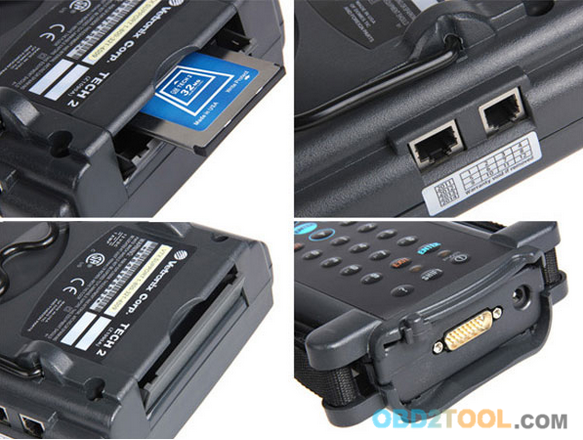
For GM
For GM-English 33.004 1991-2014 (Newest software)
For GM-Germany 32.007 1991-2013
For GM-Spanish 32.008 1991-2013
For GM-Italian 32.006
For GM-Japanese 32.006 1991-2013
For GM-French 32.008 1991-2013
For GM-Thai 32.008 1991-2013
For GM-Dutch 32.006
For GM-Portuguese 32.008 1991-2013
For GM-Korean 32.008 1991-2013
For OPEL
For OPEL-English 1997-2014 165.000 (Newest software)
For OPEL-Italian 133.001 1997-2012
For OPEL-Germany 85.001 1997-2008
For OPEL-Spanish 91.001 1997-2009
For SUZUKI
For SUZUKI-English 01.210.020
For SAAB
For SAAB-English 148.000 1998-2013
For ISUZU
For ISUZU-English 107.021
CAN-BUS: 2010- (CAN-BUS support car models after 2010)
K-line: 1996-2011 (K-line support car models from 1996 to 2011)
(Please select one: CAN-BUS or K-line)
For Holden
For HOLDEN-English  149.000 1999-2013
Tech 2 Vehicle CAN Interface:
05 Buick Allure (3.6L)
05 Buick LaCrosse (3.6L)
05 Buick Rainier (5.3L)
04-05 Buick Rendezvous (3.6L)
04-05 Cadillac CTS (3.6L)
04-05 Cadillac SRX (3.6L / 4.6L)
04-05 Cadillac XLR (4.6L)
05 Cadillac STS (3.6L / 4.6L)
05 Chevrolet Cobalt (2.2L)
05 Chevrolet Corvette (6.0L)
05 Chevrolet Equinox (3.4L)
05 Chevrolet TrailBlazer (5.3L)
05 Chevrolet SSR (6.0L)
04 Chevrolet Malibu (Body/Chassis only)
05 Chevrolet Malibu (3.5L)
05 GMC Envoy (5.3L)
05 Pontiac G6 (3.5L)
05 Pontiac GTO (6.0L)
05 Pontiac Pursuit (2.2L)
http://forobd2tool.com/blog/2018/04/23/gm-tech2-professional-gm-diagnostic-tool-for-gm-vehicles/
Posted by: youobd2 at
03:18 AM
| No Comments
| Add Comment
Post contains 596 words, total size 6 kb.
April 23, 2018
BMW ISTA+ for BMW diagnostic & programming function, BMW ISTA+ software compatible with BMW ICOM A2,ICOM Next & Enet cable, recently some users to help those with error "Programming is not possible†when using BMW ISTA+. Eobdtool.com share How to Solve BMW ISTA+ 4.1 "Programming is not possible†as following.
Rheingold ISTA+ BMW Diagnostic Software BMW ISTA D/P software 2018.03 Version
Here obd2tool.com share lists possible solutions as follows:
Sw version: Ista+ 4.10.30
Hw: Enet cable
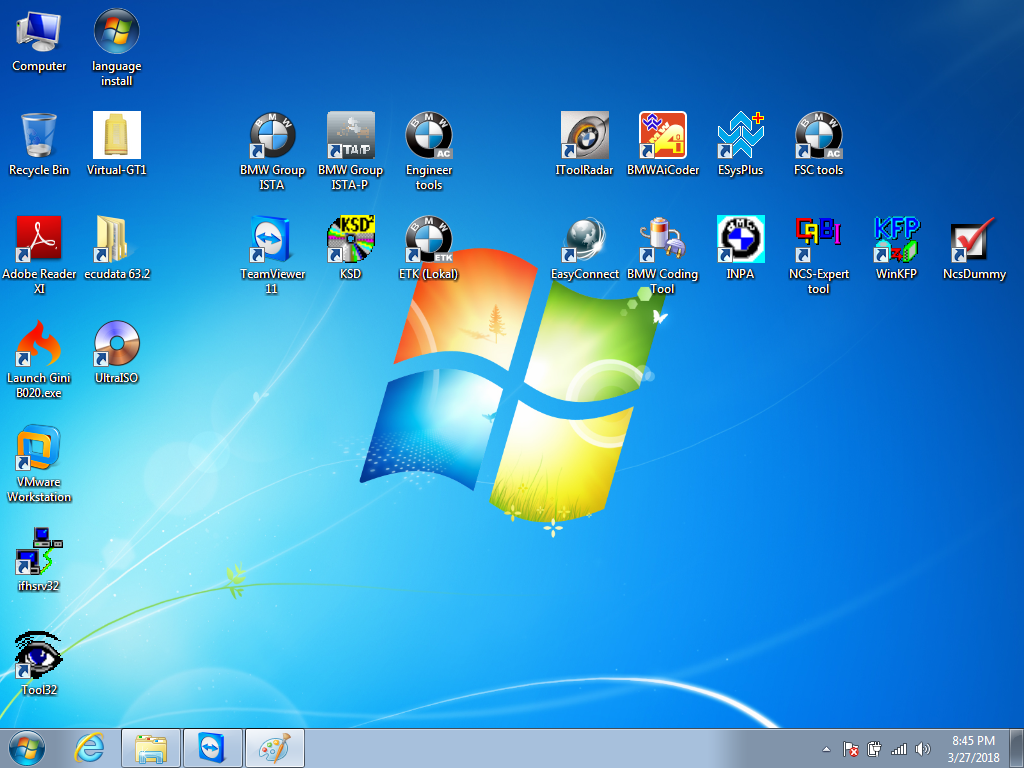
Error message: I get message after reading all ECU’s
"Programming is not possibleâ€
If I click this message away I can just continue.
I have: bin, binx64, host, hostx64
But which files/maps must be located in map PSdZ?
Solution 1:
Try it with the BLP data so the folder "data†under C / Rheingold / PSdZ / data ..
Of course, in the Reg also specify that the data is available but still as you have made everything on "false†..
you unpack the BLP under C / Rheingold / PSdZ / and you get the folder "data†..
So C / Rheingold / PSdZ / data ..
Reg:
"Product Version†= "4.10.30.15635â€
"Main Product Version†= "4.10â€
"Data version†= "10/04/31â€
"DataVersion_en-GB†"04/10/31â€
"Logistic Base Version†"10/04/30â€
"SWIData†= "04/10/30â€
"BMW.Rheingold.Programming.ExpertMode†"Trueâ€
"BMW.Rheingold.Programming.Enabled†= "Trueâ€
"BMW.Rheingold.Programming.PsdzDataPath†= ".. \\ .. \\ .. \\ \\ PSdZ data_swiâ€
If it doesn’t work, try the following solution. It works for bmw a2 in earlier version.
Solution 2:
In earlier versions this worked:
"BMW.Rheingold.Programming.ExpertModeâ€=â€Falseâ€
"BMW.Rheingold.Programming.Enabledâ€=â€Falseâ€
"BMW.Rheingold.Programming.PsdzDataPathâ€=â€..\\..\\PSdZ\\dataâ€
Have not tried on latest.
P.S. BLP must be installed normally into data folder. No need to create any empty folders.
Still had psdz path set to data_swi. You must adjust it to be data instead of data_swi when no sdp installed. Then it should not complain and work.BMW ICOM BLP data MUST be installed in all cases.
Solution 3:
Create empty folders
С:\Rheingold\PSdZ\data
С:\Rheingold\PSdZ\data_swi
Working registry
Windows Registry Editor Version 5.00
[HKEY_LOCAL_MACHINE\SOFTWARE\WOW6432Node\BMWGroup]
[HKEY_LOCAL_MACHINE\SOFTWARE\WOW6432Node\BMWGroup\ISPI]
[HKEY_LOCAL_MACHINE\SOFTWARE\WOW6432Node\BMWGroup\ISPI\ISTA]
"DataVersionâ€=â€4.10.31â€
"DataVersion_en-GBâ€=â€4.10.31â€
"ProductVersionâ€=â€4.10.30.15635â€
"MainProductVersionâ€=â€4.10â€
"InstallLocationâ€=â€C:\\Rheingoldâ€
"LogisticBaseVersionâ€=â€4.10.30â€
"SWIDataâ€=â€4.10.30â€
[HKEY_LOCAL_MACHINE\SOFTWARE\WOW6432Node\BMWGroup\ISPI\Rheingold]
"BMW.Rheingold.Programming.Enabledâ€=â€Trueâ€
"BMW.Rheingold.Programming.PsdzDataPathâ€=â€..\\..\\..\\PSdZ\\data_swiâ€
"BMW.Rheingold.Programming.ExpertModeâ€=â€Trueâ€
Rheingold location
Directory of c:\Rheingold\PSdZ
06-Apr-18 22:13 <DIR> .
06-Apr-18 22:13 <DIR> ..
29-Mar-18 19:35 <DIR> bin
29-Mar-18 19:35 <DIR> binx64
06-Apr-18 22:13 <DIR> data
16-Mar-18 09:25 <DIR> data_swi
29-Mar-18 19:35 <DIR> host
29-Mar-18 19:35 <DIR> hostx64
FULL SW
Directory of c:\Rheingold\PSdZ\data_swi
16-Mar-18 09:25 <DIR> .
16-Mar-18 09:25 <DIR> ..
16-Mar-18 09:52 <DIR> psdzdata
Lite SW
Directory of c:\Rheingold\PSdZ\data
06-Apr-18 22:13 <DIR> .
06-Apr-18 22:13 <DIR> ..
06-Apr-18 22:13 <DIR> psdzdata
Need purchase the Rheingold BMW ISTA+ BMW Diagnostic & Programming function just contact us freely.
http://obd2trade.com/2018/04/20/how-to-solve-bmw-ista-4-1-programming-is-not-possible/
Posted by: youobd2 at
12:53 PM
| No Comments
| Add Comment
Post contains 428 words, total size 6 kb.
20 queries taking 0.0157 seconds, 31 records returned.
Powered by Minx 1.1.6c-pink.

